Searching For Radio Stations
1. To search for radio stations, firstly ensure that the radio
function is turned ON and is set to your desired band (AM
or FM).
2. You can perform an auto search where the tuner will
automatically search up or down the frequency range and
stop on the first available station. To do this press and hold
either
or the buttons until you notice the frequencies
display on screen start to change. After the tuner stops on
the first available station, you can repeat the process until
you reach your desired station.
3. Pressing the
button will perform an auto search down the
frequency range. Pressing the button will perform an auto
search up the frequency range.
4. You can perform a manual search to find your desired
radio station. To do this, simply repeatedly press (do not
hold) either the
or the buttons to search up or down
the frequency range until you reach the desired frequency/
radio station.
5.0
Using The Radio Station Preset Memory
The Alarm Clock Radio has a 20 station memory for the FM
and AM tuners. You can save your favourite stations into the
alarm’s memory so you can quickly tune to these stations.
These pre-sets can be overwritten at any time.
1. Tune the radio to your desired station. (Refer to “turning the
radio on/o and selecting the band” section).
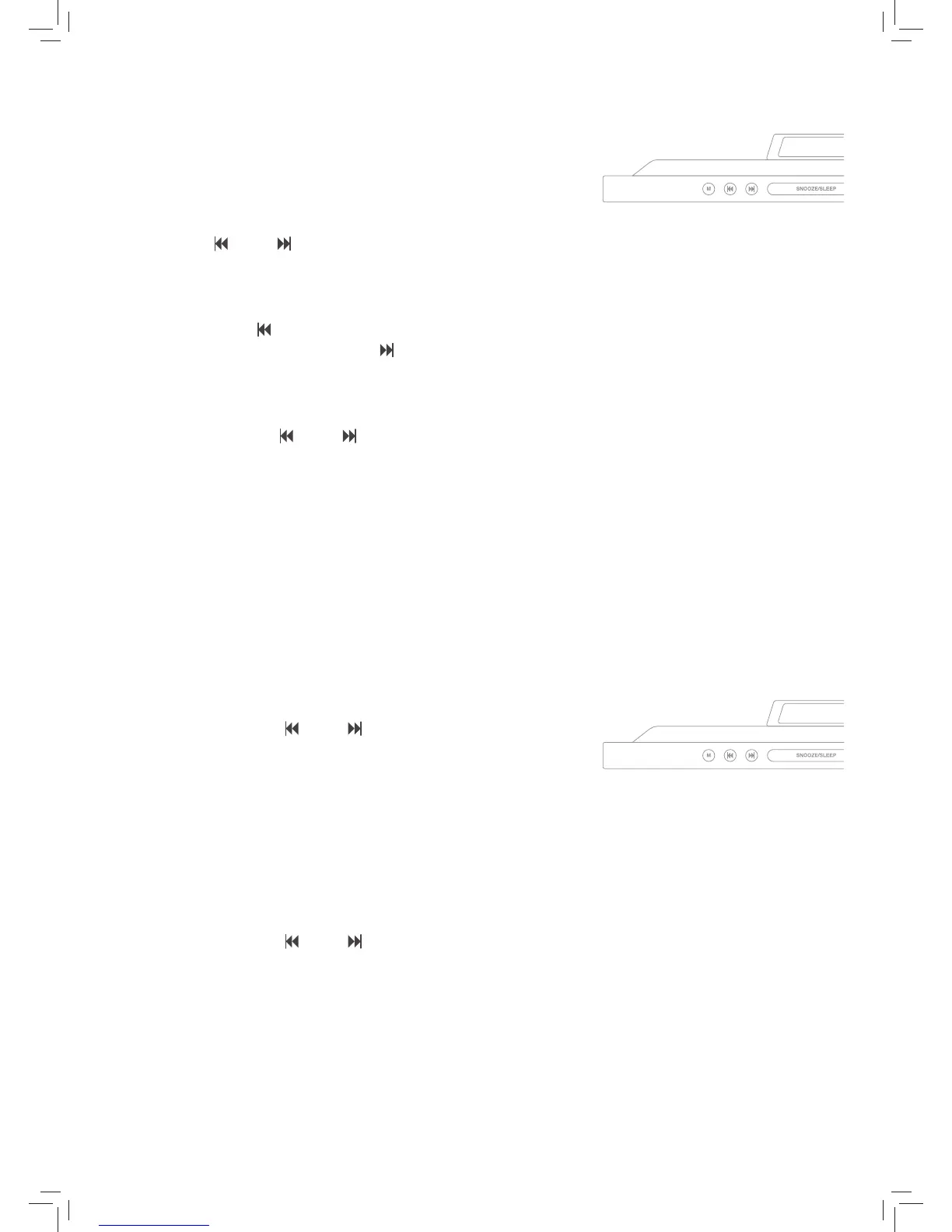
2. Press and hold the M button until ‘p01’ begins to flash on
screen.
3. Press either the
or the buttons to select the preset
you would like to save this to (from 1 – 20). Once you have
reached your desired preset, press the M button once to
save.
4. You can overwrite any preset at any time by following the
previous procedure and ensuring you select the correct
preset to overwrite with a new station.
5. If you would like switch to one of your saved radio stations,
simply press the M button until ‘p01’ is displayed (assuming
that you are listening to the station saved in the first preset).
Press either the
or the buttons to move up or down
your preset list. The saved stations will automatically play
as soon as they are selected. After a few seconds, the
alarm clock radio will display the time on screen once
again.
5.1


 To Next Page