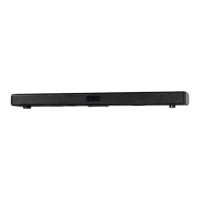
330368
Problem What to do
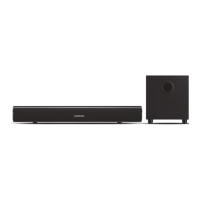
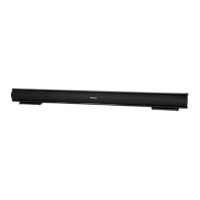
Soundbar does not respond
(no power).
Check the mains power cable and make sure it is
plugged into a suitable power outlet.
No sound.
The Remote Control does not work.
No sound in Bluetooth mode.
Troubleshooting8
Check that the mains power supply is switched on.
Connect the power to a different power outlet.
Check the Soundbar volume control is not at minimum.
Check that the Soundbar is not set to MUTE.
If you are connecting to the Soundbar using a
headphones port on your extemal audio device then
check the volume is turned up on that device.
Replace the battery.
Make sure there are no obstacles obscuring the
Soundbar.
Check that the Soundbar is Paired with a Bluetooth
device. If prompted enter the code ‘0000’.
Power Supply
100-240V~, 50/60Hz, 0.8A
Bluetooth Specification
V4.2
Frequency Bands
2402MHz - 2480 MHz
Modulation type
GFSK, π/4 DQPSK
EIRP Power
-4.48 dBm
Power Source of Remote Control DC 3V, 1 x CR2025 Battery (supplied)
Power Consumption < 30W
Audio Power
Impedance
Technical Specification9
Left Channel 15W
Right Channel 15W
1 x Left Channel 18W 8Ω
1 x Right Channel 18W 8Ω


 To Next Page