10
05
Daily use
We have divided this book into separate
sections, so that you can find the
information you are looking for easily.
This section covers the day to day
functions that you will use most often.
Using standby
When you are not watching TV, you
should set your digital TV recorder to
standby.
Press the STANDBY button to switch
between on (Standby Indicator blue)
and standby (Standby Indicator red).
If you plan to leave your digital TV
recorder unattended for a long time, put
the digital TV recorder in standby and
wait 30 seconds before switching it off
at the mains.
DON’T FORGET! Your digital TV
recorder will not be able to record
when it is switched off at the mains.
Choosing a programme
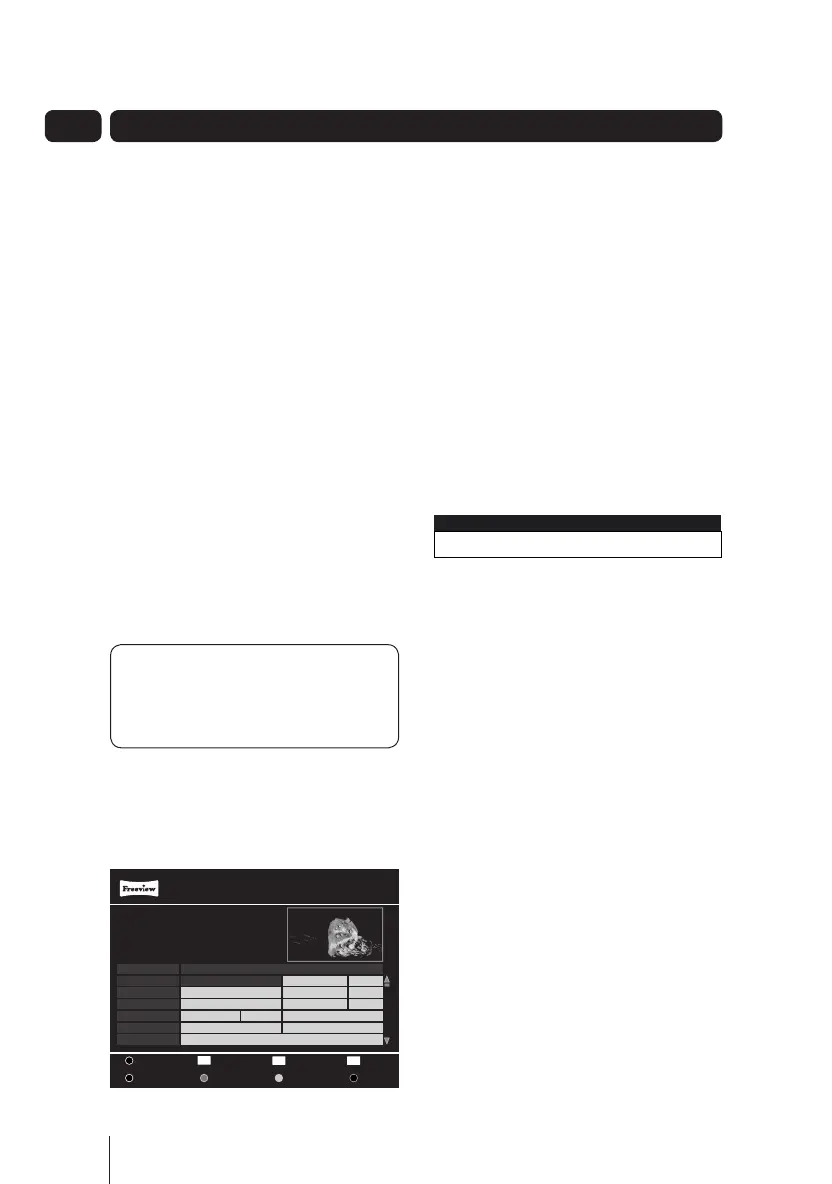
Open the guide by pressing the GUIDE
button. Use the p and q buttons to
select different channels.
When you have chosen your
programme, press the OK button to
watch it.
Changing channel
You can also select the channel you
want to watch by using the CH+
button and CH- button on the remote
control.
Alternatively you can use the number
buttons to type in the channel number.
When you change the channel the
channel information bar will be
displayed for a few seconds.
This shows the details of the
programme currently showing and the
next scheduled programme.
Changing the volume
You can change the volume using the
VOL+ and VOL- buttons on the remote
control.
You can turn off the volume by pressing
the MUTE button. To turn it back on,
press the MUTE button again.
Daily use
1 BBC ONE Wed 08 Sep 16:52
Now : 21:00 - 22:00 New Tricks
Next : 22:00 - 22:30 BBC News
Wed 08 Sep 16:52
Programme Guide
001 BBC ONE
002 BBC TWO
003 ITV 1
004 Channel 4
005 FIVE
006 ITV 2
Digging for Britian
New Tricks
Paul O’Grady Live
Ultimate Big...
The Mentalist
King Kong
News...
BBC News
ITV News...
Law & Order
Big Brother...
Roger and...
Would...
Two...
Wed 08 Sep
21:00 - 22:00 New Tricks
1/10 Dead Man Talking: UCOS reinvestigate the death of a
wealthy financier when a psychic tells his daughter to
resolve his unfinished business.
[DRAMA] [S] [AD]
Big Brother...
OK
R
- 2 Hours
+ 2 Hours
- 24 Hours + 24 Hours
Rec
Watch
EXIT
Exit Menu
Navigate
21:00 22:00 23:00
A5 GDB1232DTR_UserGuide.indd 10 3/25/2011 12:43:01 PM



 To Next Page