18 19
6. To turn on an advanced setting, tap [
].
When needed, automatically lowers the
frame rate in dim lighting for better
video quality
AUTO LOW LIGHT
When needed, automatically lowers the
frame rate in dim lighting for better
video quality
7. To return to the main screen, swipe down.
CHANGING MODES WITH THE MODE BUTTON
Press the Mode button to quickly cycle through and change capture modes.
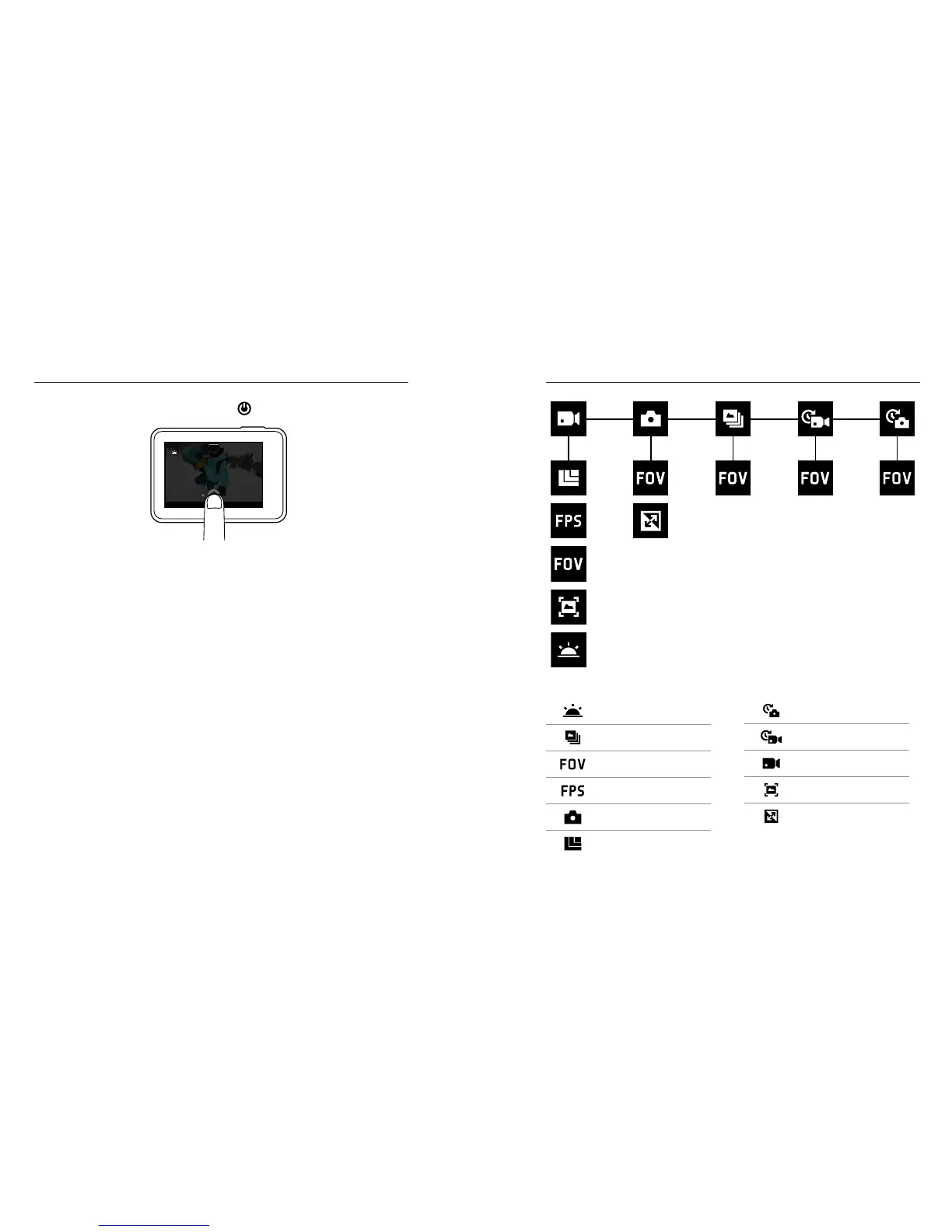
NAVIGATING YOUR GOPRO MAP OF MODES AND SETTINGS
Auto Low Light
Burst
FOV
FPS
Photo Mode/Photo
Resolution (RES)
Time Lapse Photo
Time Lapse Video
Video Mode/Video
Video Stabilisation
WDR



 To Next Page