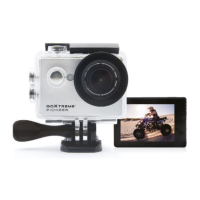
Step 2: Turn on/off the camera
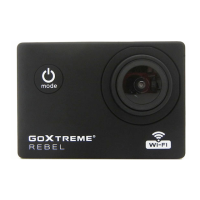
• Press and hold the Power button for about 3 seconds to turn
on the camera.
• To turn off the camera, press and hold the Power button again
for about 3 seconds.
Step 3: Setting the language
By default, the camera is set to English.
To select a different language:
1. Press the Mode button several times until you reach the
Settings menu.
2. Select Camera settings and confirm with the OK button.
3. Use the arrow keys to navigate to the sub-item "Language"
and confirm with OK.
4. Select your language and confirm again with OK.
5. Use the Mode key to return to all settings
and then to Video mode.


 To Next Page