Step 5: Set date and time
1. Press the Mode button several times until you reach the
Settings menu.
2. Select Camera settings and confirm with the OK button.
3. Use the arrow keys to navigate to the sub-item "Date/Time"
and confirm with OK.
4. Set the time or date by using the up and down arrows.
5. Use the Mode key to return to all settings
and then to Video mode.
Step 6: Switching between modes
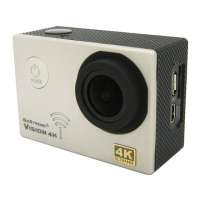
The Power key is also the Mode key.
Press this key to switch between the different modes of operation:
Video > Photo > Settings
In the settings you will find the choice between video settings, photo
settings, playback and general camera settings.



 To Next Page