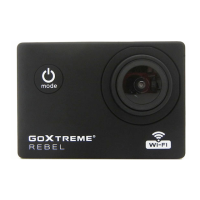
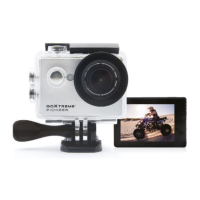
Webcam function
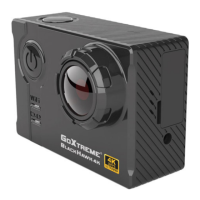
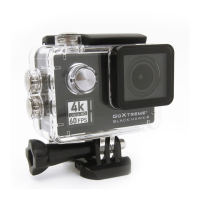
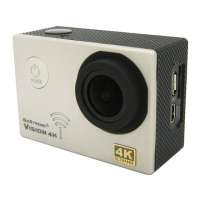
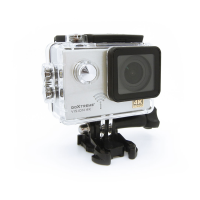
Your action cam also features a webcam function.
To use your cam as a webcam please follow the following steps:
1. Connect the camera to your computer using the USB cable
provided.
2. If prompted, select the PC-Cam or Web Cam option.
3. If you are using Windows, driver installation will be automatic and
complete within 2 minutes.
Please note that the web cam function
provides video only and does not include
audio.
A headset or earphones with in-line mic as provided with many
smartphones is required for audio.
Please note you may need to enter the settings of any app or
program you use (e.g. Skype) so you can select your action cam as the
preferred web cam option.


 To Next Page