Connection to the "iSmart DV2" app
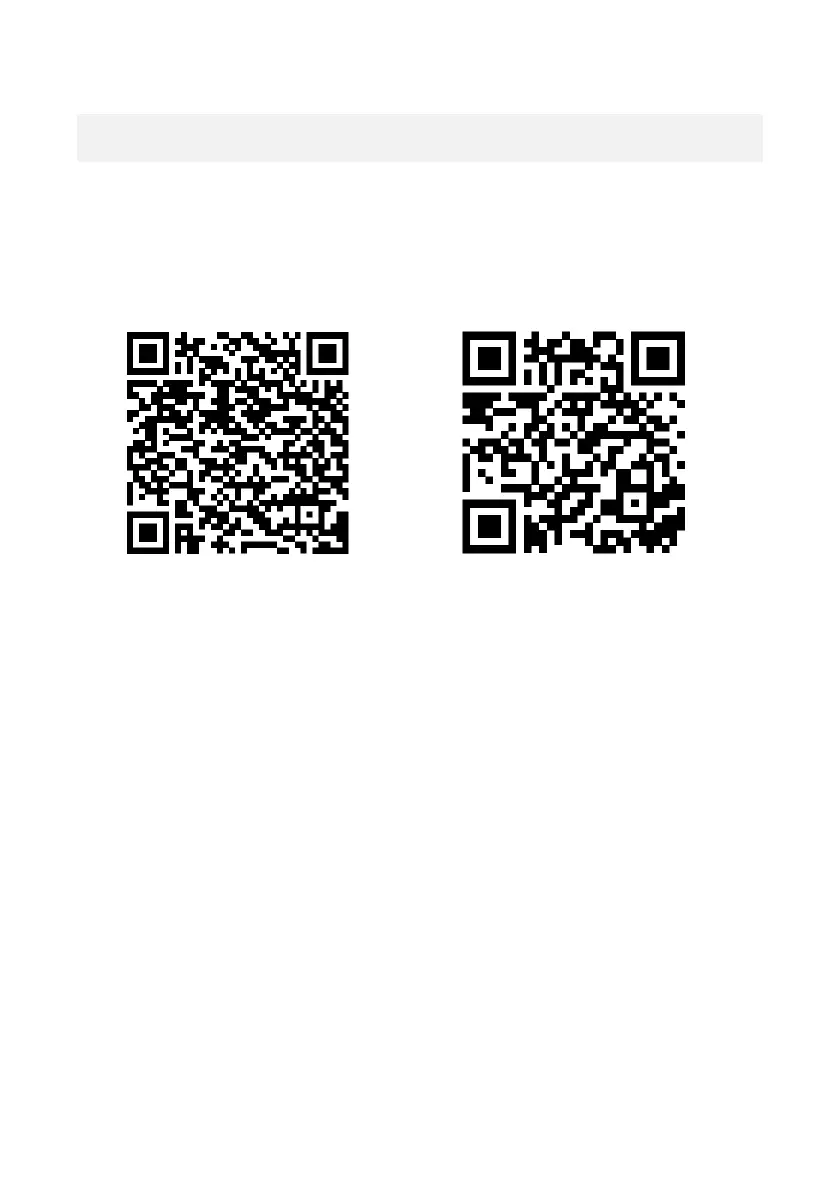
1. Before using the WiFi feature, please go to the App Store or
GooglePlay and install the iSmart DV2 app on your
smartphone or tablet PC.
ANDROID iOS
2. Press and hold the WiFi button for approx. 3 seconds to
activate WiFi.
a. When the WiFi is turned on, the camera displays the SSID and
password for pairing your camera and smartphone.
b. Now open the WiFi settings on your phone to select the
camera WiFi ID from the available wireless networks.
c. The password for establishing the connection is 1234567890.
d. When the connection is confirmed, exit the smartphone WiFi
settings screen and open the iSmart DV2 app to complete the
connection.


 To Next Page