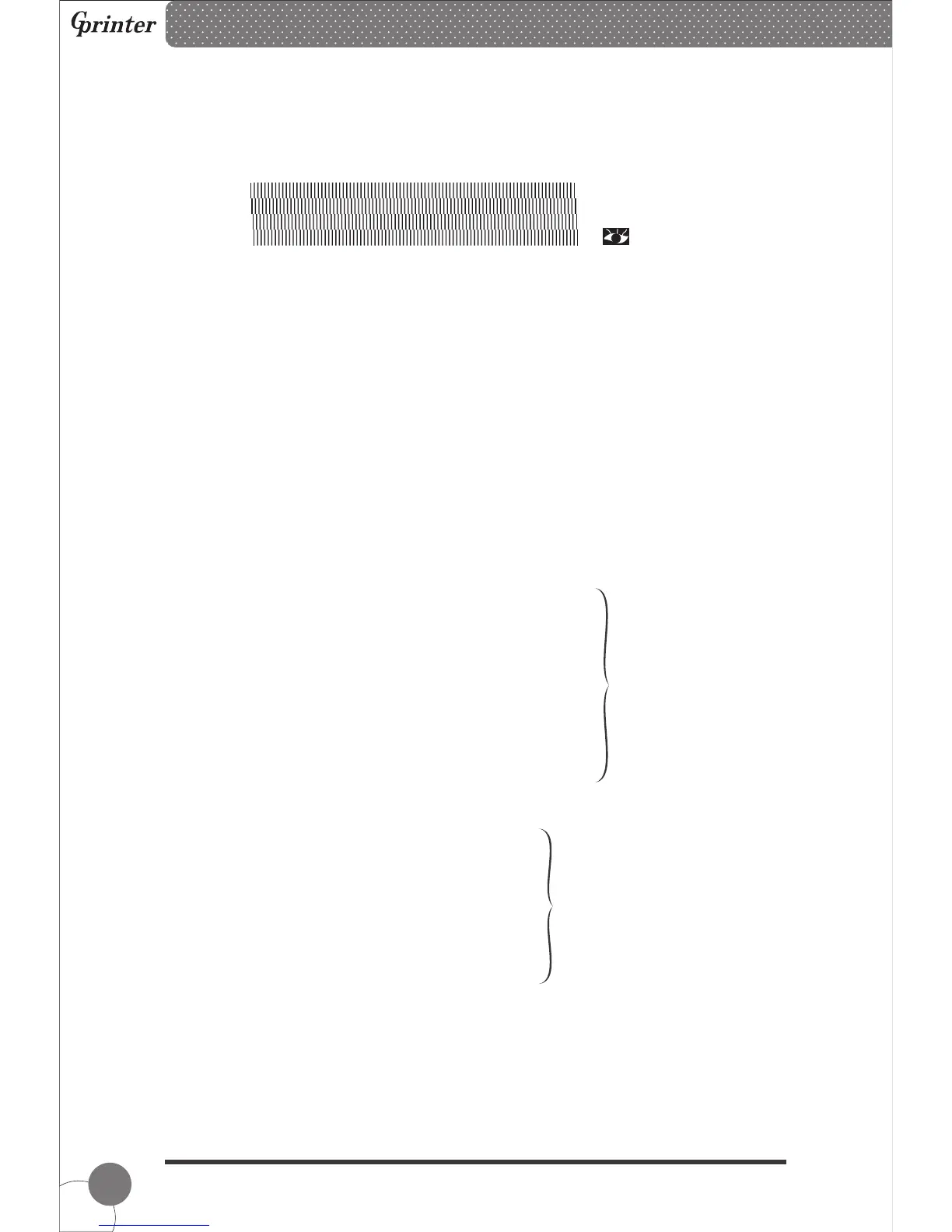
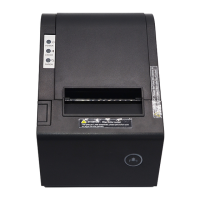
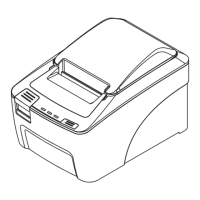
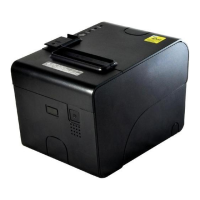
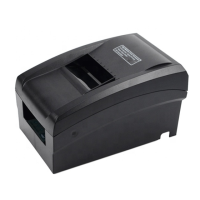
Self-test Page Sample:
SELFTEST...........................................Self-test Mode
11
( 20)
DRAM FILE: 0 FILE(S)
FLASH FILE: 0 FILE(S)
SECTOR SIZE: 4 KB
PHYSICAL DRAM: 2048 KBYTES
AVAILABLE DRAM: 1024 KBYTES FREE
PHYSICAL FLASH 2048 KBYTES
AVAILABLE FLASH 1024 KBYTES FREE
********************************************************
********************************************************
Numbers of download files
Physical & available
memory space
7.2 Gap Sensor Calibration
Gap sensor sensitivity should be calibrated at the following conditions
1. A brand new printer
2. Label stock changed
3. Printer initialization
MODEL:GP2120T...........................................Model name
VERSION:V1.0...............................................Firmware version
INTERFACE:USB...........................................Interface type
SPEED:5........................................................Print speed
DENSITY:7.....................................................Print darkness
SIZE: 48 mm ,180 mm ................................Paper width
GAP: 0 mm ,0 mm ......................................Gap distance
CODE PAGE:437 .........................................Code page
MILAGE(m):0............... .............................Printed mileage (meter)
REFERENCE:0 mm ,0 mm..........................Reference offset
DIRECTION: 0 , 0.........................................Print direction
SHIFT:0 ..........................................................Label print offset
OFFSET:0 .......................................................Paper tear-off offset Printer functions
button function
Thermal Barcode Printer
SET PEEL:OFF..............................................Peel-off mode
SET TEAR:ON................................................Tear-off mode
SET HEAD:ON........................................Cover opening sensor
SET PRINTKEY:OFF...............................Press & print function
SET REPRINT:ON..................................Auto reprint function
SET KEY1(FEED):ON.........................Feed button function
SET KEY2(PAUSE):ON....................Pause button function
TAIWANESE BIG5:TST24.BF2....................Taiwanese
CHINESE GB2312:TSS24.BF2....................Chinese
KOREAN KSC5601:K....................Korean


 To Next Page