12
( 21)
This function is to reset the label gap sensor sensitivity when the printer power is turned
on. User needs to start the calibration of the gap sensor sensitivity after loading a different
type of label roll or the printer is initialized.
Please follow the steps below to calibrate the gap sensor:
1. Turn off the printer power.
2. Make sure the label roll is installed correctly and the printer top cover is closed.
3. Press and hold on the PAUSE button, then turn on the printer power. The printer will
automatically calibrate the gap sensor sensitivity and save the gap length into DRAM. After
then release the PAUSE button.
7.3 Dump mode
Please follow the steps below:
1. Turn off the printer power.
2. Make sure the label roll is installed correctly and the printer top cover is closed.
3. Press and hold on the PAUSE button and FEED button, then turn on the printer
power. When the POWER indicator (blue light) and ERROR indicator (red light) light
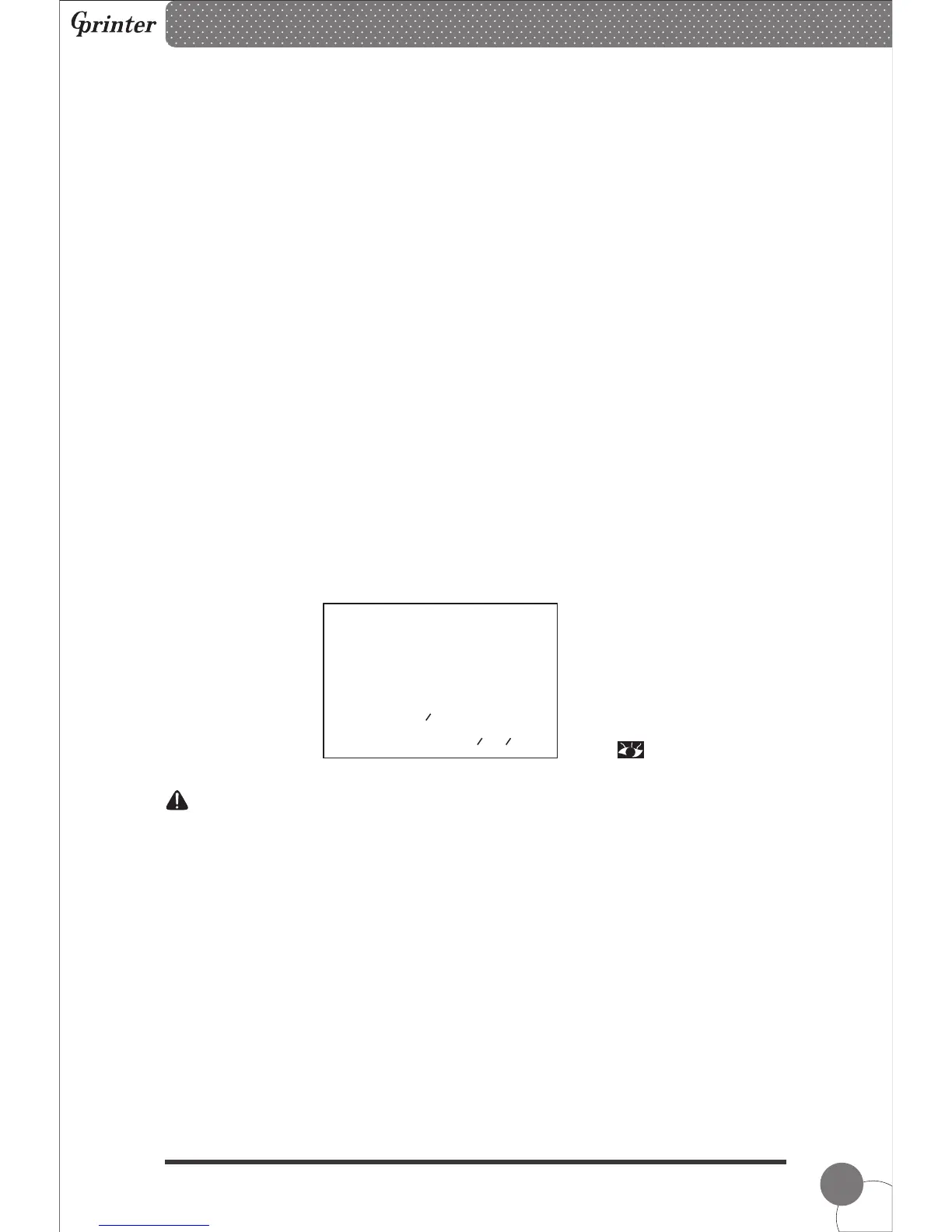
simultaneously, release both buttons. The printer is changed to Dump Mode and print as
below chart.
Note: Printer will not print if data is not more than one piece of label, and need to
press FEED button to force the printer to print it out.
7.4 Skip AUTO.BAS
User can download an auto execution file (AUTO.BAS) to flash memory. Printer will run the
AUTO.BAS program immediately when turning on printer power. The AUTO.BAS program
can be interrupted by the power-on utility.
Please follow the steps below to skip the AUTO.BAS:
1. Turn off the printer power.
2. Press and hold on the PAUSE button and FEED button, then turn on the printer
power. When the POWER indicator (blue light) dims and ERROR indicator (red light)
lights, release both buttons. The printer skips running the AUTO.BAS program. And then
the POWER indicator lights.
Thermal Barcode Printer
******************************
* NOW IN DUMP MODE *
******************************
SELFTE 0A 53 45 4C 46
ST 53 54 0D 0A



 To Next Page