GpsGate VehicleTracker User Guide
Version: 1.3.2 - Rev: A.
5.4 Advanced Filters
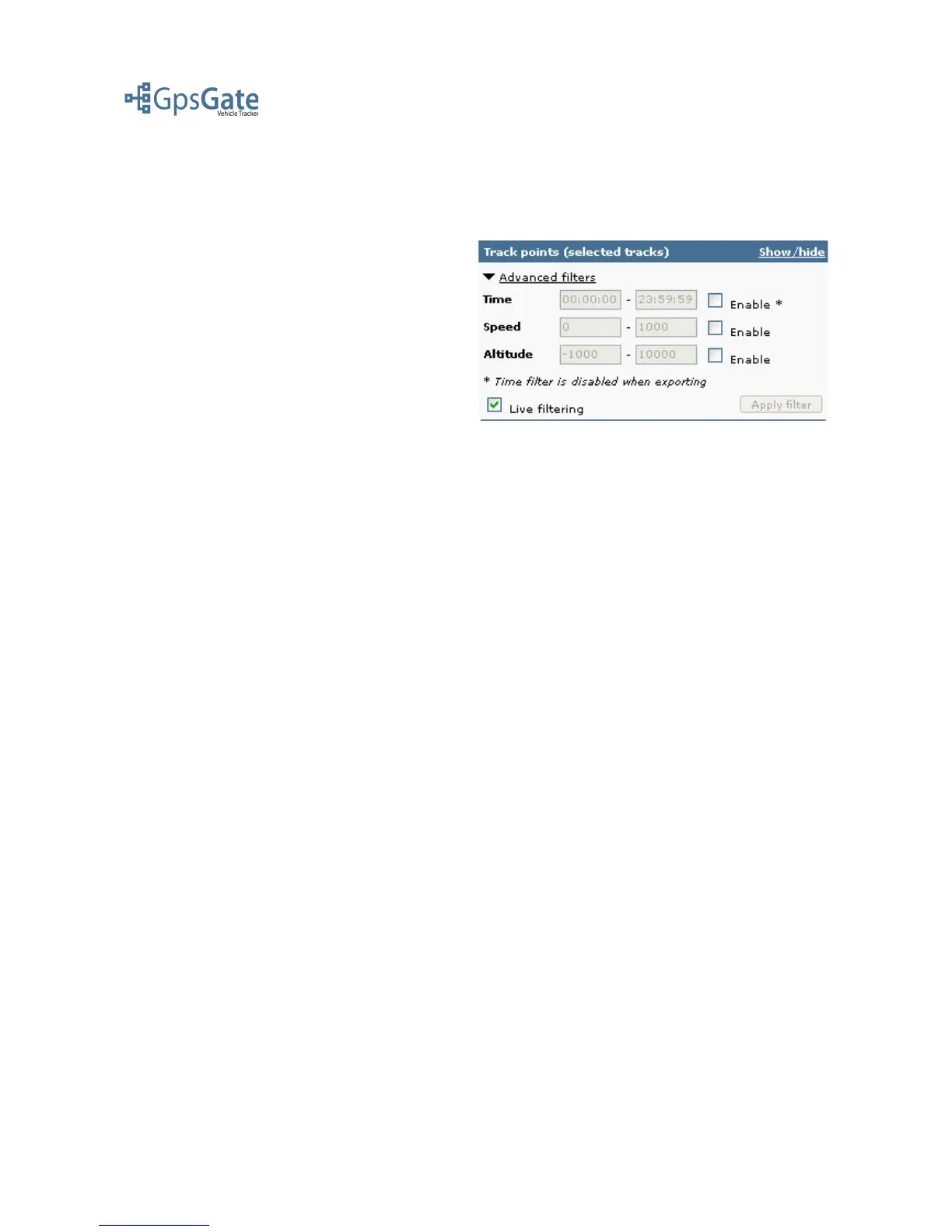
You can narrow down your search further based on different search criteria. This is done by
expanding the Advanced filters options found on top of the Track points panel. You have the
options time, speed and altitude. By default the
search options are disabled. You enable them by
checking the check-box to the right of each field.
Below the search fields you have a check-box
named “Live Filtering”. When this option is
enabled the Track Point list below will update
directly when you change your search criteria. If
you are working on large amounts of data you
have the option to disable the Live Filtering by
clearing the check-box and using the Apply Filter
button to the right.
Date: April 4, 2008 Page 14(17)



 To Next Page