GpsGate VehicleTracker User Guide
Version: 1.3.2 - Rev: A.
3.4 Managing Accounts
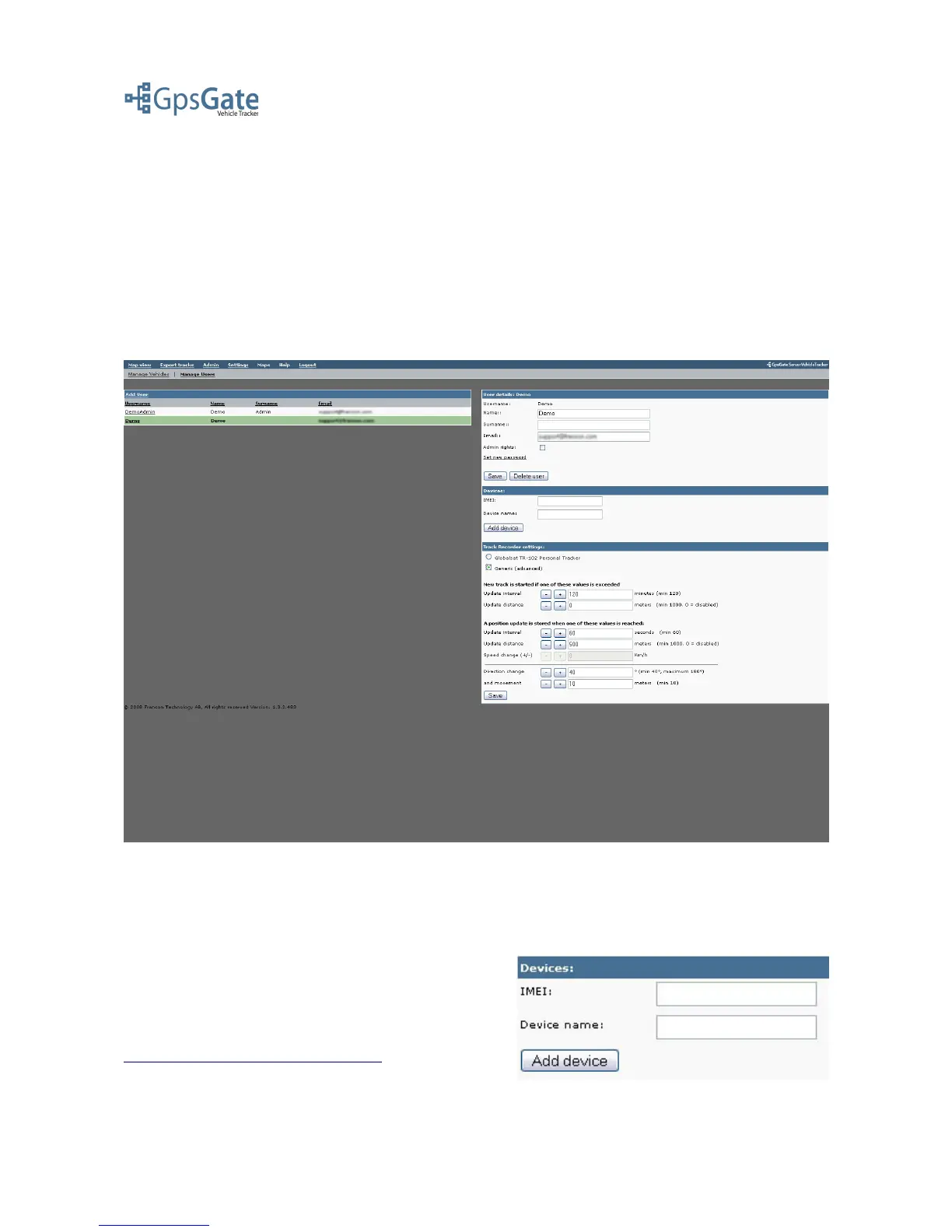
As an Application Administrator you can edit an existing User/Vehicle account by selecting
“Manage Vehicles” or “Manage Users” in the Admin menu. To display the User/Vehicle you then
click the Username/Login ID in the list.
On this page you can change user information such as password and description. If you want to
upgrade an Operator to an Application Administrator you have the option to set Administrator rights
here. You can also manage Devices and Track Recorder Settings here, that is explained further in
the sections below.
3.5 Managing Devices
You can attach GPS tracking devices to a Vehicle or a User by entering a device name like “My
device” and the device IMEI number and clicking the Add Device-button. The device will now be
stored in a list below the Device fields. You can also
Edit and Delete a device here.
For more information for specific devices, please have
a look at the connection guides found in the link below.
http://gpsgate.com/index.php?id=41
Date: April 4, 2008 Page 7(17)



 To Next Page