GpsGate VehicleTracker User Guide
Version: 1.3.2 - Rev: A.
3.6 Track Recorder settings
A Track is a collection of Geo coordinates (referred to as Track Points in GpsGate VehicleTracker).
In the Track Recorder you specify when a new Track should start and how often a Track Point
should be stored from the User or Vehicle. You have two main options “Globalsat TR-102
Personal Tracker” and “Generic (advanced)”.
Globalsat TR-102 Personal Tracker
Select this option if a User or Vehicle is using a TR-102 GPS tracking device. For a TR-102 you can
set the criteria for starting a new track based on the update interval and the distance between two
position updates. You can also select the Update interval for the device.
Note: The Update interval setting for the TR-102 device affect the settings on the device itself.
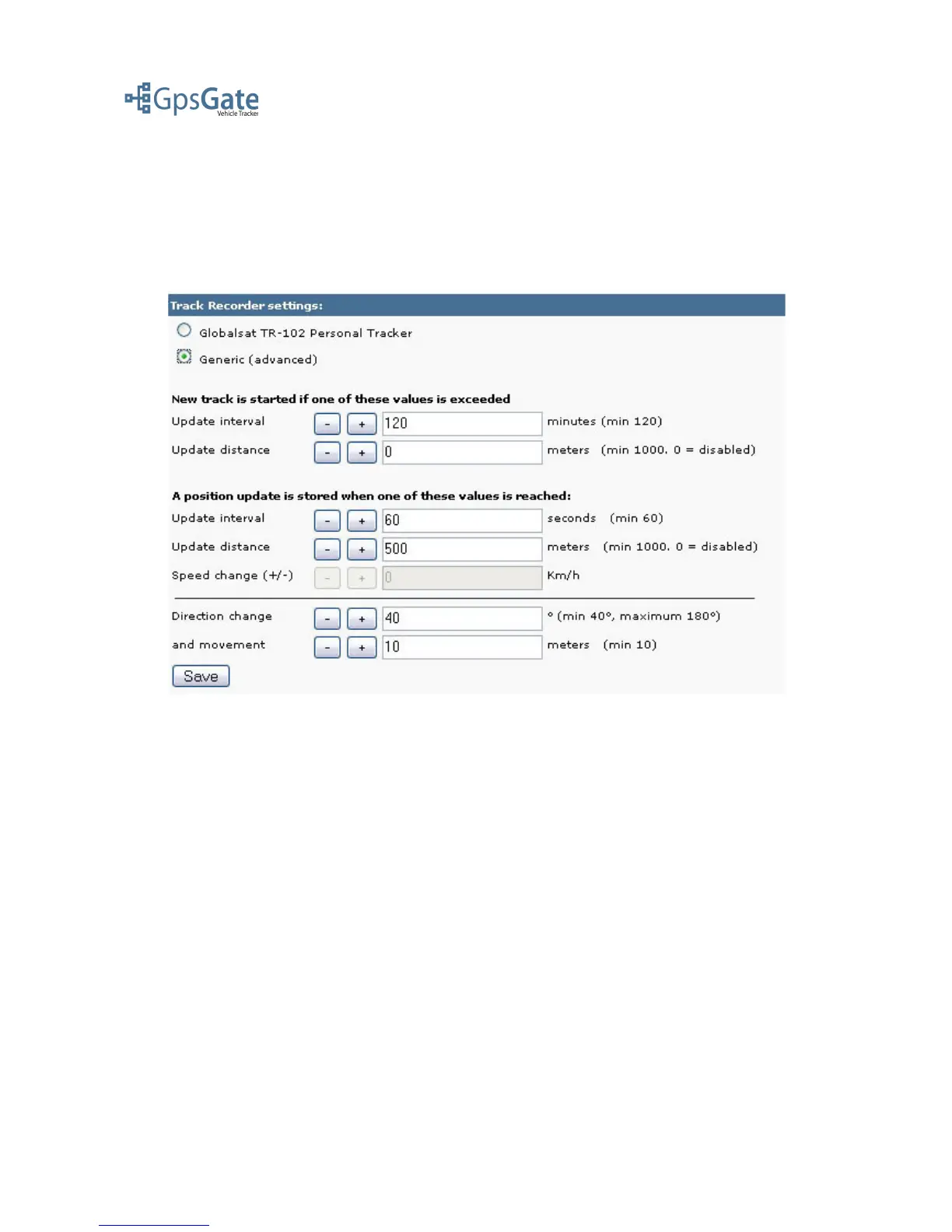
Generic (advanced)
Select the Generic option if you are using any other GPS tracking device. First you can set the
criteria for starting a new track based on the update interval and the distance between two position
updates. Secondly you select the criteria for how often you wnat to store a new Track Point based
on update interval, distance and direction change and movement.
Note: The Generic option settings will only apply to the server and not affect the device settings.
Date: April 4, 2008 Page 8(17)



 To Next Page