GpsGate VehicleTracker User Guide
Version: 1.3.2 - Rev: A.
7 Application Settings
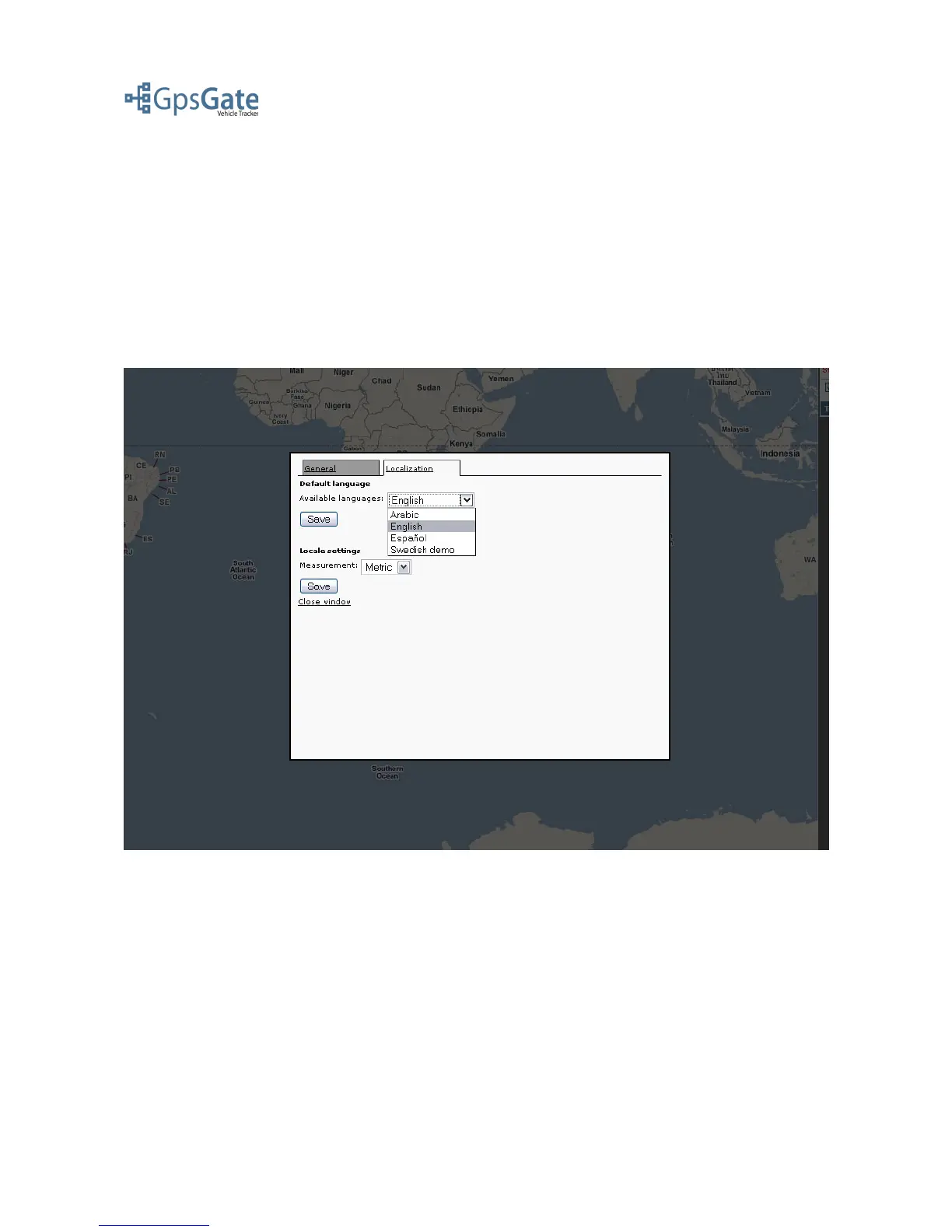
Under the Settings link in the top menu you can select the Language file of choice, change the
Measurements you want the user interface to display (Metric/en-US/Nautic) and change your
password. Ask you GpsGate Server Site Administrator if you would like to add more languages to
your application.
Note: You have to reload the page in your browser after you have saved your settings to make them
take effect.
Date: April 4, 2008 Page 16(17)



 To Next Page