GpsGate VehicleTracker User Guide
Version: 1.3.2 - Rev: A.
3.3 Adding Vehicles
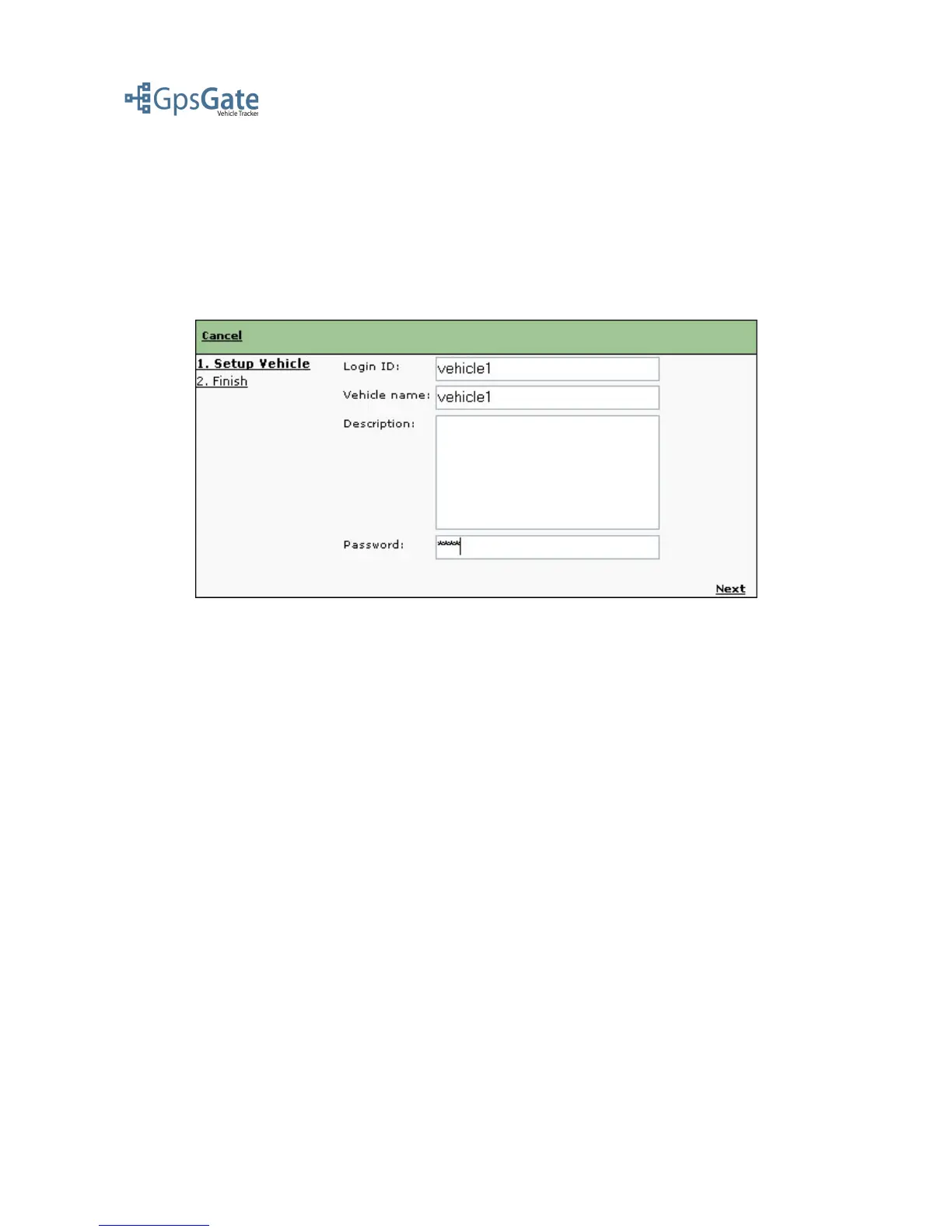
As an Application Administrator you can create a Vehicle by clicking the Admin menu and selecting
“add Vehicle”. A Vehicle can not login to the application, but you still have to give it a Login ID and
Password.
Note: The Login ID and Password is used if your Vehicle uses GpsGate Client to send its position
or a device that uses Login ID and Password to connect.
Click Next to continue and click on Finish to save the Vehicle. The Vehicle will now appear in the
list of vehicles list and also in the Vehicle list on the Map view page.
Date: April 4, 2008 Page 6(17)



 To Next Page