12
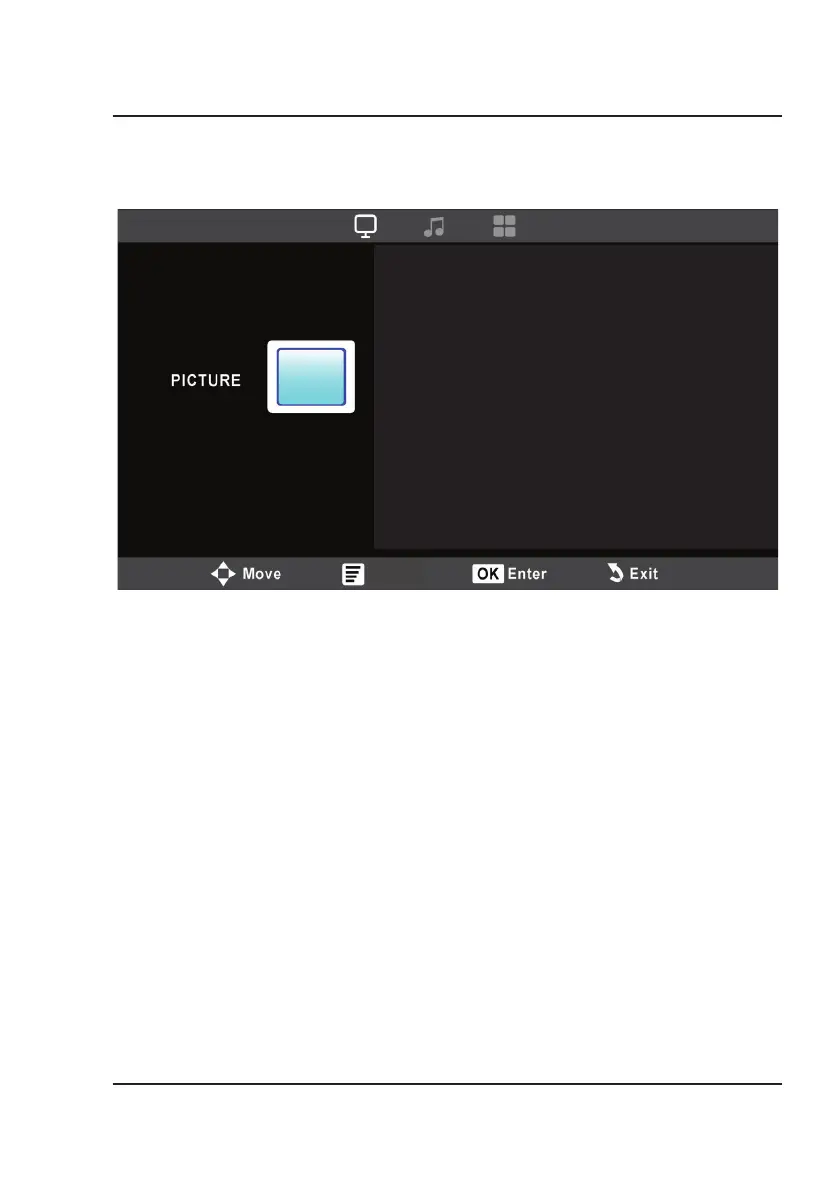
Picture mode
Contrast
Brightness
Color
Sharpness
Color Temperature
Standard
50
50
50
50
Medium
Menu
1. Picture Mode
Use the Arrow Buttons on the remote to select Standard, Dynamic, Mild, or User (custom). The
User setting allows you to adjust Contrast, Brightness, Color, and Sharpness.
2. Contrast
Set the contrast level between 0 and 100 using the Arrow buttons on the remote.
3. Brightness
Set the brightness level between 0 and 100 using the Arrow buttons on the remote.
4. Color
Set the color level between 0 and 100 using the Arrow buttons on the remote.
5. Sharpness
Set the sharpness level between 0 and 100 using the Arrow buttons on the remote.
6. Color Temperature
Select Cool, Medium, or Warm using the Arrow buttons on the remote.
Access the projector settings menu by pressing the Menu button on the remote.
Note: Not all settings are user adjustable.
Picture Menu
Menu Options


 To Next Page