13
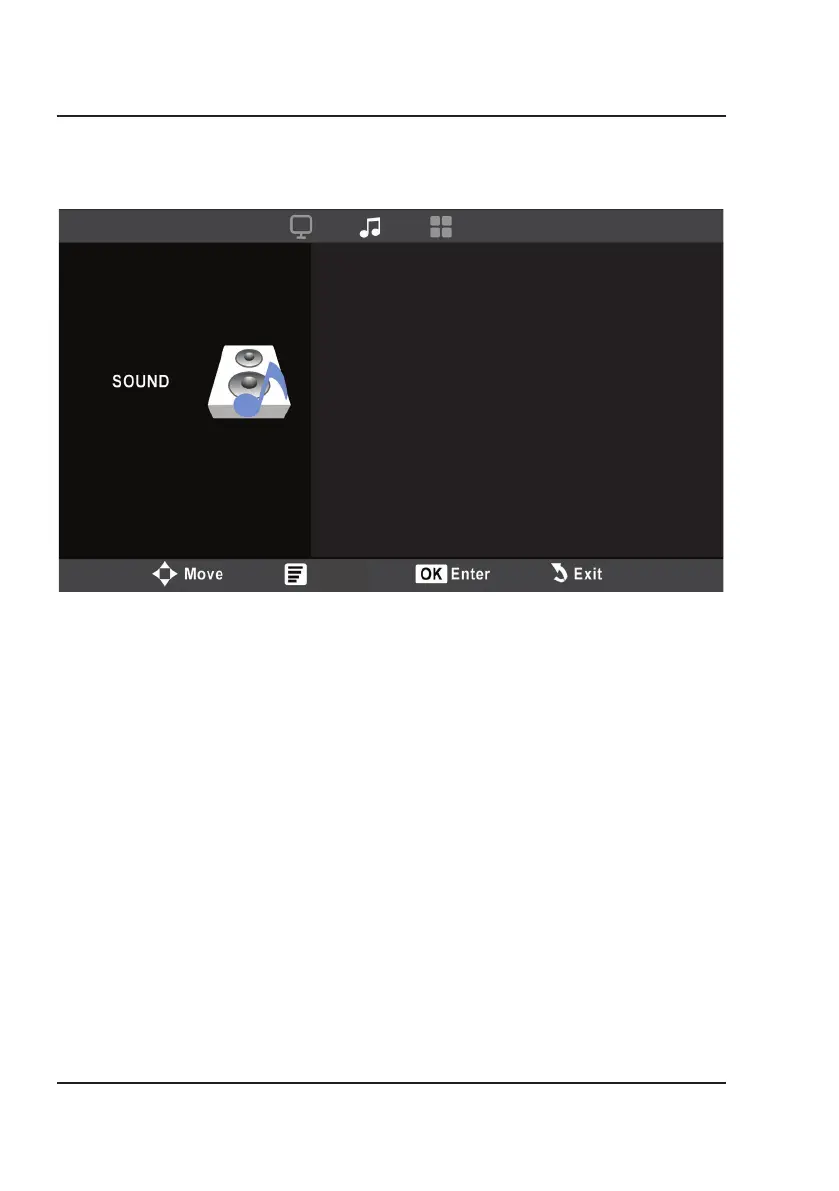
1. Sound Mode
Select Standard, Movie, Music, Sports, and User (custom). The User setting allows you to adjust
the Treble and Bass levels.
2. Treble
Set the treble level between 0 and 100 using the Arrow buttons on the remote.
3. Bass
Set the bass level between 0 and 100 using the Arrow buttons on the remote.
4. Balance
Set the balance level between -50 and +50 using the Arrow buttons on the remote.
5. BT Setting
Turn Bluetooth ON or OFF.
Sound Menu
Menu
Sound Mode
Treble
Bass
Balance
BT Setting
Standard
50
50
0
Off
Menu Options


 To Next Page