14
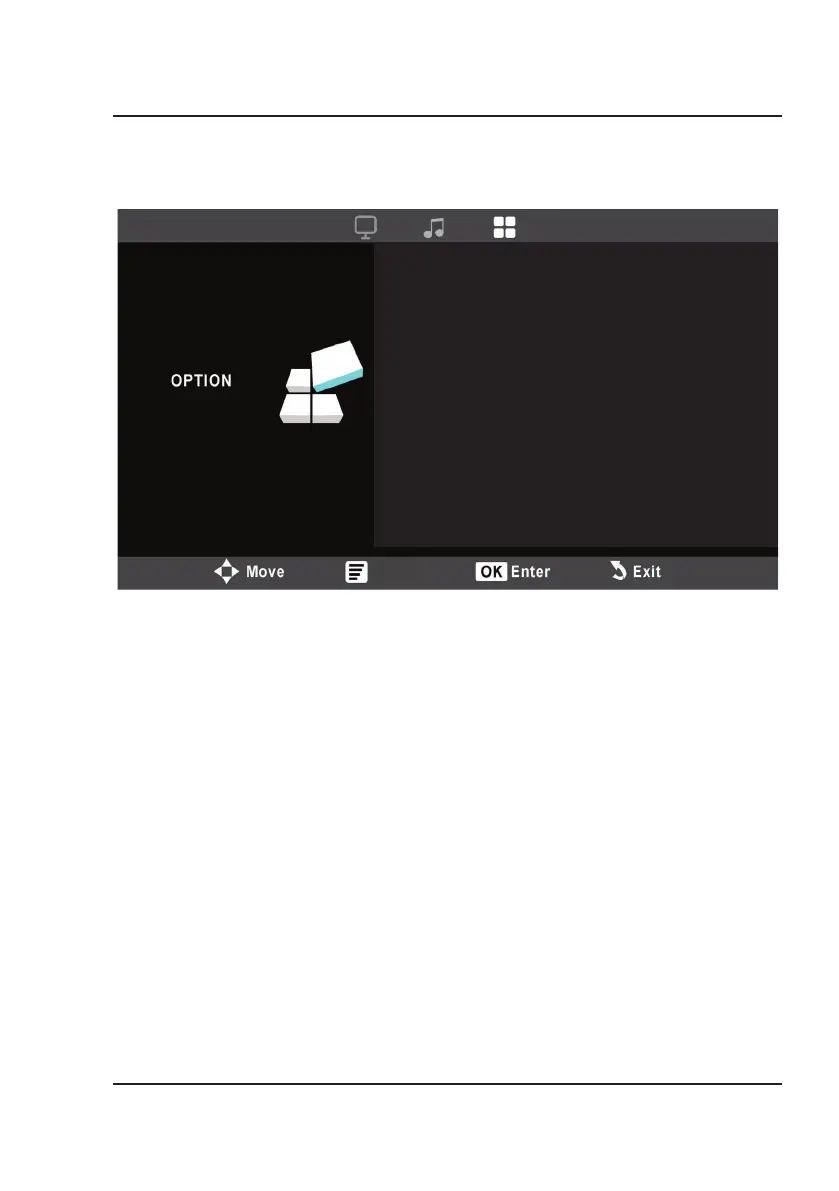
1. OSD Language
Select English, French, or Spanish for the On Screen Display.
2. Flip
Use the Arrow buttons on the remote to select Front Table, Front Ceiling, Rear Table, or Rear
Ceiling.
3. Aspect Ratio
Use the Arrow buttons on the remote to select an aspect ratio from 4:3, 16:9, Full, Panorama, and
Just Scan.
4. Restore Factory Default
Reset the projector and restore all default settings by selecting Y or N. Y will return the projector
to factory default settings.
5. Software Update (USB)
For service center use only.
Options Menu
OSD Language
Flip
Aspect Ratio
Restore Factory Default
Software Update (USB)
English
Front Table
16:9
Menu


 To Next Page