9
Projector Setup
Power
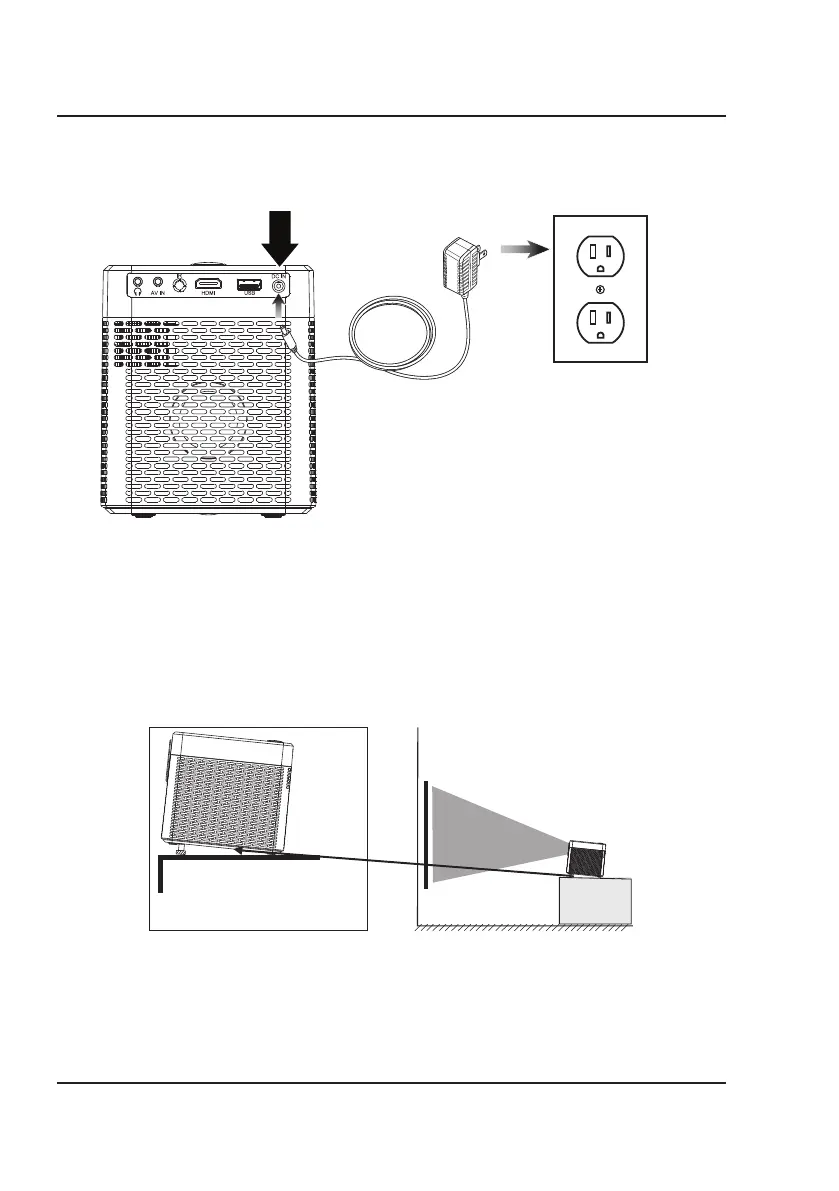
Plug the AC/DC power adapter (included) into a standard wall outlet and the DC power input on the rear of the unit.
After connecting power, please allow approximately 5 seconds to pass before powering the unit ON.
Projector Placement
For best results, place the projector in a dark room or other dimly lit area. The projector will display a screen size from
30˝ to 140˝. Adjust the projector angle and distance to best suit your needs.
Use the unit with a dedicated projector screen for best picture resolution. If placing the projector behind the viewing
screen (unit in front of/projecting toward viewers), a special screen will be required. Projector screens are not included.
If you are not using the unit with a screen, a smooth, white, or lightly colored surface will provide the best results.
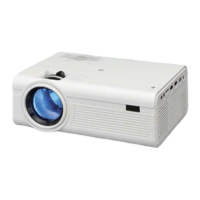
Use the Angle Adjustment Knob
to fine tune the projector's height.
Angle Adjustment


 To Next Page