8
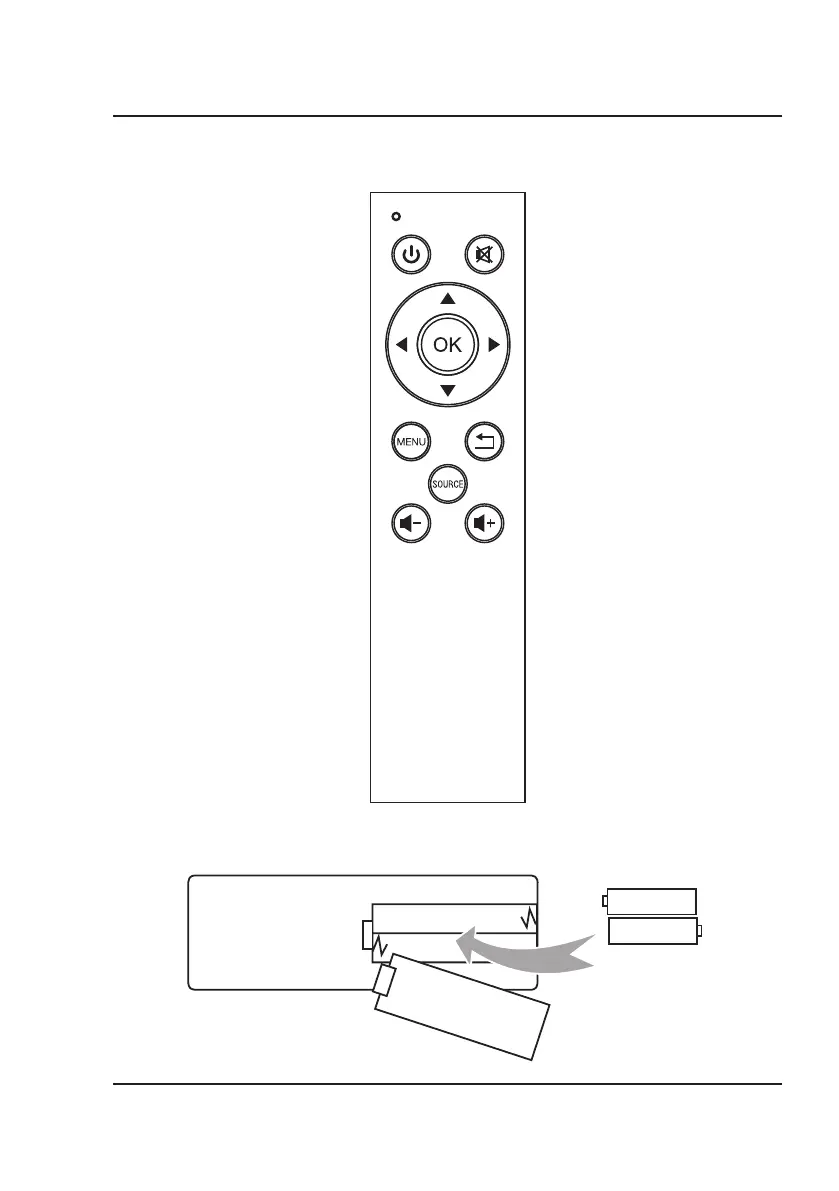
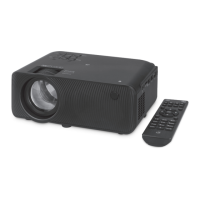
Remote
Operation Indicator
Power
Press to power ON.
Press to power OFF.
Mute
Press to mute volume.
Arrows/OK
Press to navigate and confirm selections in
Settings and other menu(s).
AAA / UM4
AAA / UM4
BATTERY DOOR
Batteries
Requires 2 AAA batteries (not included).
Menu
Press to access projector Settings.
Source
Press to select media source
(AV, HDMI, USB).
Volume -
Press to decrease audio level.
Exit
Press to exit menu(s).
Volume +
Press to increase audio level.
Functions
Note: This projector does not have any operation buttons on the unit itself other than the power button. It can only
operate using the remote.


 To Next Page