7
10
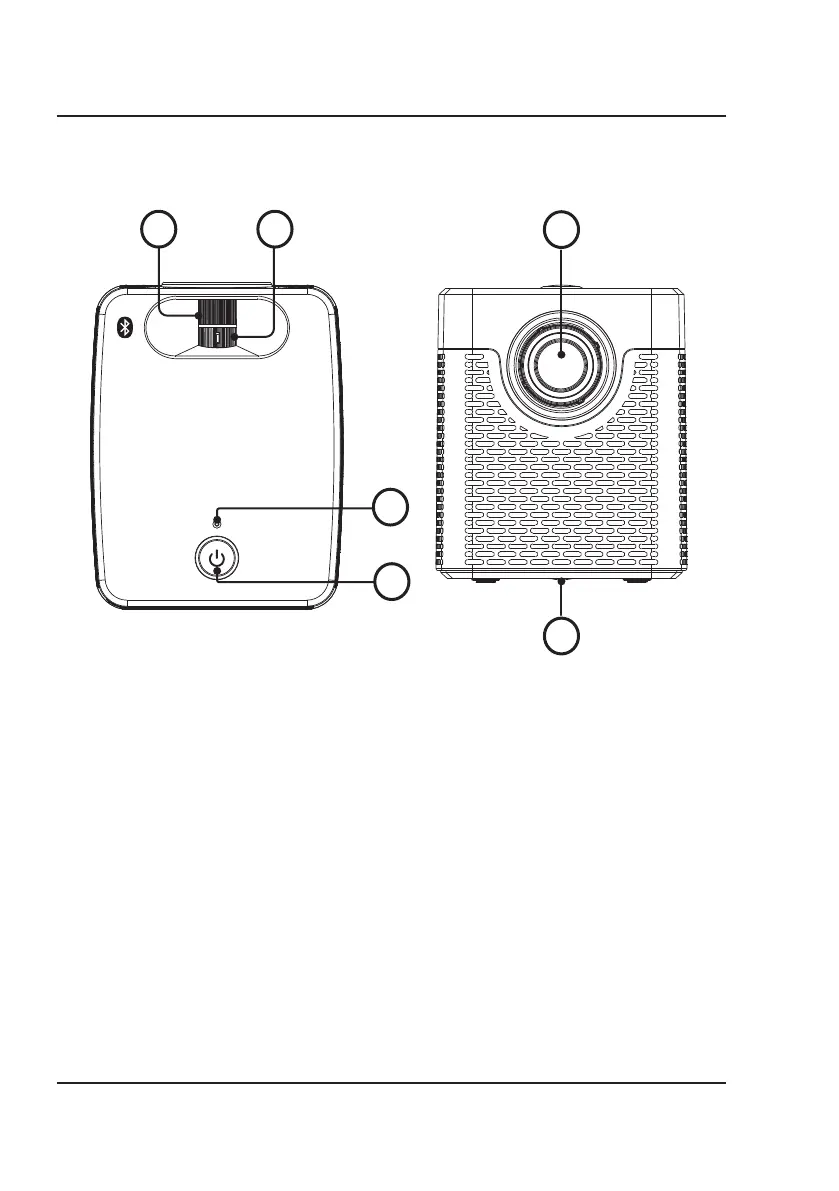
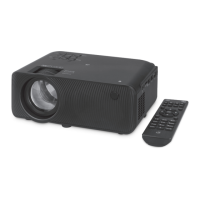
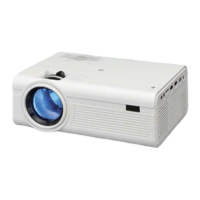
8. Focus Adjust Knob - Turn to
adjust screen focus by changing
the image size.
9. Keystone Adjust Knob - Turn to
adjust image distortion.
10. Power Indicator
11. Power Button - Press once to turn
the projector on. Press and hold to
enter standby mode.
12. Lens
13. Angle Adjustment Knob - Turn to
raise or lower the projector height
and angle.
8 9
11
12
Projector
13


 To Next Page