15
Connecting to a Wi-Fi Network
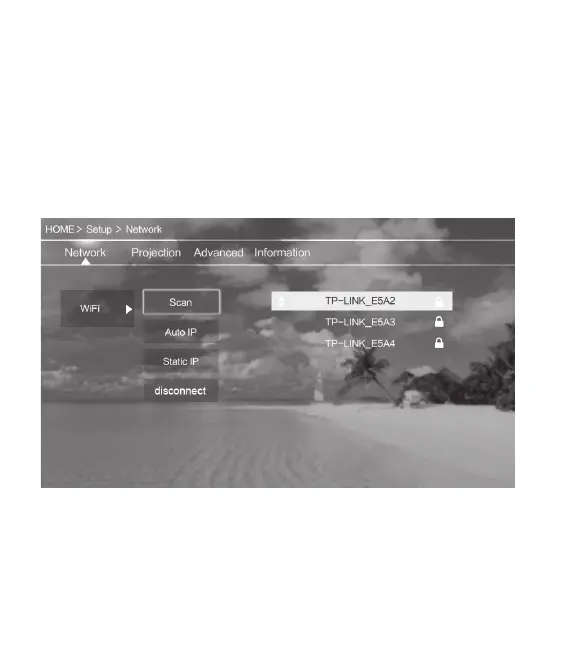
• From the Main Menu, choose Setup.
• Under the Network Menu, select Wi-Fi > Scan.
• Select your Wi-Fi network from the list and enter your password using the
remote. When finished entering your password, press the Return button on the
remote to exit the keyboard, then press Confirm.


 To Next Page