40
remnants.
• Remove the water tank.
• Remove the lter cartridge from the water tank.
• Fill the water tank with water up to the MAX mark.
• Add 4 decalcifying tablets to the water tank.
• This takes about 5 minutes to dissolve in the water.
• Re-insert the water tank.
• Put a large pot underneath the brewing unit and under the steam/hot water-
lance.
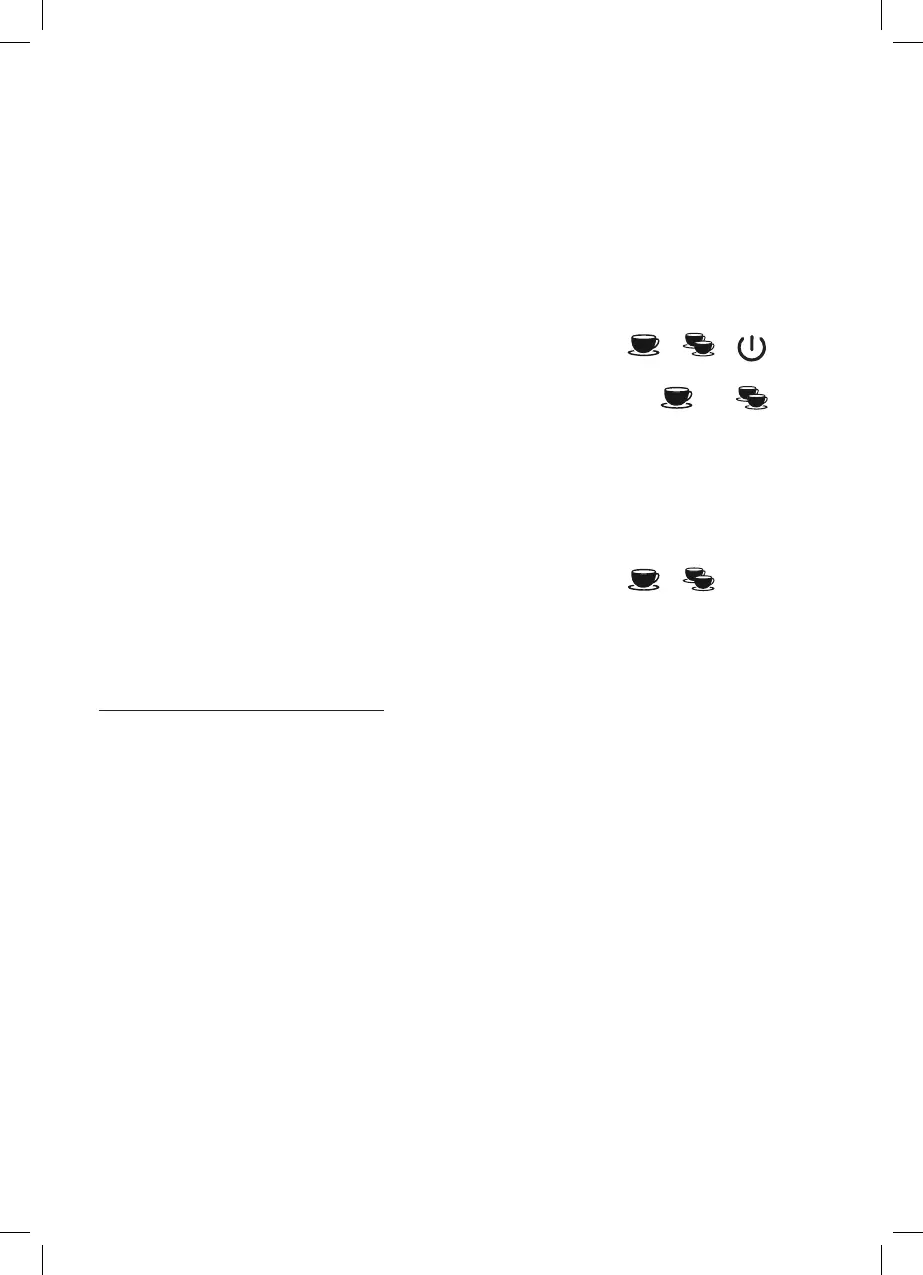
• Press the following buttons at the same time for 3 seconds:
+ .+ .
• The descaling process starts.
• After completion of the descaling process, the control lights for
and
will extinguish.
• Empty the remaining water from the water tank and ll it again with clear water
up to the MAX mark.
• Re-insert the water tank.
• Put a large pot underneath the brewing unit and under the steam/
hot waterlance.
• Press the following buttons at the same time for 3 seconds:
+ .
• The ushing process starts.
• After completion of the ushing process, you will hear a signal and the machine
will switch off.
CLEANING THE BREWING UNIT
Clean the brewing unit regularly with a soft, moist towel or a small brush to remove
any coffee remains. The brewing unit should be cleaned manually on a weekly ba-
sis to remove any coffee residues, oils and grease. Only Use Graef cleaning tablets
which are especially matched to our appliances. You can obtain them in our online
shop at www.graef.de under item No. 145614.
• Remove the water tank.
• Fill the water tank with approx. 1.5 litre of water.
• Re-insert the water tank.
• Insert the lter insert for 2 cups.
• Put a Graef cleaning tablet into the group handle.
• Clamp in the group handle.
• Press the button.
• Wait for 15 minutes.
• Press the button.
• Then wait 1 minute.
• Press the button again.
• Repeat the last process 5 times.


 To Next Page