765042420 Rev.000 19
Cleanin
of condenser filter
Reminder about cleaning the condenser's air filter:
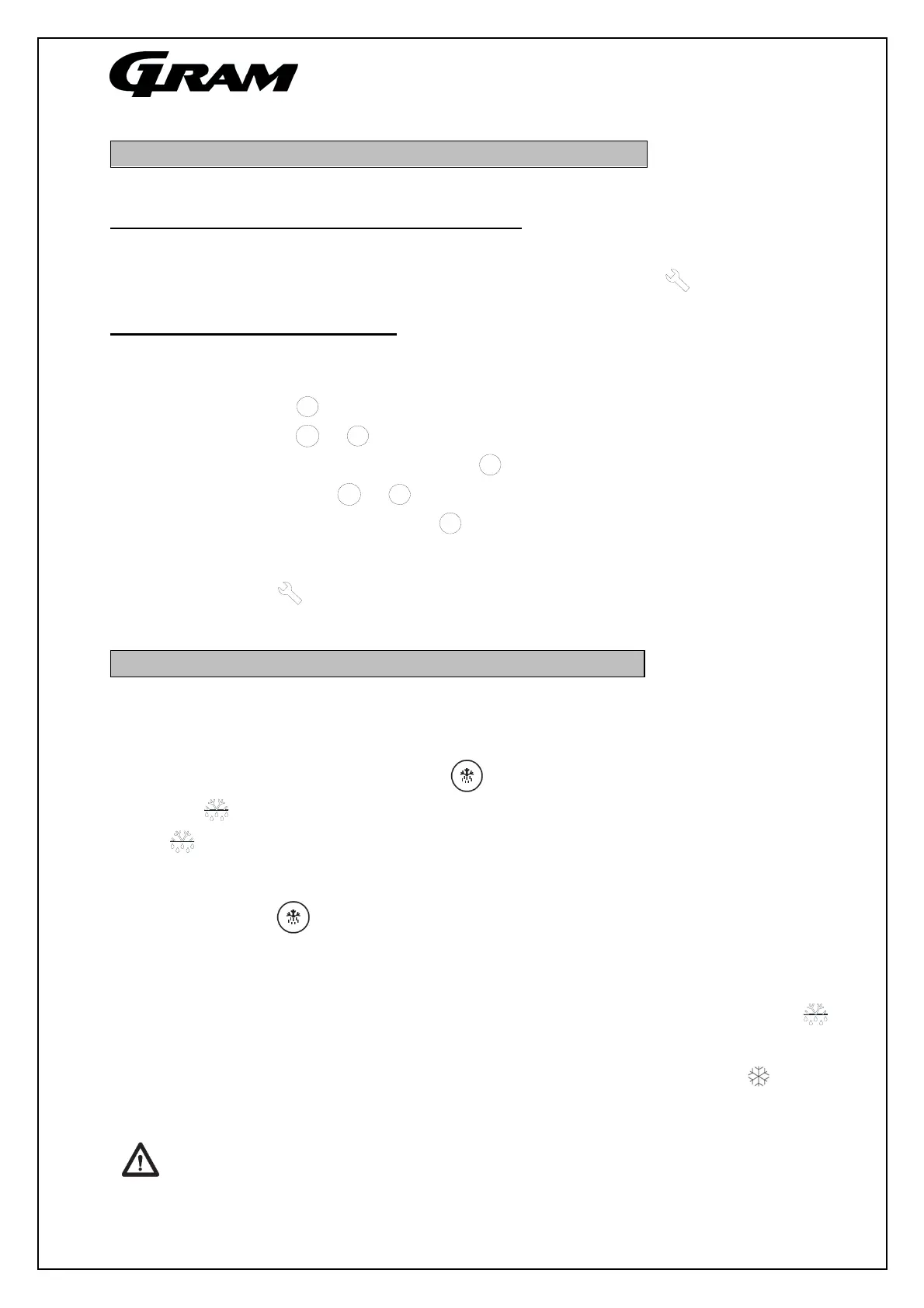
To ensure the proper operation of the cabinet, it will be periodically indicated that the filter in front
of the condenser has to be cleaned. This is indicated by the warning light being lit.
Resetting of condenser filter alarm:
After the filter has been cleaned, the controls must be reset to remove the filter alarm. Resetting
can only be done by a specific key combination.
Press the button until the control display shows a combination of letters.
Using the button or , press if necessary until the display shows rCH.
When the display shows rCH, then press .
Then press the button or until the display shows 149.
When the display shows 149, press .
This causes the display to show ---- for approx. 4 seconds, which confirms that the counter
has been reset.
Now the warning light is shut off and the controls return to normal operation according to
parameter “C10”.
Defrosting
Normal defrosting takes place automatically 4 times per day. If the product is under an extremely
intense load (frequent openings of the door and frequent replacement of the goods), it may
become necessary to perform manual defrosting.
Starting manual defrosting: Press the button for more than 4 seconds.
The symbol will be lit while defrosting is occurring. After defrosting has been concluded, the
symbol will flash to indicate a drip time. Immediately after the drip time has been completed,
the cabinet's refrigeration system will start up again.
If pressing the button as described above does not result in defrosting being performed, then
the reason is:
that the evaporator is ice-free, which means that defrosting is not necessary.
that the defrosting is delayed, due to the compressor is running. This is indicated by is
flashing.
Shortly after defrosting has been completed, the compressor starts, and the symbol is lit to
indicate that the refrigeration process is working once again.
Do not use sharp or pointed objects to accelerate the defrosting process.
-
+
-
P
+
-
P


 To Next Page