WEB UI/SSH ACCESS
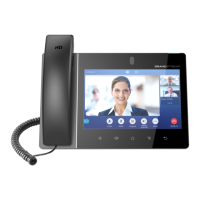
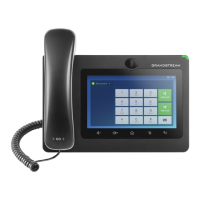
GXV3370 Web UI Access
The GXV3370 embedded web server responds to HTTP/HTTPS GET/POST requests. Embedded HTML
pages allow users to configure the device through a web browser such as Microsoft IE, Mozilla Firefox,
Google Chrome and etc. With this, administrators can access and configure all available GXV3370
information and settings. It is critical to understand the security risks involved when placing the GXV3370
phone on public networks and it’s recommended not to do so.
Web UI Access Protocols
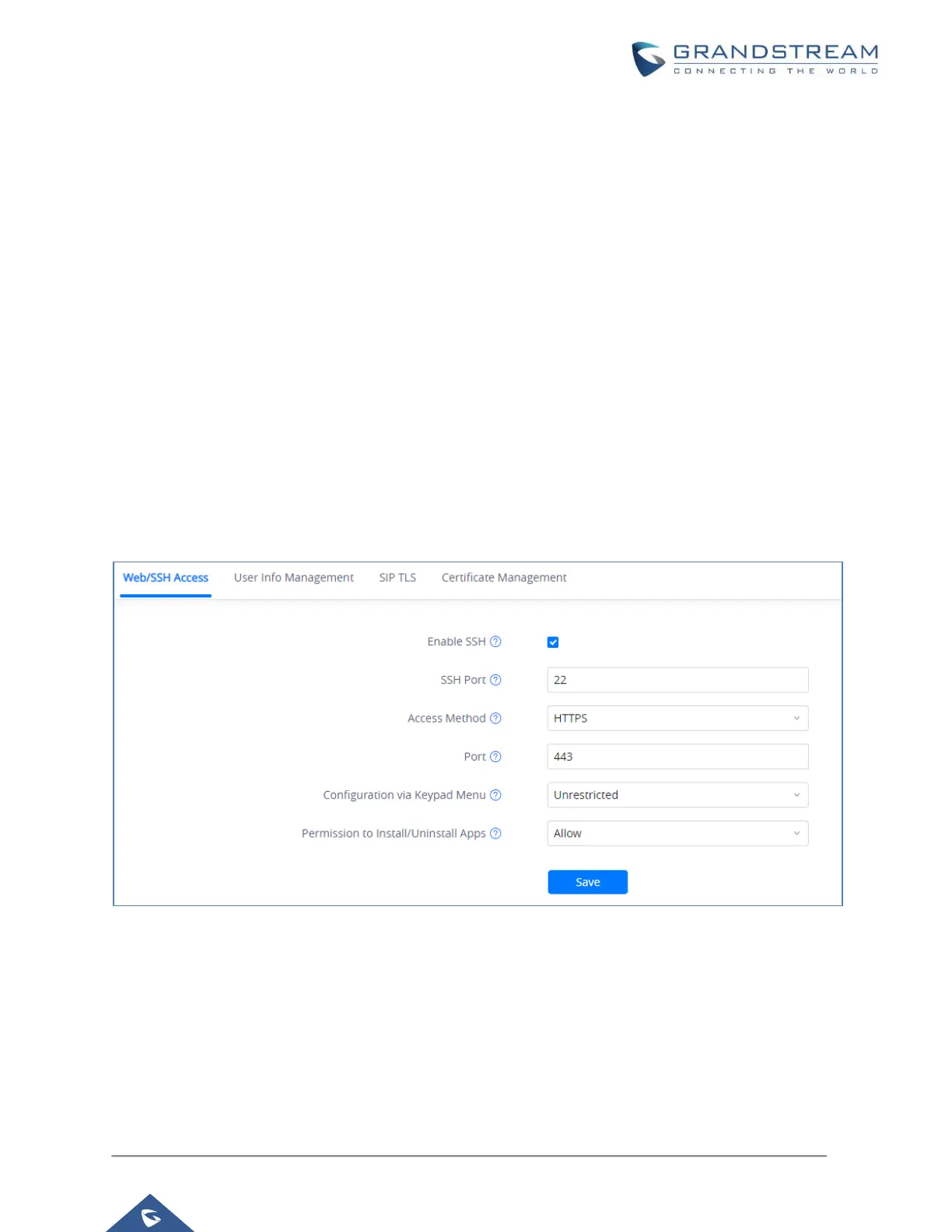
HTTP and HTTPS are supported to access the GXV3370 web UI and can be configured under web UI →
System Settings → Security Settings → Web/SSH Access. To secure transactions and prevent
unauthorized access, it is highly recommended to:
1. Use HTTPS instead of HTTP.
2. Avoid using well known port numbers such as 80 and 443.
Figure 1: Web UI Access Settings
User Login
Username and password are required to log in the GXV3370 web UI.


 To Next Page
 Loading...