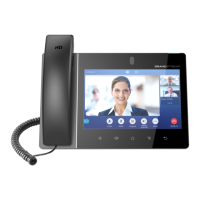
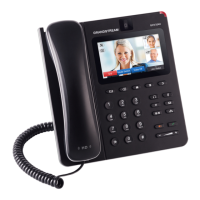
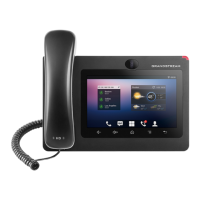
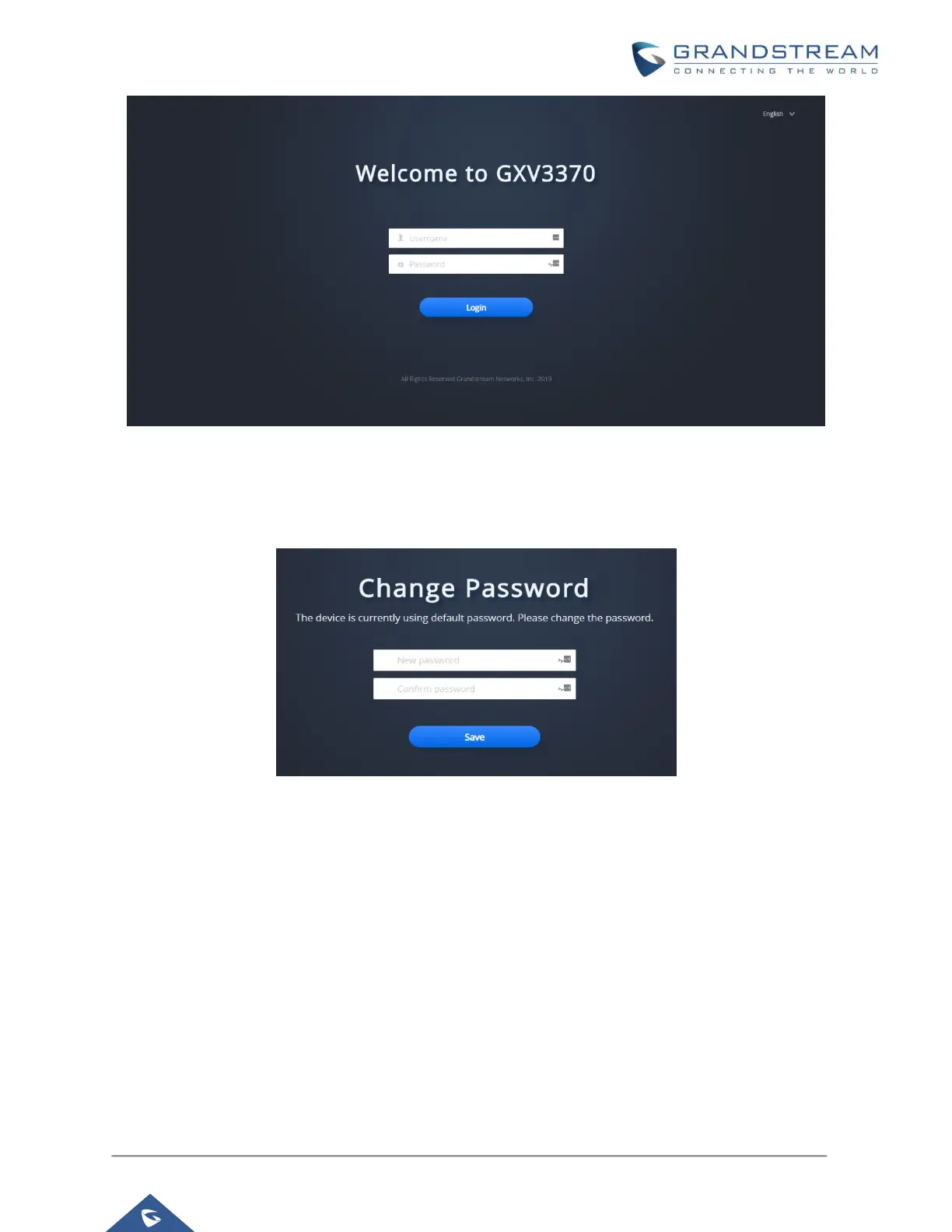
Figure 2: GXV3370 Web UI Login
The factory default username is “admin” and the default password is “admin”. The GXV3370 web UI require
to change the default password at first time login.
Figure 3: GXV3370 Admin Password Change
To change the password for default user "admin", navigate to System Settings → Security Settings → User
Info Management. The password length must between 6 and 32 characters. Strong password with a
combination of numbers, uppercase letters, lowercase letters, and special characters is always
recommended for security purpose.
User Management Levels
Two user privilege levels are currently supported:
• Admin
• User


 To Next Page
 Loading...