2 Operating 2.4 Start and operation
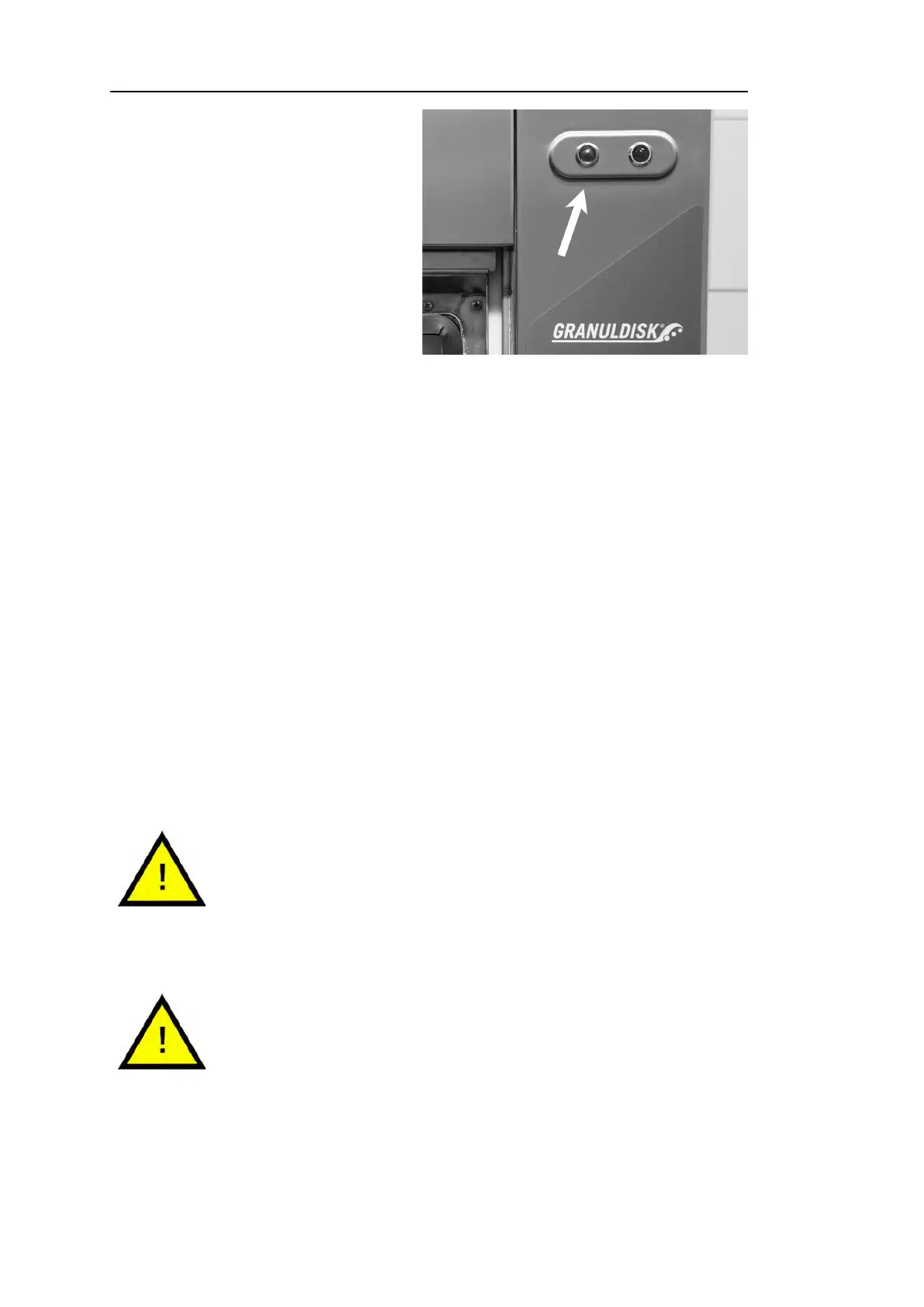
Fig. 21 When the program is finished
the green light goes on.
44 When the wash program is
complete, the word ”END”
flashes and the green indica-
tion lamp goes on.
65°C 85°C
END
See Fig. 21 When the program
is finished the green light
goes on.
55 When the door are opened the display goes back into stand-by mode
and shows the latest program used.
Eco program
with granules
Wash time: 2:10
66 Keep the door closed if you are not running another wash program
straight away. It saves energy and reduces evaporation from the wash
tank.
Stopping the machine while in operation
• Switch to washing with water for about 30 seconds in order to rinse off
all Granules. Then press STOP (2).
• In an emergency: Just press STOP (2).
NOTE
Utensils may have remains of detergent and should be
washed again before they are taken out of the machine.
Never drain an emergency stopped machine! (Granules
left in the pump without water will jam the pump impeller.)
WARNING
Do not open the door during a wash cycle! Risk of burn.
Resetting of overheat protection
Reset overheat protection if error codes 104 and 105 occur.
11 Empty the wash tank.
28 Rev. 2021-09


 To Next Page