2.4 Start and operation 2 Operating
22 Clean the level sensor.
33 Unscrew the black cap.
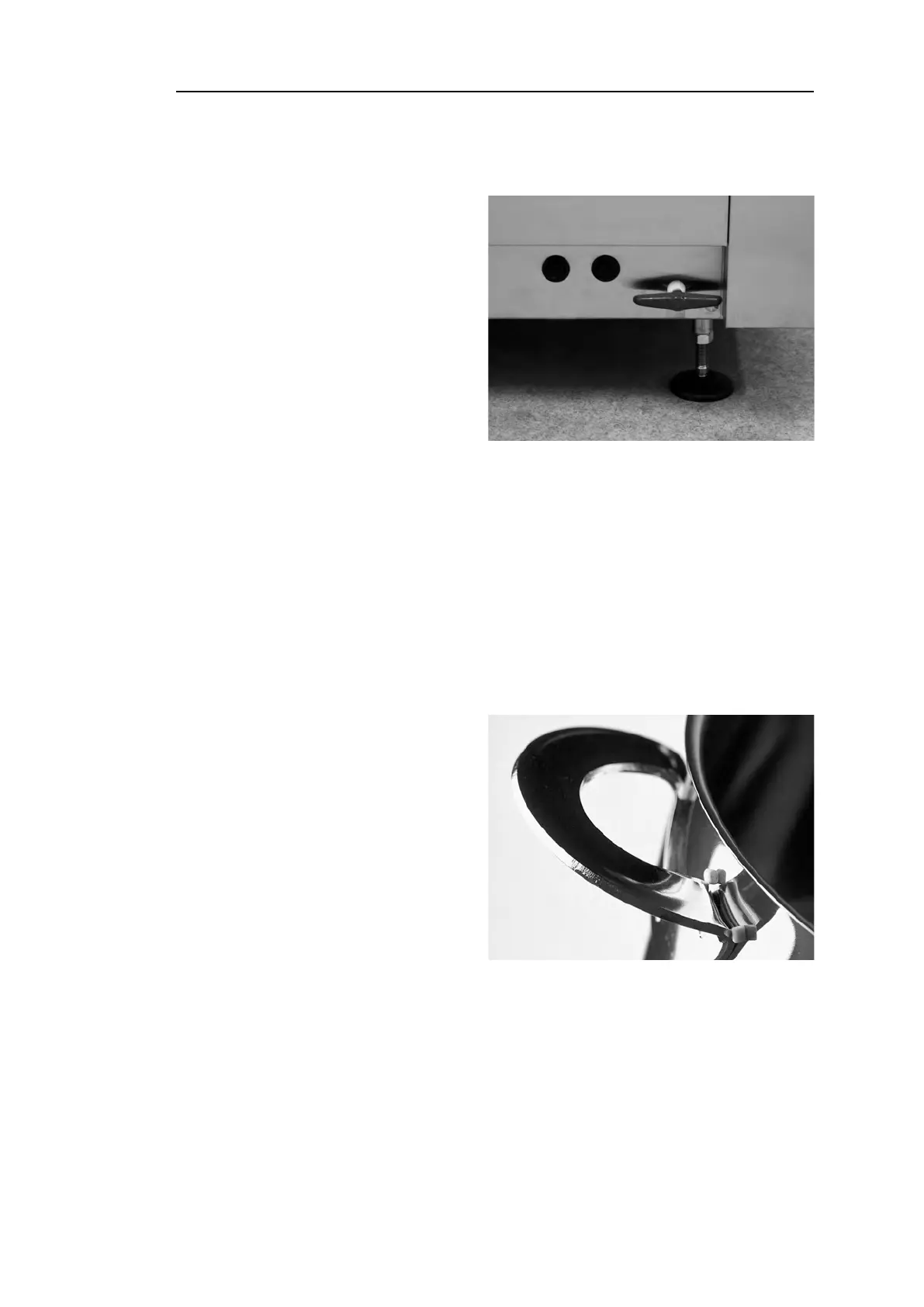
Fig. 22 Access to overheat protectors
44 Reset the overheat protection
using a small screwdriver to
stick into the protector and
push the reset button. If the
protection has tripped, a click
is heard when it is reset.
See Fig. 22 Access to overheat
protectors
55 If the error code recurs in the next few hours, contact a service engineer.
Inspecting the wash ware
11 Examine the pots and pans after each program.
22 To make sure no Granules are left, turn all washware (containers, pans
etc) upside down, before taking the items out of the machine.
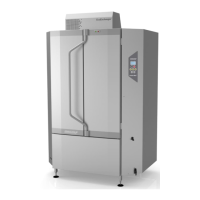
Fig. 23 Make sure no Granules are
stuck
33 Remove any Granules that
may be stuck in corners,
sharp angles and other inac-
cessible places
See Fig. 23 Make sure no
Granules are stuck
Rev. 2021-09 29


 To Next Page