July 3, 2007 K2 Storage System Instruction Manual 201
Defining a new K2 Storage System
Defining a new K2 Storage System
Define a Level 3R K2 Storage System as follows:
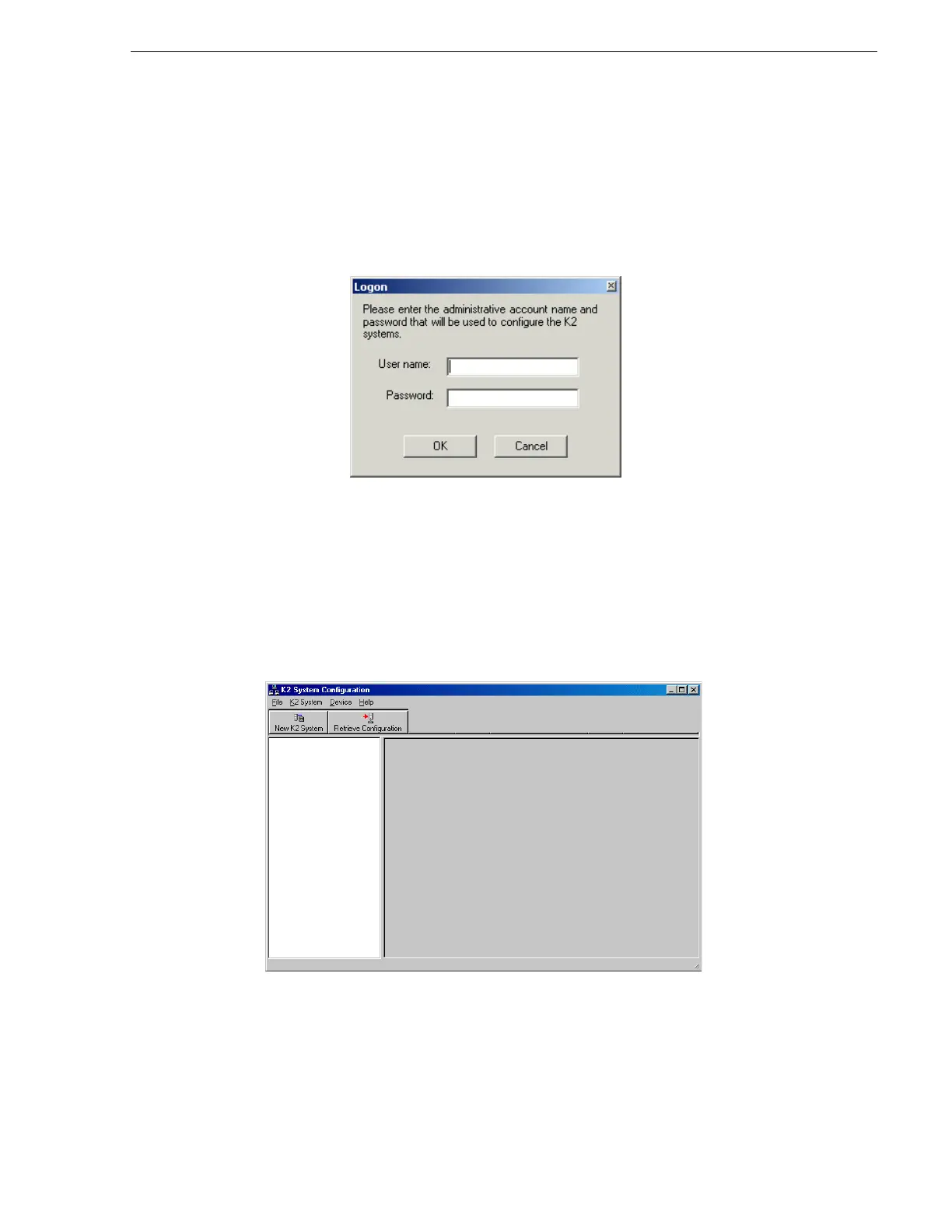
1. On the control point PC, open the K2 System Configuration application. A login
dialog box opens.
2. Log in to the K2 System Configuration application with the Windows
administrator account. By default this as follows:
• Username: administrator
• Password: adminK2
Refer to “Setting up application security” on page 322 for more information about
administrator accounts and logging in to applications.
3. Click
New K2 System. The New K2 System wizard opens.



 To Next Page