July 3, 2007 K2 Storage System Instruction Manual 241
Setting up the Nearline GigE switches
• Install the switches in their permanent location.
• Provide power to the switches.
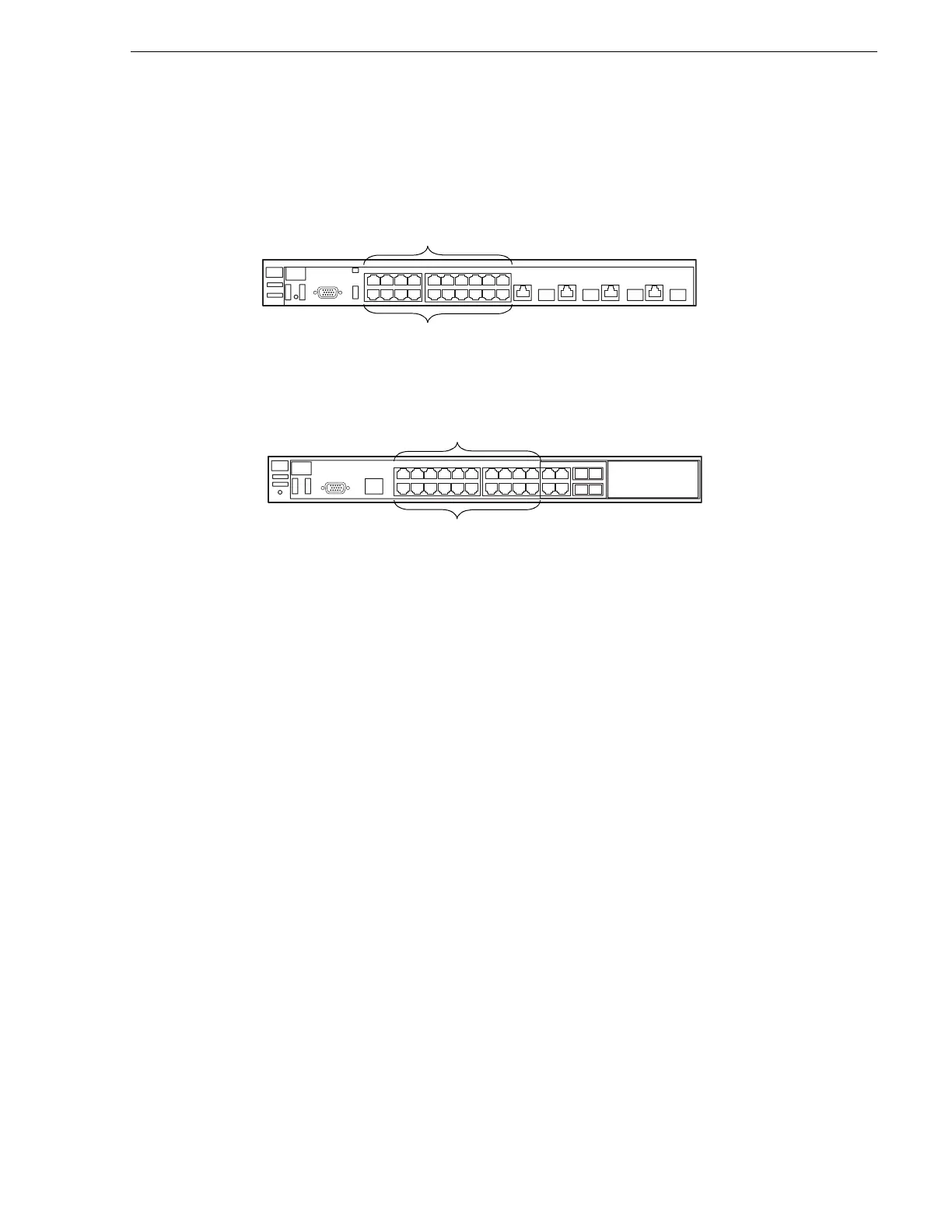
3400cl series switch
2900 series switch
NOTE: If the switch is used for the Nearline system only and there is no K2 media
(real-time iSCSI) traffic on the switch, there is no need for VLANs or dedicated
“media” ports.
If you have one switch for the Nearline system, connect as follows:
• Make two connections (control and FTP) from each K2 Media Server, one
connection from each RAID controller, and one connection from the control
point PC.
If you have two switches for the Nearline system, connect as follows:
• To the ports on switch A, make a connection from RAID controller 0 and from
the control point PC. Also make two connections (control and FTP) from half of
the installed Nearline K2 Media Servers.
• To the ports on switch B, make a connection from RAID controller 1, if it is
installed. Also make two connections (control and FTP) from the remaining
Nearline K2 Media Servers.
Refer to “Nearline system description” on page 238 for a diagram of the complete
system.
Refer to cabling procedures later in this chapter for the GigE connections at each of
the devices of the K2 Storage System.
Also refer to “K2 Ethernet switch description” on page 285 and “Design
considerations for Ethernet switches” on page 388.
Media Ports
Control Ports
1 - 19 odd
2 - 20 even
Media Ports
Control Ports
1 - 19 odd
2 - 20 even



 To Next Page