Section 6
Using Text Messaging 107
Read A New Text Message
After receiving notication of a new Text Message, follow these three steps to read
the message:
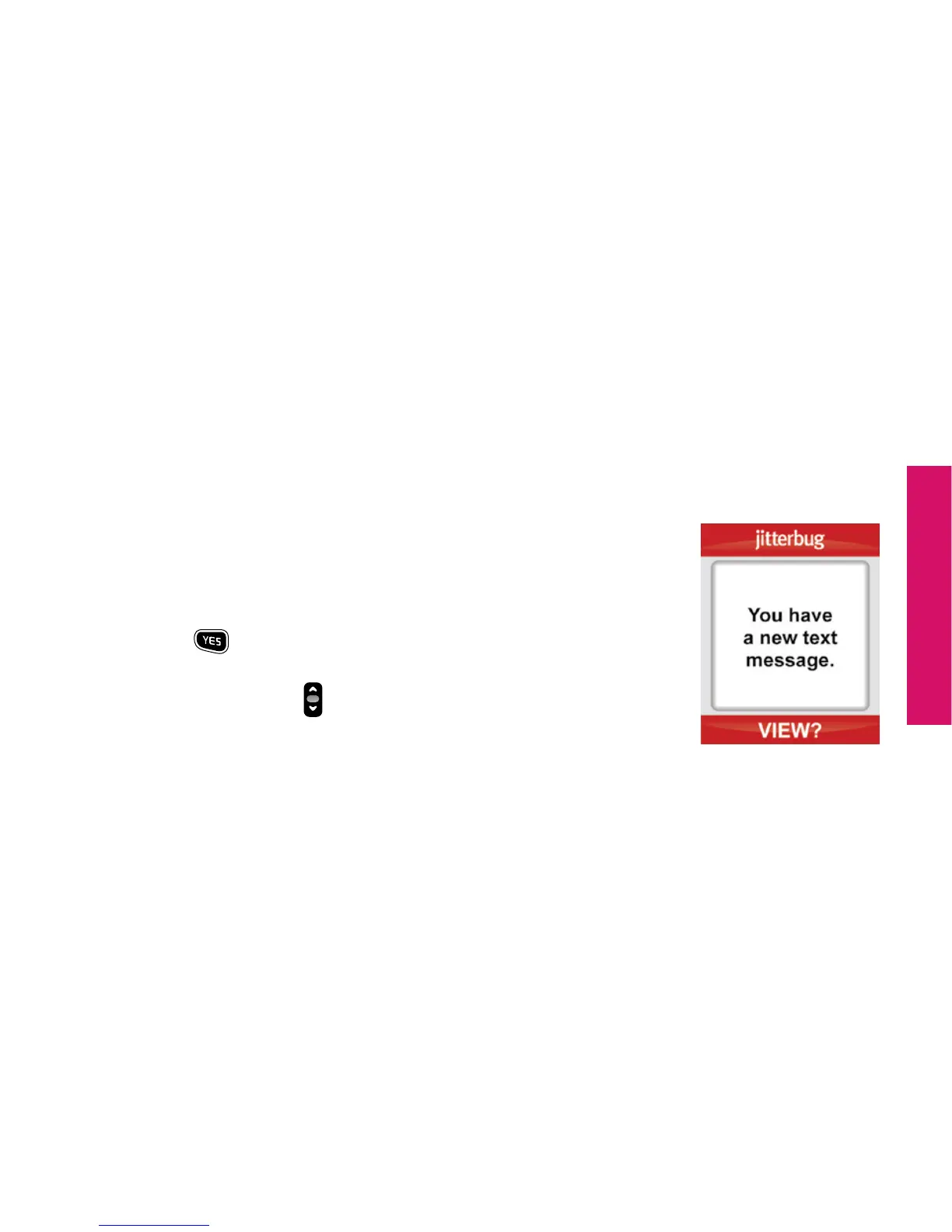
1. To read the Text Message, open your Jitterbug. You will see
the words “You have a new text message.” on the Inside
Display and the word “VIEW?” on the Action Line, as
shown.
2. Press the
button to view the Text Message.
3. Press the “Up/Down”
button to read the entire Text
Message.



 To Next Page