Section 2
54 Placing And Receiving Calls
Adjusting The Ringer Volume
1. Open your Jitterbug to conrm it’s on and not actively on a call.
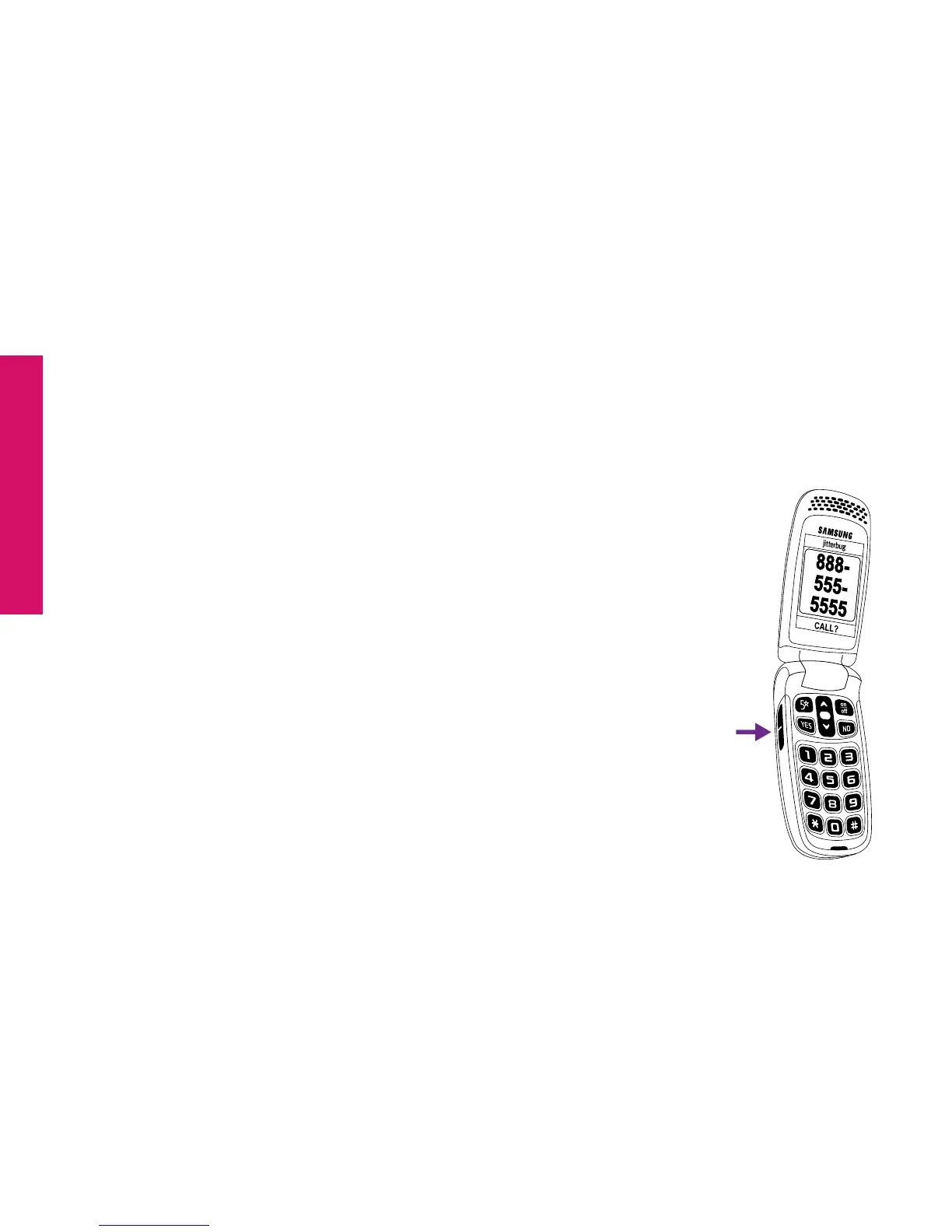
2. Press the Volume Button on the left-hand side of the phone. Press
the top of the Volume Button to increase the volume and the
bottom of the Volume Button to decrease the volume.
The available options are:
• Max
• High
• Medium
• Low
• Vibrate
Volume Button



 To Next Page