Section 2
Placing And Receiving Calls 51
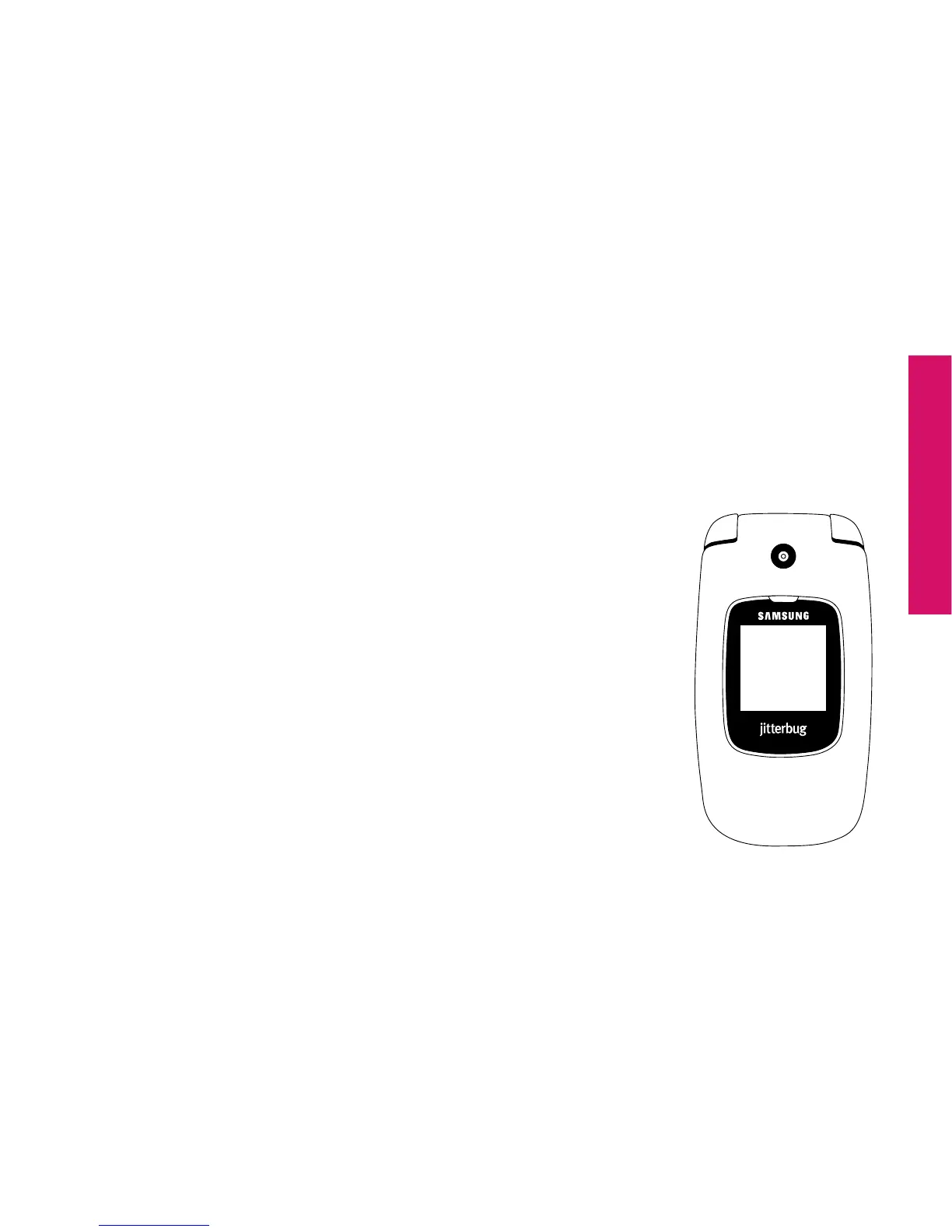
Answering A Call When Your Jitterbug Is Closed
1. If the caller’s name and number are stored in your Phone Book or the caller ID
is recognized, either the name or the phone number appears on the Outside
Display, as shown.
2. Open your Jitterbug when you hear it ring. The ring tone
will stop when the phone is opened.
3. A “Connected” message will appear on the Inside Display
and the caller’s voice can be heard through the earpiece
speaker.
Call from
888-555-5555



 To Next Page