Section 2
46 Placing And Receiving Calls
4. Tell the Operator the name of the person in your Phone Book you want to call
or tell them the ten digit number you want to call.
5. When the call is nished, press the
button or simply close your Jitterbug to end
the call.
Using Your Phone Book To Make A Call
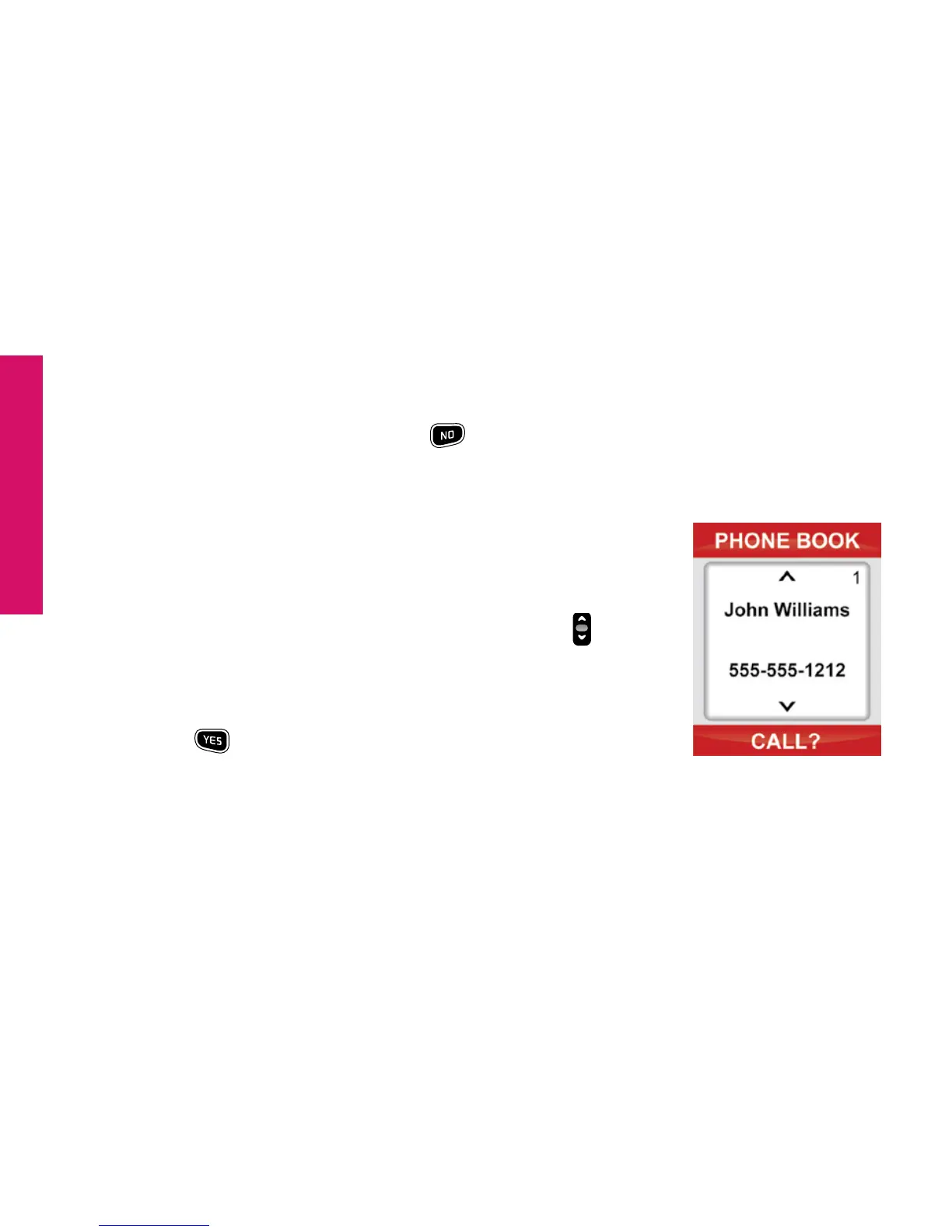
To place a call to a number in your Phone Book:
1. Starting from the Main Screen, use the “Up/Down”
button
and scroll until “Phone Book” appears highlighted in gray in the
middle of the Inside Display.
2. Press the
button to view your “Phone Book.”
3. Your Phone Book will always start with the rst name and number you’ve
entered in the Phone Book, as indicated by the number “1” in the top right
corner of the Inside Display. You can manage the order of the names and



 To Next Page