Section 2
Placing And Receiving Calls 47
numbers of your Phone Book at mygreatcall.com. Please reference page 88 to
learn more about mygreatcall.com.
4. You can scroll through the names and numbers in your
Phone Book by pressing the “Up/Down”
button.
5. When you nd the desired name and number, press the
button to place the call.
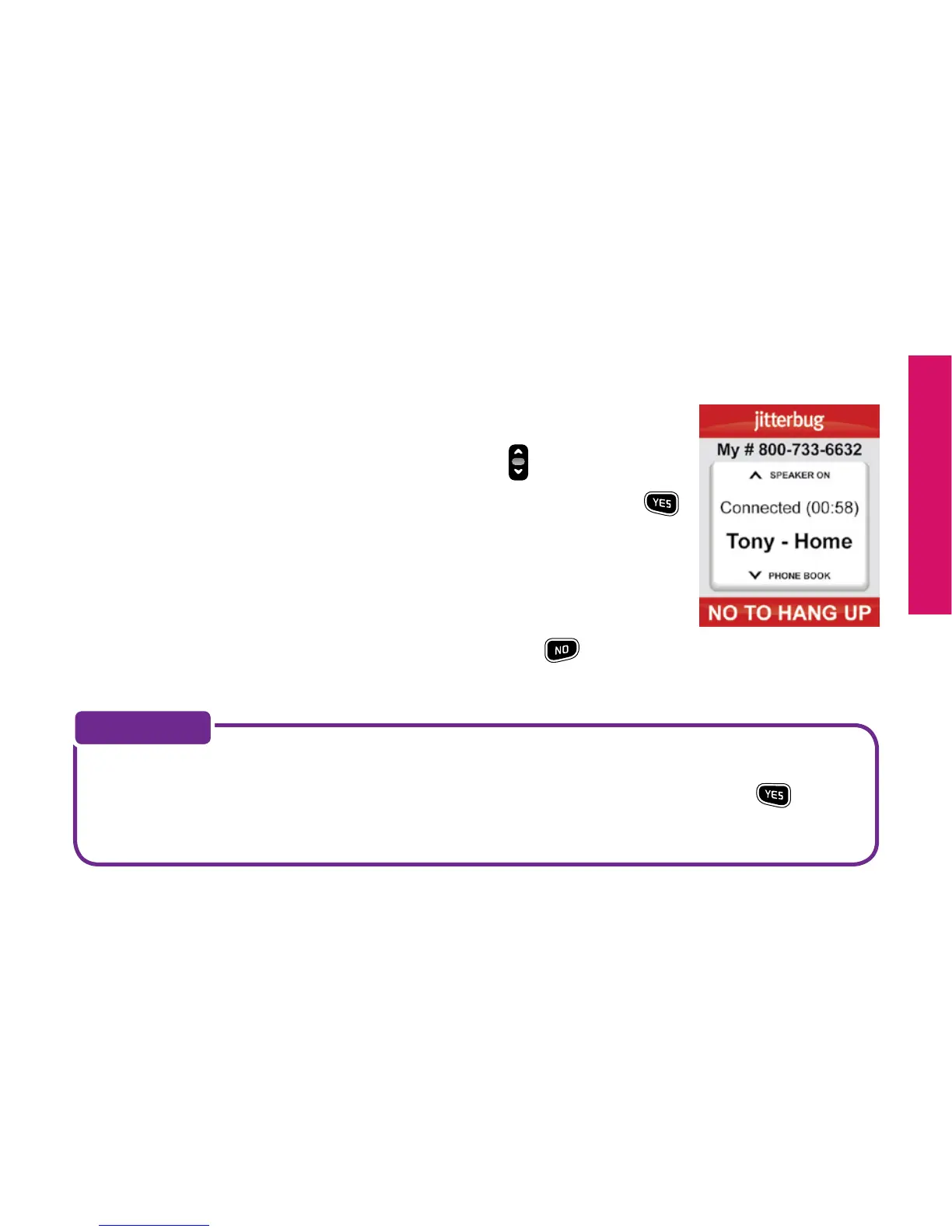
6. You will see “Calling...” on the Inside Display followed by
“Connected” to conrm you are connected, as shown.
7. When you’re nished with the call, press the
button or
close your Jitterbug to end the call.
While in the Phone Book, you can dial any phone number you need by using
the keypad. Simply dial the number you wish to call and press the
button
to connect.
NOTE:



 To Next Page