Section 6
120 Using Text Messaging
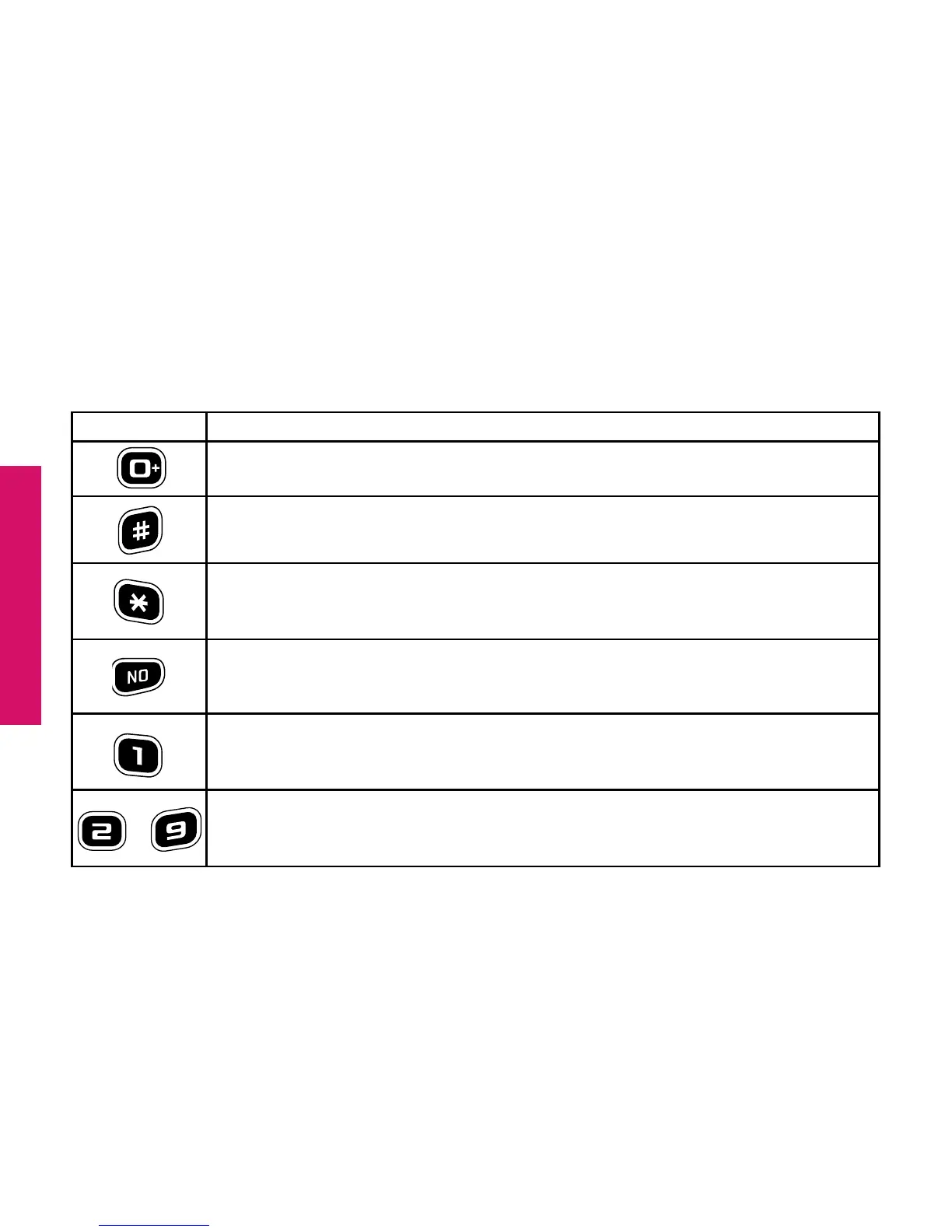
The table below explains how to create a custom Text Message using the number
keys on the keypad to enter letters or special characters:
Keyboard Function
Enters the number “0” in any Text Message entry mode
Add a space
Press repeatedly to cycle through the 123, ABC, Abc-S, Abc-W
and abc Modes
Move back a space and delete a character
Press repeatedly to enter characters:
. , – ’ @ : ! ? / 1 cycle through the characters
Press each number repeatedly to cycle through each letter
printed below the number
thru



 To Next Page