Section 2
60 Placing And Receiving Calls
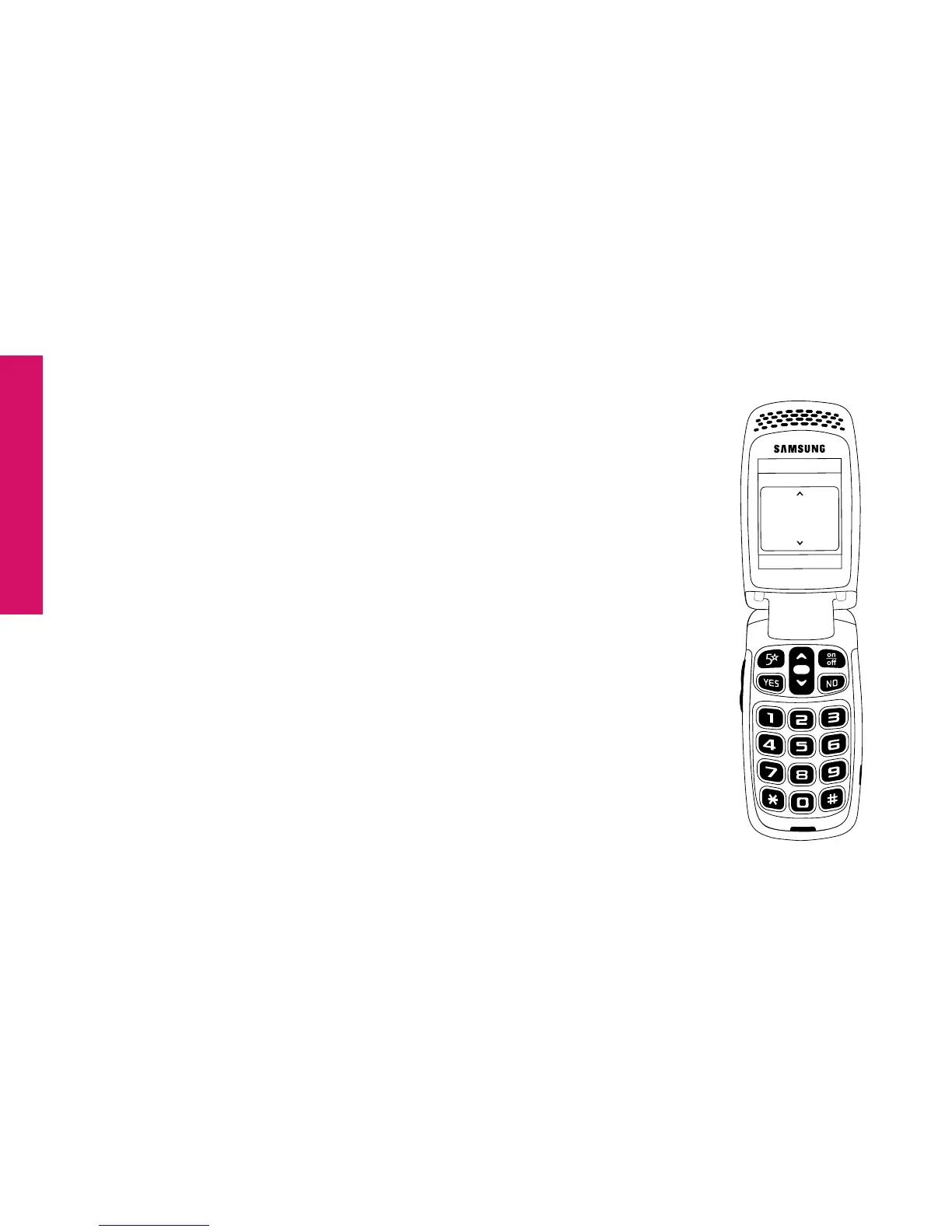
5. As you scroll through your Call History you will see the following information
on the Inside Display:
• Feature Area – you will see “CALL HISTORY” indicating
that you are in your Call History.
• Detail Area – you will see the following messages:
• “Missed” if you missed an incoming call
• “Incoming” if you received and answered a call
• “Outgoing” if you placed a call
In the middle of the Inside Display you will see the time,
date and phone number for each call.
• Action Line – you will see “CALL?”
CALL?
CALL HISTORY
03:27 PM - 01/12/14
Missed
888-555-5555



 To Next Page