D Series Modular Air-cooled Scroll Chillers
23
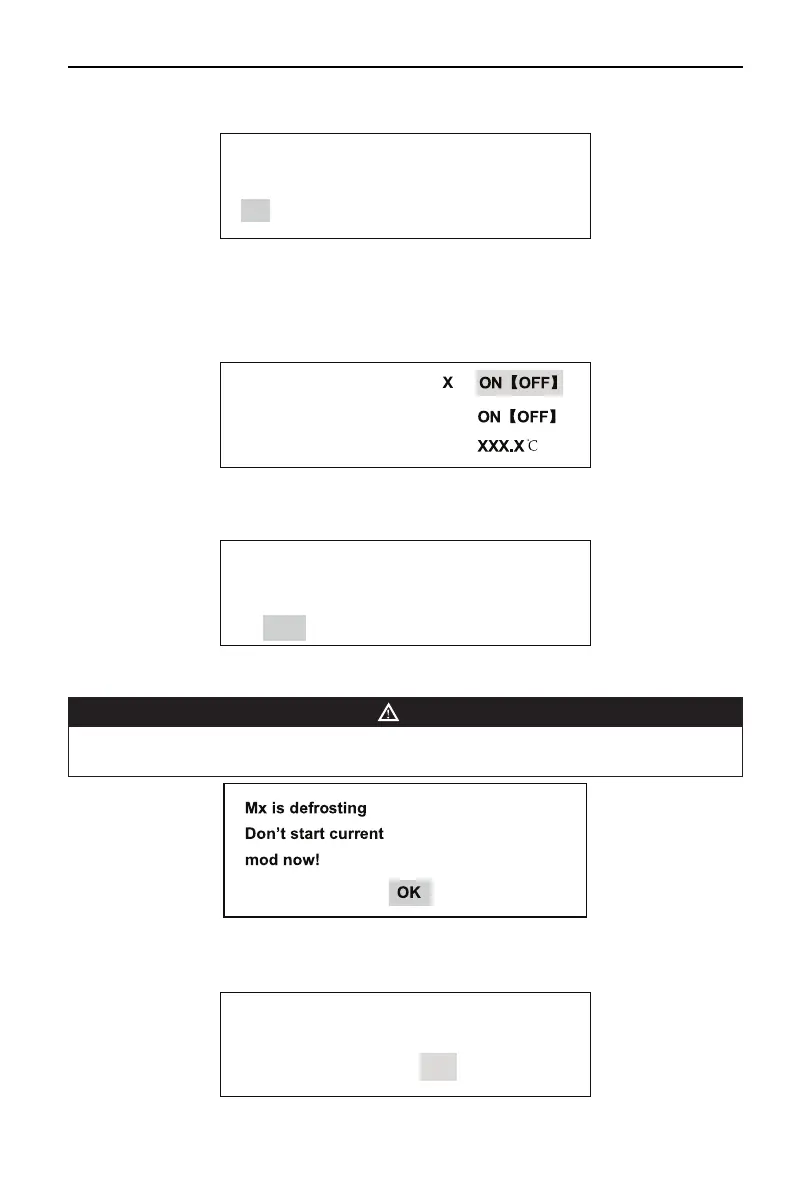
When the display is in Error View, select Clear History Error and press the Conrm button to go to
the following interface.
Clear History Error
NO
YES
Press the Up or Down selection button to convert between NO and YES. Press YES to conrm and
press NO to quit the menu and go back to the previous menu.
y
Manual Defrost
Used for starting or stopping manual defrosting. Select Manal Defrost and press Conrm to go to the
following page.
MANUAL DEFR.
SYS. DEFR.
Anti-Fre.T
Press Conrm to start or stop manual defrost and press Exit to quit the interface and go back to the
previous menu.When manual defrost is on and the two systems do not stop defrosting completely, the
following prompt will come up.
Do you need to stop
Unit under defrost?
YES NO
Press Up or Down button to convert between YES and NO, press Conrm for acknowledgement, press
Exit to quit the menu and go back to the previous menu.
NOTE
•
Manual defrost is not allowed for two modules simultaneously. If manual defrost is started for one module
and such function is started for another module, the following prompt will appear:
Press YES for acknowledgement.
If manual defrost is initiated for a certain module under non-manual defrost mode, the following prompt
will be present:
Please set the mode
To defrost !
OK



 To Next Page