D Series Modular Air-cooled Scroll Chillers
25
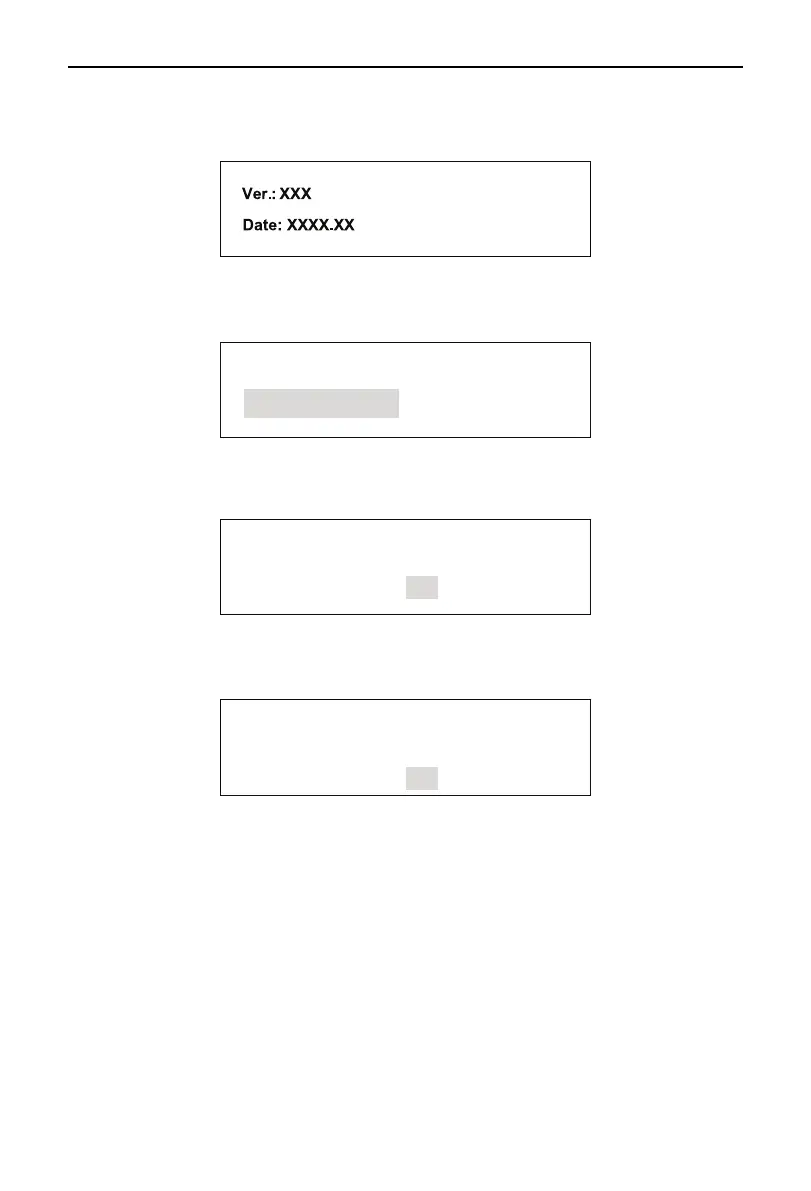
(4) Version Information
Used for checking version number of software and hardware of the wired controller. On the Main menu
on the screen, select Version and press Conrm to go to the page as shown in the following drawing.
Press Exit to quit the page and go back to the previous menu.
5.4 Reset (for erasing error)
On any interface, press Reset, the following page appears:
Clear Error
Remove Dis Sensor
Press Exit to go back to the previous interface and press Confirm to select function as shown in the
following:
5.4.1 Erasing Error
Error is clear !
OK
Press Conrm to conrm it and go back to the previous page.
5.4.2 Relieve Discharge Temp. Sensor locking
Press Conrm to go to Code Entry page and enter correct password to go to the following page.
OK
Temp. Sensor Error
Is Clear !
Press Conrm to conrm it and go back to previous page.



 To Next Page