3.7.2
Strap Reel Installation
1.
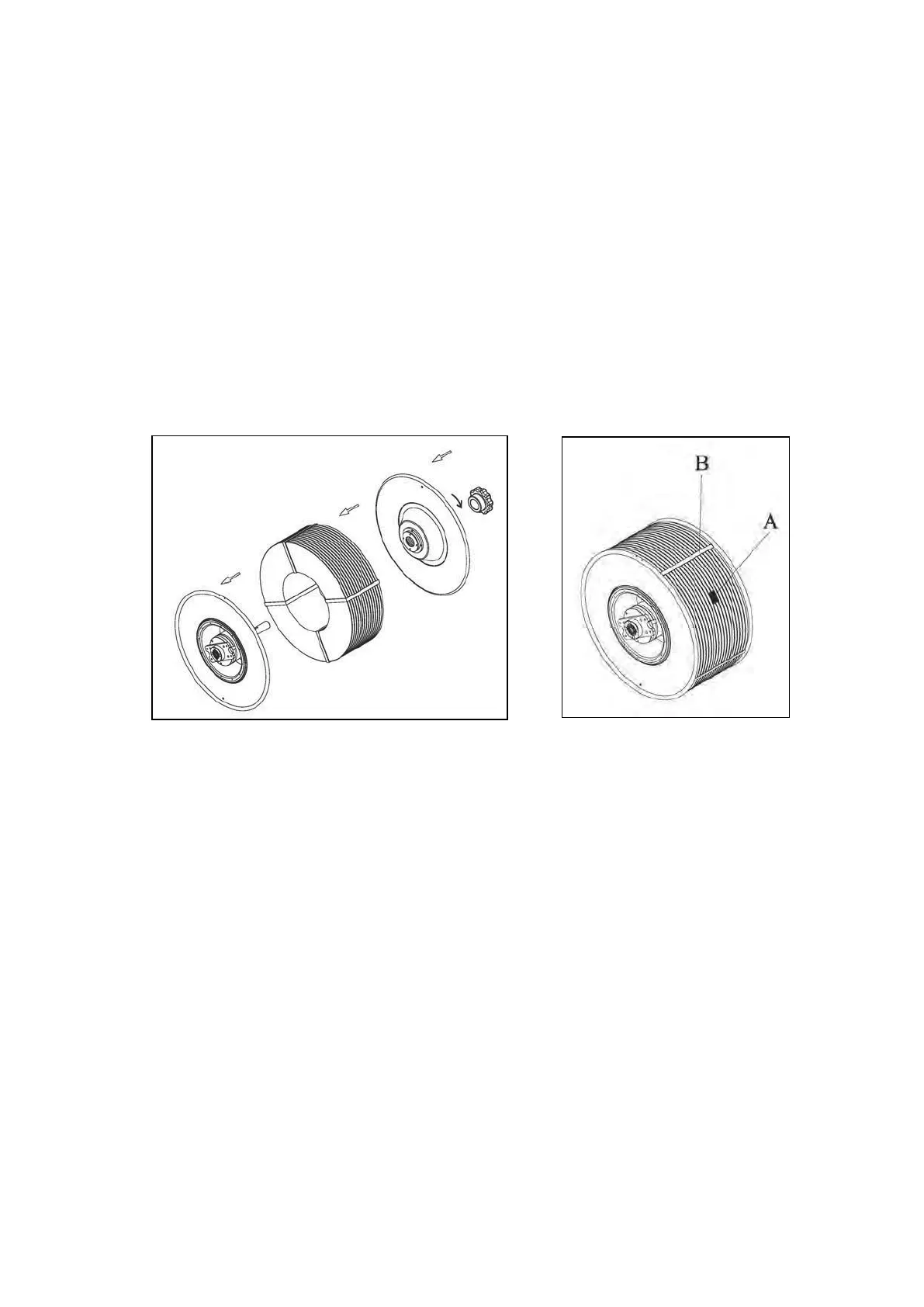
Release the Reel Nut Handle by pressing and turning it to the left.
2.
Take out the Outer Flange.
3.
Install a new strap coil onto the drum according to the instructions on the reel.
4.
Put Outer Flange back and the Reel Nut Handle. Turning the Reel Nut
Handle to the right to lock it.
5.
Remove the protective straps (B) and the stickers (A)
Note:
The Reel Nut Handle is released by turning to the left. Tighten it by pressing
and turning it to the right.



 To Next Page