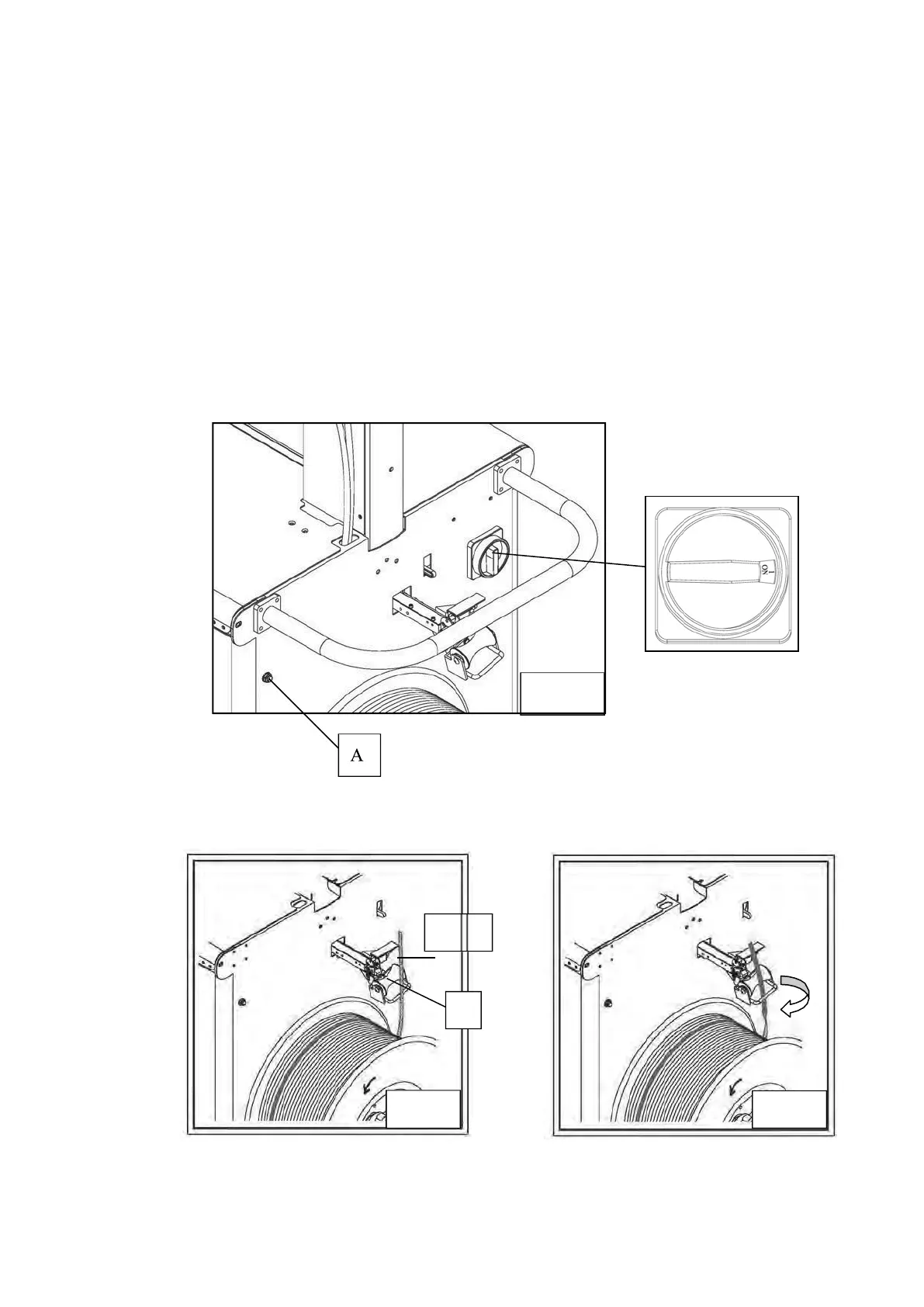
3.8 Auto Strap Feeding Process
1.
Turn Main Power Switch on the control panel to the right (at 1 position), and press
Start Switch. (refer to Fig. a)
2.
Press “Reel Release Switch A” (as shown in Fig. a) and pull out around 60cm strap.
(refer to Fig. b)
3.
Thread the strap through the Guide Roller B following to the direction showing in
Fig. c.
4.
Insert the strap to outlet C (refer to Fig. d).
5.
Keep threading until the tip of the strap reaches the Accumulator Main Roller.
6.
Lift the lever D and insert strap between the rollers E. Feed strap for around
2-3cm ahead the rollers. (refer to Fig. e)
Fig. a.
60cm
B
Fig. b.
Fig. c.



 To Next Page