4.
Operating the Machine
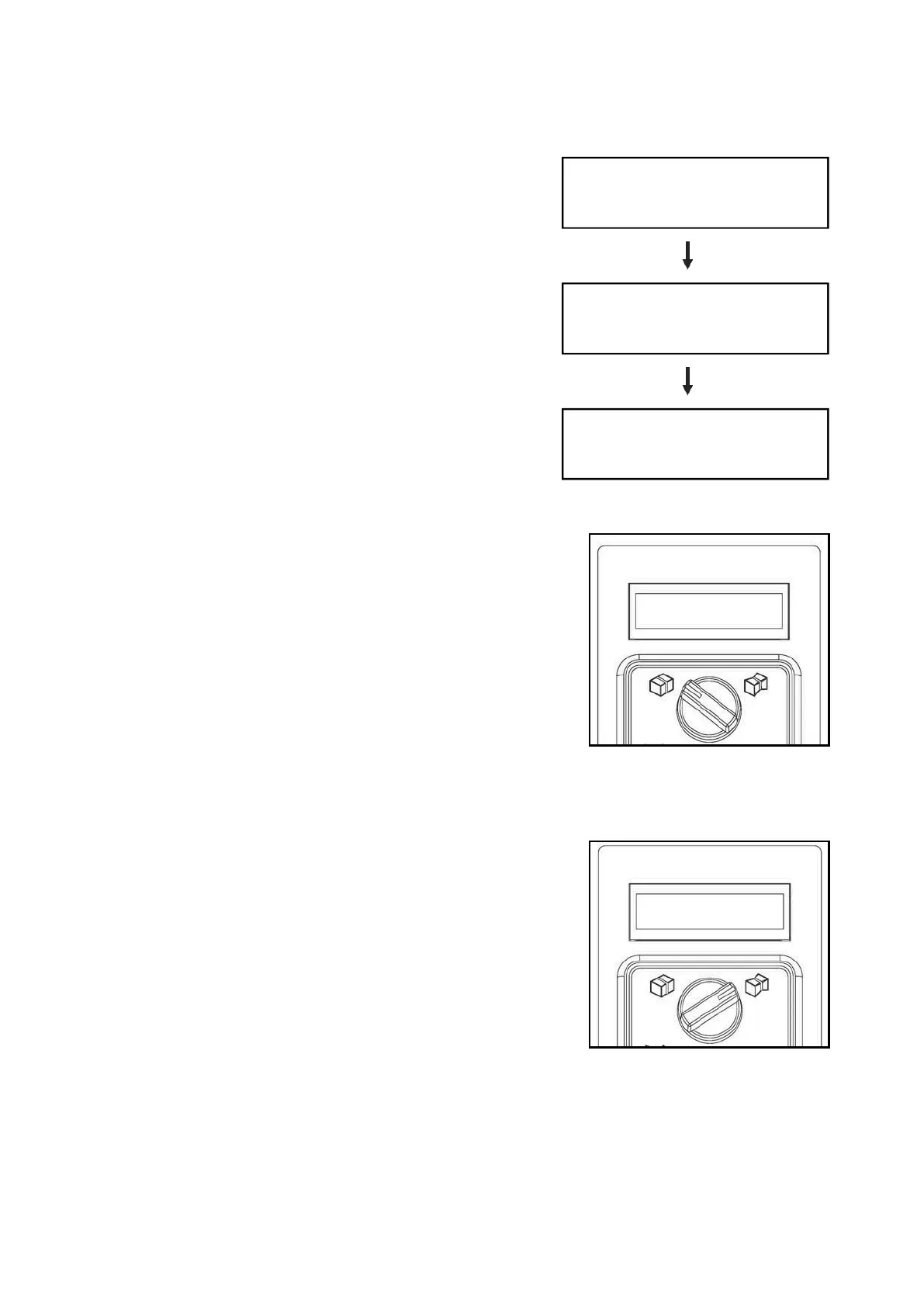
After switching on the strapping machine, heater
starts to warm up and LCD display continues to be
on until the heater reaches its operating temperature
(about 2 minutes).
Caution!
Machine will not operate until heater reaches to
operating temperature.
The heater fans continue to run until heater
reaches operating temperature.
4.1 Soft Tension Operation
1.
Place a package in the middle of table beneath the
chute.
2.
Push start switch or actuate foot bar switch or foot
pedal switch (option) to start strapping.
NOTE!
When operating in soft tension mode, the strap
tension potentiometer does not function.
4.2
High Tension Operation
1. Place a package in the middle of table beneath the
chute.
2. Properly adjust the strap tension potentiometer
according to various package.
3. Push start switch or actuate foot bar switch or foot
pedal switch (option) to start strapping.
Attention!
Keep hands away from the strapping
area.
If hands are caught by P.P. strap accidentally, be sure to turn off the Main Power
Switch first and then cut the strap.
Switch Main Power Switch to
Position “1”
Heater warms up and LCD
display keeps on lightening
Ready!
LCD display is off



 To Next Page