4.3
Function Encoder
LCD display will show various timers such as
cooling time, timer 1, timer 2…etc. After
pressing the function encoder for over 2 seconds,
turn the knob to choose the timer needed to be
changed. Press this knob to confirm the timer
needed altered and turn it again to alter the
value, and then press it again to confirm this
alteration.
T5: cooling time timer, Range 0-0.6S
T1: see A16 timer 1
T2: see A16 timer 2
T4: Press bar delay time, Range 0-3S
PH1> 0: Photo eye control box no function
(Disable)
1: Photo eye control box has function
(Enable)
PH1-N> 0: only one strap cycle when PH1 is
activated.
1: continuous strap cycles when PH1
is activated and cycle will stop until
the package leaves.
SQ6> 0: sensor for chute home position no
function (Disable)
1: sensor for chute home position has
function (Enable)
Press>0: Press device no function (Disable)
(for TP-702P only)
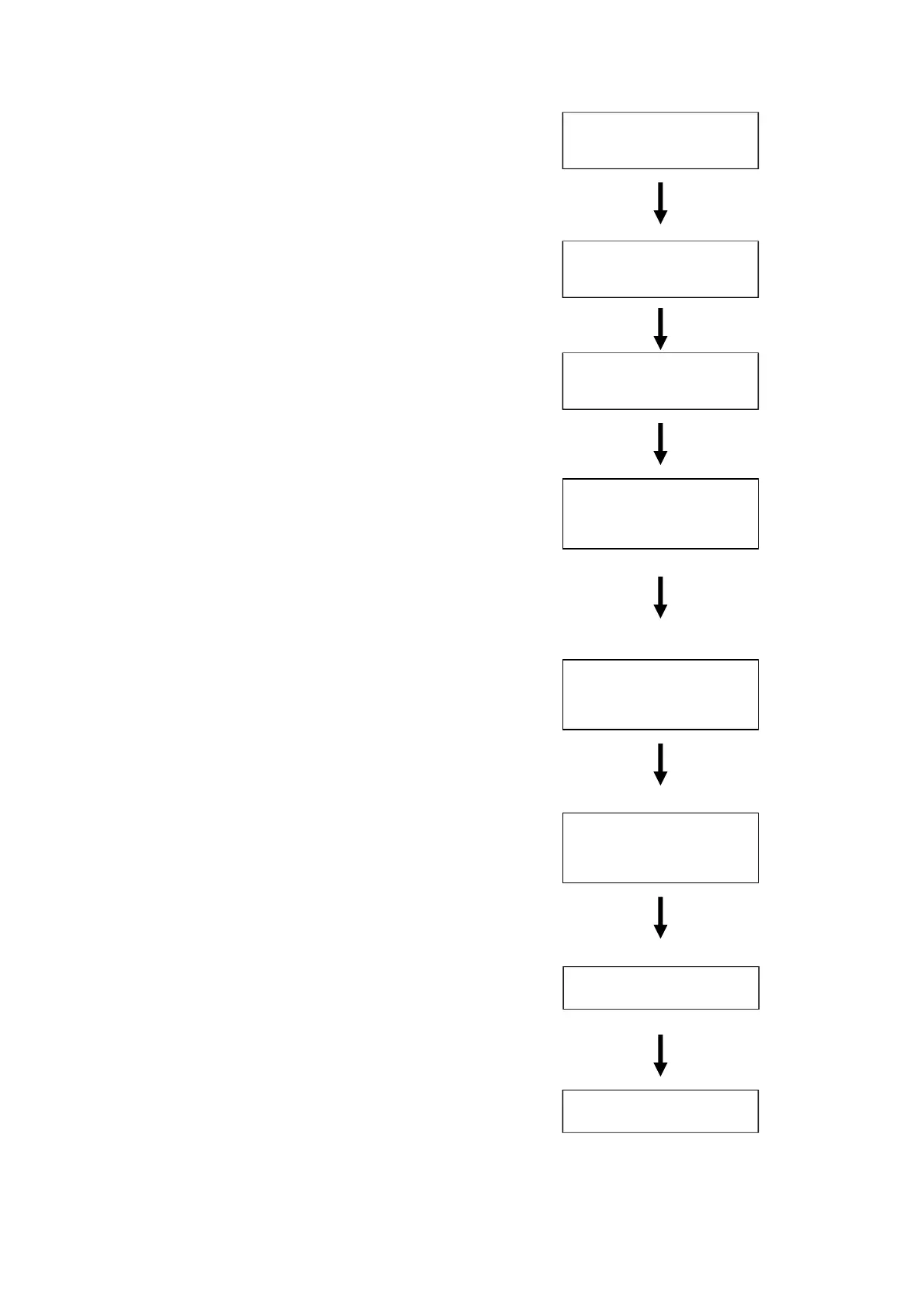
Press encoder
over 2S
Select Timer and
press encoder
Turn encoder right
<- T5: 0 - 60
000
Turn encoder right,
select the timer
needs to be altered
and press encoder
<- T5: 0 - 60
000
Turn encoder to
change the value
Then press encoder
<- T5 : 0 - 60
010
Turn encoder left
to <- and press
encoder to exit setting
Turn encoder left to
<- and press encoder
to exit setting
Finish setting
<- Timer TEC
Ready
Ready
<- Timer TEC
<-



 To Next Page