EasyManua.ls Logo

GreenWorks Pro 2103102CT - User Manual

GreenWorks Pro 2103102CT
30 pages
Print Icon
To Next Page IconTo Next Page
Loading...
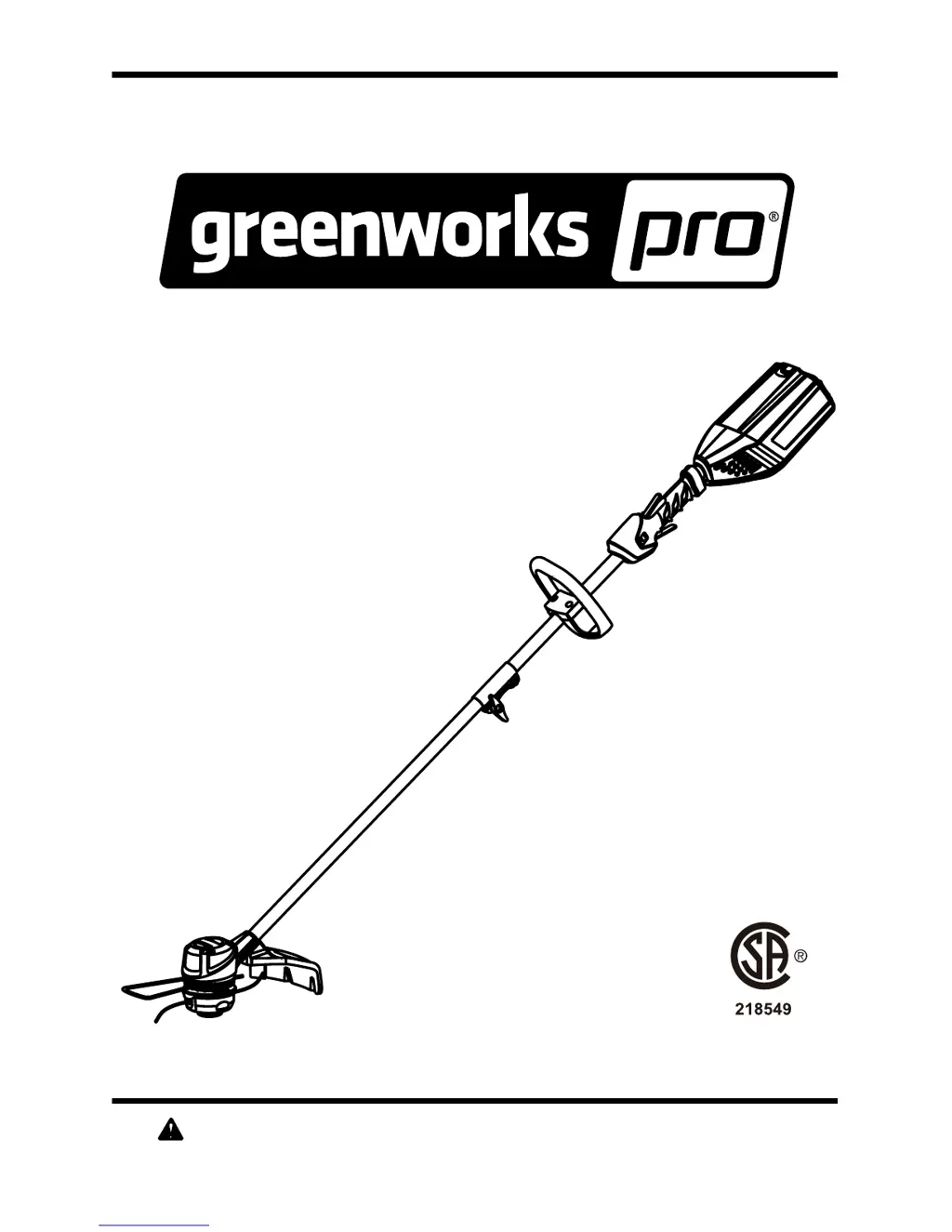
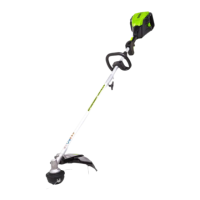
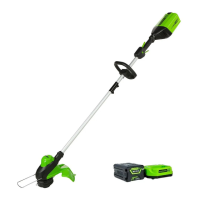
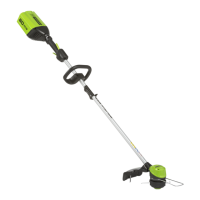
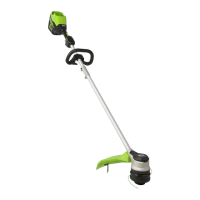
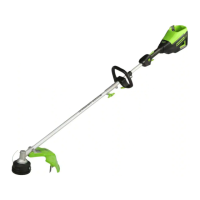
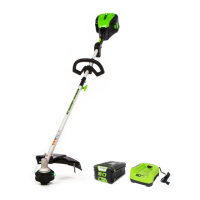
60V Cordless String Trimmer
Read all safety rules and instructions carefully before operating this tool.
Owner’s Manual
TOLL-FREE HELPLINE: 1-855-345-3934
www.GreenWorksTools.com
2103102CT

Questions and Answers

  • J
    Jordan HarveyAug 1, 2025
    Why won't my GreenWorks Pro 2103102CT start?
    • J
      Juan CooperAug 1, 2025
      Your GreenWorks Pro Trimmer might not start due to several reasons: the battery pack may not be properly connected, so ensure it's attached correctly. There might be no electrical contact; remove the battery, check the contact, and reinstall it. The battery could be depleted, requiring a charge. Also, make sure you're pressing the lock-off lever and trigger simultaneously to activate the trimmer.
  • E
    Eric GonzalesAug 7, 2025
    What to do if my GreenWorks Pro 2103102CT stops while cutting?
    • K
      kyle84Aug 7, 2025
      If your GreenWorks Pro Trimmer stops while cutting, consider these possible causes: the guard might not be mounted, leading to motor overload; remove the battery pack and attach the guard. You may be using heavy cutting line; use only nylon cutting line 0.080" diameter or less. Grass might be binding the motor shaft or trimmer head; stop the trimmer, remove the battery, and clear any grass. The motor could be overloaded; remove the trimmer head from the grass to allow it to recover, and when cutting, move the trimmer head in and out, removing no more than 8 inches in a single cut. The battery pack or trimmer might be too hot; allow them to cool. The battery pack could be disconnected, so re-install it. Finally, the battery pack might be depleted; charge it.
  • S
    Scott AyersAug 12, 2025
    How to prevent the line from breaking on my GreenWorks Pro 2103102CT Trimmer?
    • G
      George MunozAug 12, 2025
      To prevent the line from breaking on your GreenWorks Pro Trimmer, make sure you are only trimming with the tip of the line, avoiding stones, walls, and other hard objects. Also, feed the line regularly to maintain full cutting width.
  • B
    brent04Aug 17, 2025
    How to fix GreenWorks Pro Trimmer when the line won't advance?
    • S
      Sharon MartinezAug 17, 2025
      If the lines on your GreenWorks Pro Trimmer won't advance, it could be due to several reasons: the lines may be welded together, in which case you should lubricate them with silicone spray. There might not be enough line on the spool. The lines could be worn too short, try pulling both lines while pressing the button. The lines may be tangled on the spool.
  • P
    Pamela PowellAug 22, 2025
    Why does grass wrap around the trimmer head of my GreenWorks Pro Trimmer?
    • G
      gabriel73Aug 22, 2025
      Grass may wrap around the trimmer head and motor housing of your GreenWorks Pro Trimmer if you are cutting tall grass at ground level. To prevent this, cut tall grass from the top down, removing no more than 8 inches in each pass.
  • P
    Patrick McgeeAug 27, 2025
    What to do if the line on my GreenWorks Pro 2103102CT is not cutting well?
    • L
      Linda JohnsonAug 27, 2025
      If the line on your GreenWorks Pro Trimmer is not cutting well, the line-cutting blade on the edge of the guard may have become dull. Sharpen the line-cutting blade with a file or replace it with a new blade.

Summary

Product Specifications

Important Safety Instructions

Symbols

Service Information

Know Your String Trimmer

Assembly

Attaching the Edge Guide

Attaches edge guide to limit cutting range and prevent property damage.

Attaching the Guard

Instructions for attaching the guard to the trimmer head using screws.

Connecting the Shafts

Connects upper and lower shafts using the coupler device for tool assembly.

Attaching the Auxiliary Handle

Attaches and adjusts the auxiliary handle for optimal operating position.

Adjusting the Cutting Swath

Explains how the line cut-off blade on the guard trims the line for consistent cutting diameter.

Operation

Battery Pack Installation and Removal

Details on installing and removing the battery pack from the string trimmer.

Starting and Stopping the Trimmer

Procedure for starting and stopping the string trimmer using controls.

Operating the Trimmer

Guidance on proper trimmer operation, holding techniques, and clearing grass wraps.

Advancing and Replacing Cutting Line

Instructions for advancing cutting line and replacing the spool.

Replacing the Bump Knob

Steps for removing and replacing the bump knob on the trimmer head.

Cutting Tips

Provides cutting tips for efficient operation and avoiding damage to the trimmer and property.

Maintenance

Environmentally Safe Battery Disposal

Troubleshooting

Limited Warranty

Exploded View

Parts List

GreenWorks Pro 2103102CT Specifications

General IconGeneral
TypeString Trimmer
Power SourceBattery
Voltage60V
Cutting Width16 inches
Line Diameter0.080 inches
Run TimeUp to 45 minutes
Feed TypeBump Feed
Battery TypeLithium-Ion
Adjustable HandleYes
Warranty4 years

Related product manuals