EasyManua.ls Logo

GreenWorks Pro ST80L210 - User Manual

GreenWorks Pro ST80L210
32 pages
Print Icon
To Next Page IconTo Next Page
Loading...
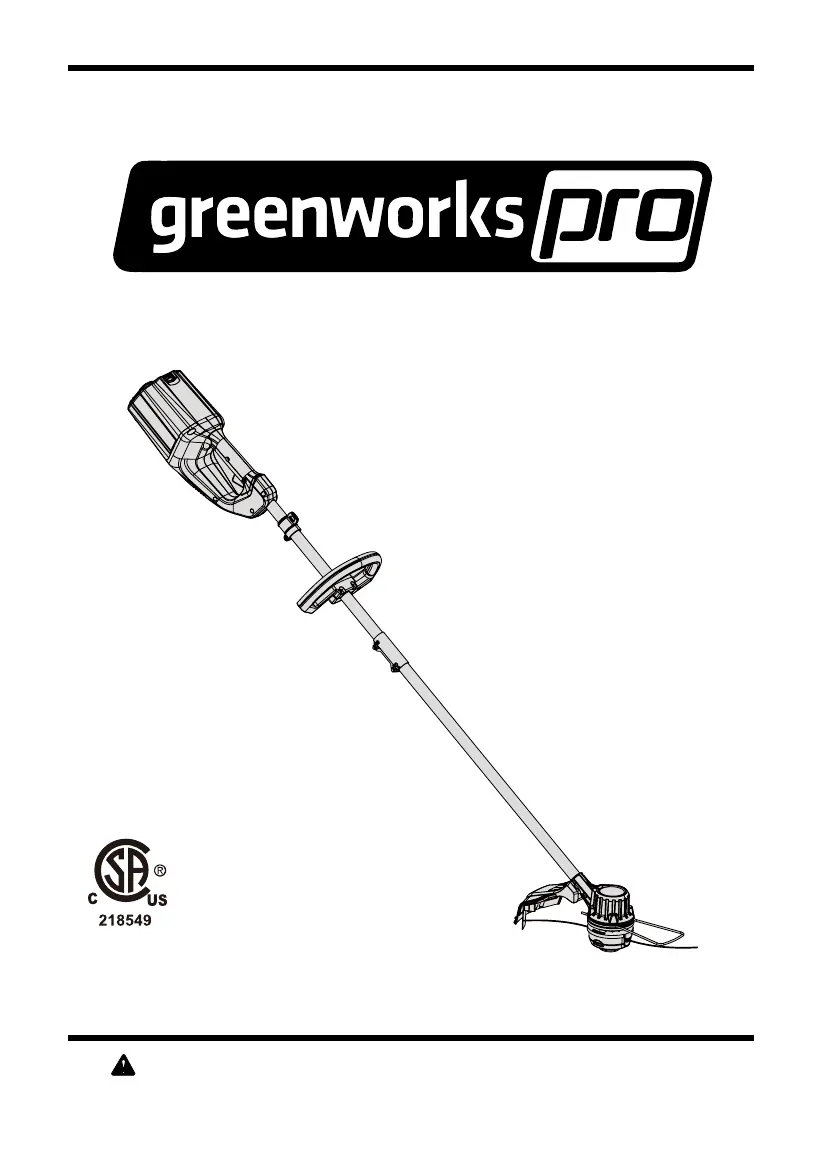
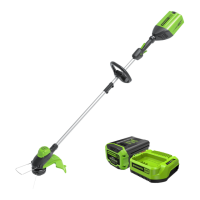
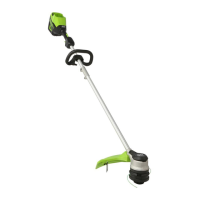
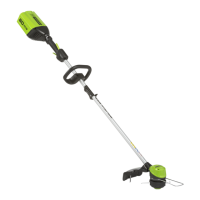
80V 16” Cordless String Trimmer
Read all safety rules and instructions carefully before operating this tool.
Owner’s Manual
TOLL-FREE HELPLINE: 1-855-345-3934
www.greenworkstools.com/80v-pro
ST80L210

Questions and Answers

  • T
    Tammy GeorgeJul 28, 2025
    How to fix a GreenWorks Pro Trimmer that won't start?
    • G
      Gina SmithJul 28, 2025
      If your GreenWorks Pro Trimmer fails to start when the trigger lock button is depressed, make sure the battery pack is properly attached to the trimmer. If it is, remove the battery and reinstall it to ensure good electrical contact. Also, ensure the battery pack is adequately charged. You must press down the lock-off lever and hold it, then depress the trigger to turn on the string trimmer. Ensure that you first press the power button before pressing the trigger.
  • S
    Stephanie WheelerAug 2, 2025
    What to do if the line on my GreenWorks Pro ST80L210 Trimmer is not cutting well?
    • D
      Dawn AndersonAug 3, 2025
      If the line on your GreenWorks Pro Trimmer is not cutting well, it's likely that the line-cutting blade on the edge of the guard has become dull. Sharpen the blade with a file or replace it with a new one to restore cutting performance.
  • A
    Amy BraunAug 7, 2025
    How do I fix a GreenWorks Pro Trimmer when the line won't advance?
    • S
      Stephen CastroAug 8, 2025
      If the lines on your GreenWorks Pro Trimmer will not advance, try lubricating them with silicone spray. If that doesn't work, you may not have enough line on the spool, so install more line. Also, try pulling both lines while pressing the button. If the lines are tangled on the spool, remove them and rewind them.
  • D
    Danielle WoodwardAug 12, 2025
    Why does the line keep breaking on my GreenWorks Pro ST80L210 Trimmer?
    • R
      Russell HoustonAug 12, 2025
      If the line on your GreenWorks Pro Trimmer keeps breaking, ensure you are only trimming with the tip of the line and avoiding contact with stones, walls, and other hard objects. Regularly feed the line to maintain a full cutting width.
  • B
    brendasalazarAug 17, 2025
    How to prevent grass from wrapping around my GreenWorks Pro ST80L210 head?
    • T
      Tanya CochranAug 17, 2025
      To prevent grass from wrapping around the trimmer head and motor housing of your GreenWorks Pro Trimmer, cut tall grass from the top down. Remove no more than 8 inches in each pass.
  • T
    tanya93Nov 21, 2025
    Why does my GreenWorks Pro ST80L210 keep stopping while I'm cutting?
    • J
      jimenezmaryNov 21, 2025
      If your GreenWorks Pro Trimmer stops while cutting, several factors could be at play. It might be due to the guard not being mounted, leading to motor overload. Ensure the guard is properly attached. Using heavy cutting line can also cause this issue; stick to nylon cutting line 0.08" diameter or less. Grass缠绕 around the motor shaft or trimmer head can also halt operation; stop the trimmer, remove the battery, and clear any obstructions. Overloaded motor can cause the trimmer to stop. Remove the trimmer head from the grass to allow the motor to recover. Avoid cutting more than 8 inches of length in a single pass. Overheating of the battery pack or trimmer itself can also lead to shutdowns; allow them to cool down. Finally, check that the battery pack is securely connected and adequately ch...

Summary

Product Specifications

Important Safety Instructions

Symbols

Know Your String Trimmer

Assembly

Unpacking

Process of removing and inspecting the product and accessories from the box.

Attaching the Edge Guide

How to attach the edge guide to limit cutting range and prevent damage.

Attaching the Guard

Steps to install the guard onto the trimmer head for protection.

Installing the Upper Shaft to the Lower Shaft

Instructions for connecting the upper and lower shaft sections of the trimmer.

Attaching the Auxiliary Handle

Steps for securely attaching the auxiliary handle for better operation.

Adjusting the Cutting Swath

How to adjust the trimmer's cutting width from 14 to 16 inches.

Operation

Installing the Battery Pack

Procedure for inserting the battery pack into the tool until it clicks.

Removing the Battery Pack

Steps to detach the battery pack using the release button.

Starting and Stopping the Trimmer

How to safely start and stop the string trimmer using its controls.

Operating the Trimmer

Tips and guidance on how to properly hold and use the string trimmer.

Advancing Line

Explanation of the bump feed mechanism for advancing the cutting line.

Replacing the Line

Detailed steps for removing the spool and replacing the trimmer line.

Cutting Tips

Advice on optimal cutting techniques and areas to avoid for best results.

Battery & Charger Maintenance

Checking Battery Capacity

How to check the battery's charge level using the indicator button.

Charging Procedure

Instructions for connecting the charger and battery for optimal charging.

Checking the Charge

Troubleshooting steps if the battery pack does not charge properly.

Charger Mounting

Guidance on how to securely mount the battery charger on a wall.

Maintenance

General Maintenance

Guidelines for cleaning and general care of the trimmer using appropriate methods.

Environmentally Safe Battery Disposal

Troubleshooting

Limited Warranty

Exploded View

Parts List

GreenWorks Pro ST80L210 Specifications

General IconGeneral
BrandGreenWorks Pro
ModelST80L210
CategoryTrimmer
LanguageEnglish

Related product manuals