EasyManua.ls Logo

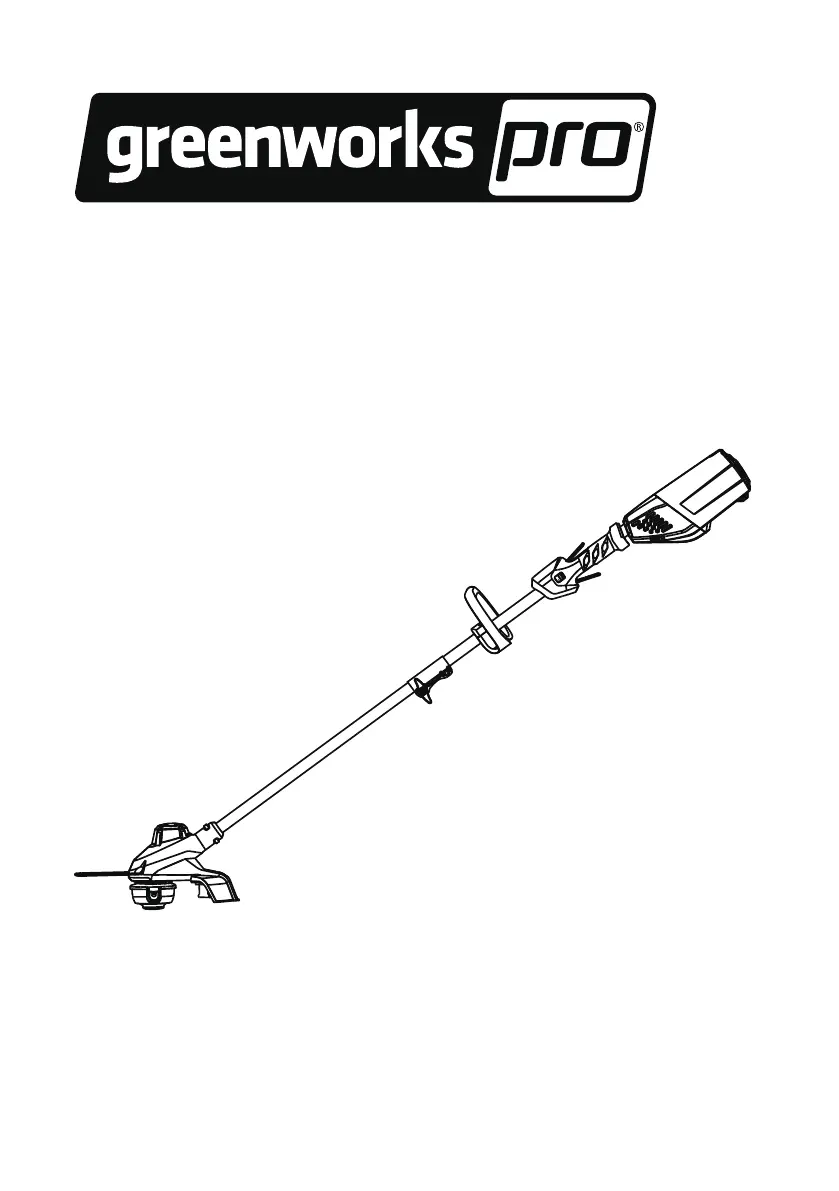
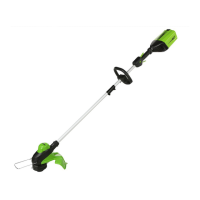
GreenWorks Pro ST60B01 - User Manual

GreenWorks Pro ST60B01
28 pages
Print Icon
To Next Page IconTo Next Page
Loading...
STC301
ST60B01
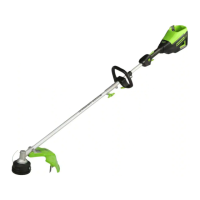
EN OPERATOR MANUALSTRING TRIMMER
ES MANUAL DEL OPERADORCORTABORDES
www.greenworkstools.com

Table of Contents

Questions and Answers

  • H
    haynespaulaAug 2, 2025
    How to prevent grass from winding around my GreenWorks Pro ST60B01 head?
    • S
      Sandra MartinAug 3, 2025
      If grass is winding around the trimmer head and motor housing of your GreenWorks Pro Trimmer, it may be because you're cutting tall grass at ground level. Cut tall grass from the top down, removing no more than 8" in each pass to prevent wrapping.
  • L
    Lisa SmithAug 6, 2025
    Why GreenWorks Pro ST60B01 doesn't start?
    • R
      Robert ThomasAug 6, 2025
      If your GreenWorks Pro Trimmer doesn't start when you push the trigger, here's what to check: * **Check the battery contact:** Remove the battery pack, inspect the contact points, and then re-install the battery pack. * **Battery charge:** The battery pack may be depleted, so charge it. * **Lock-out button and trigger:** Ensure you're pulling the lock-out button and trigger simultaneously to start the machine.
  • K
    Kelly CantuAug 11, 2025
    How to fix GreenWorks Pro ST60B01 Trimmer line not advancing?
    • M
      Misty JacksonAug 11, 2025
      If the line on your GreenWorks Pro Trimmer isn't advancing, here are a few things to check: * **Welded lines:** The lines might be stuck together. Lubricate them with silicone spray. * **Insufficient line:** You may not have enough line on the spool, so install more line. * **Worn lines:** The lines could be too short. Try advancing the cutting line. * **Tangled lines:** The lines might be tangled. Remove them from the spool and rewind them neatly.
  • C
    Caleb ClayAug 19, 2025
    Why does the line keep breaking on my GreenWorks Pro Trimmer?
    • B
      Brooke CampbellAug 19, 2025
      If the line on your GreenWorks Pro Trimmer keeps breaking, it might be due to incorrect usage. Cut with the tip of the line, avoiding stones, walls, and other hard objects. Also, advance the cutting line regularly to maintain a full cutting width.
  • A
    andrewsrobertAug 23, 2025
    Why is my GreenWorks Pro ST60B01 vibrating so much?
    • K
      Karen PetersAug 23, 2025
      If you notice a significant increase in vibration with your GreenWorks Pro Trimmer, it could be because the line is worn down on one side and hasn't been advanced in time. Make sure the line on both sides is normal and advance the line.
  • E
    Elizabeth MayAug 28, 2025
    What to do if GreenWorks Pro ST60B01 line does not cut well?
    • B
      bscottAug 28, 2025
      If the line on your GreenWorks Pro Trimmer isn't cutting well, the cut-off blade may be dull. Sharpen the cut-off blade with a file or replace it.
  • M
    Mrs. Latoya SmithNov 14, 2025
    What to do if GreenWorks Pro ST60B01 stops when cutting?
    • M
      Michael GardnerNov 14, 2025
      If your GreenWorks Pro Trimmer stops while you're cutting, consider these potential causes: * **Guard attachment:** Ensure the guard is properly attached to the machine. Remove the battery pack before attaching the guard. * **Cutting line type:** Use only a nylon cutting line with a diameter of 0.08" (2 mm). * **Grass缠绕:** Stop the machine, remove the battery pack, and clear any grass from the motor shaft and trimmer head. * **Motor overload:** Remove the trimmer head from the grass. The motor should recover once the load is removed. When cutting, move the trimmer head in and out of the grass, removing no more than 8" in a single pass. * **Overheating:** Allow the battery pack to cool down until it returns to normal function, and cool the machine for about 10 minutes. * **Batt...

Summary

Product Description and Overview

Purpose of the String Trimmer

Defines the intended use of the machine for cutting grass and light weeds at ground level.

String Trimmer Overview

Identifies and labels the main components of the string trimmer for user familiarity.

Important Safety Instructions

General Safety Guidelines

Provides essential safety precautions for operating the power tool to prevent injury and electric shock.

Symbols on the Machine

Understanding Machine Symbols

Explains the meaning of various symbols found on the machine for safe and proper operation.

Risk Levels and Service

Understanding Risk Level Indicators

Defines signal words like DANGER, WARNING, and CAUTION indicating hazard levels and potential injuries.

Service Recommendations

Advises on professional servicing and the use of identical manufacturer replacement parts.

Environmental and Safety Warnings

Environmentally Safe Battery Disposal

Provides instructions for the safe disposal and recycling of Lithium-Ion batteries.

Proposition 65 Warning

Warns about chemicals known to cause cancer, birth defects, or reproductive harm.

Installation Procedures

Unpack the Machine

Instructions on how to open the package and remove the machine and its parts safely.

Attach the Guard

Guide on how to securely attach the protective guard to the trimmer head.

Attach the Edge Guide

Instructions for attaching the edge guide for controlled cutting and reduced damage.

Assemble the Shaft

Steps to connect the upper and lower shaft sections of the trimmer for assembly.

Attach the Auxiliary Handle

Instructions for mounting the auxiliary handle for improved control and comfort.

Install the Battery Pack

Steps to correctly insert the battery pack into the machine for operation.

Remove the Battery Pack

Procedure for safely removing the battery pack from the trimmer when needed.

Machine Operation

Controls Identification

Identifies and explains the function of the machine's various controls.

Start the Machine

Step-by-step instructions on how to safely start the string trimmer.

Stop the Machine

Procedure for safely stopping the operation of the string trimmer.

Adjust Cutting Line Length

How to extend the cutting line during operation as it wears down.

Line Cut-Off Blade Function

Explains the function of the blade that trims the cutting line for consistent diameter.

Adjust Cutting Diameter

Instructions to change the cutting width for greater runtime or larger cutting area.

Operation Tips

Provides advice for safe and effective operation of the trimmer.

Cutting Tips

Offers guidance on how to cut grass effectively and safely for best results.

Maintenance and Storage

General Maintenance Information

General advice and important points to consider before performing maintenance.

Clean the Machine

Instructions on how to clean the trimmer after use using a moist cloth and neutral detergent.

Replace the Spool

Detailed steps for removing and replacing the spool containing the cutting line.

Replace the Cutting Line

Guide on how to refill or replace the cutting line on the spool for continued use.

Move the Machine

Safety precautions to follow when moving the trimmer from one location to another.

Store the Machine

Recommendations for storing the trimmer safely and properly when not in use.

Troubleshooting and Technical Data

Troubleshooting Guide

Lists common problems, their possible causes, and recommended solutions for the trimmer.

Technical Specifications

Provides detailed specifications and technical data of the string trimmer.

Warranty Information

Recommended Ambient Temperature Range

Specifies optimal temperature ranges for operation, charging, and storage of the trimmer and battery.

Limited Warranty Details

Details the warranty period, coverage, exclusions, and helpline for service.

Exploded View Diagram

Exploded View Diagram

Diagram showing all parts of the trimmer with their corresponding numbers for identification.

GreenWorks Pro ST60B01 Specifications

General IconGeneral
BrandGreenWorks Pro
ModelST60B01
CategoryTrimmer
LanguageEnglish

Related product manuals