EasyManua.ls Logo

GreenWorks Pro STB409 - User Manual

GreenWorks Pro STB409
49 pages
Print Icon
To Next Page IconTo Next Page
Loading...
P0803104-00
P0803104-00
技术要求:
2.48P,内容见电子档;
3.单色印刷,要求无色差、无污点;
4.骑马钉,裁切均匀、无连页;
5.以封样为准。
6.料件需符合格力博HSF文件(编号:GLB-CGR146-) 里关于环保和有害物质的具体要求。
1.材质要求:60g双胶纸;
常州格力博集团
说明书
杨媛
杨媛
张君
周艳
王小妮
李海平
20.12.5
20.12.5
版本号
重要度等级
B1
@ 1
@在原版本基础上更新封面图片
B
BA
日 期
工艺
审核
校对
设计
标记
处数
签名
日期
阶段标记
视角标记
重量 比例
批准
审定
标准化
日期
更改文件号
SCALE: A5
210mm
145mm
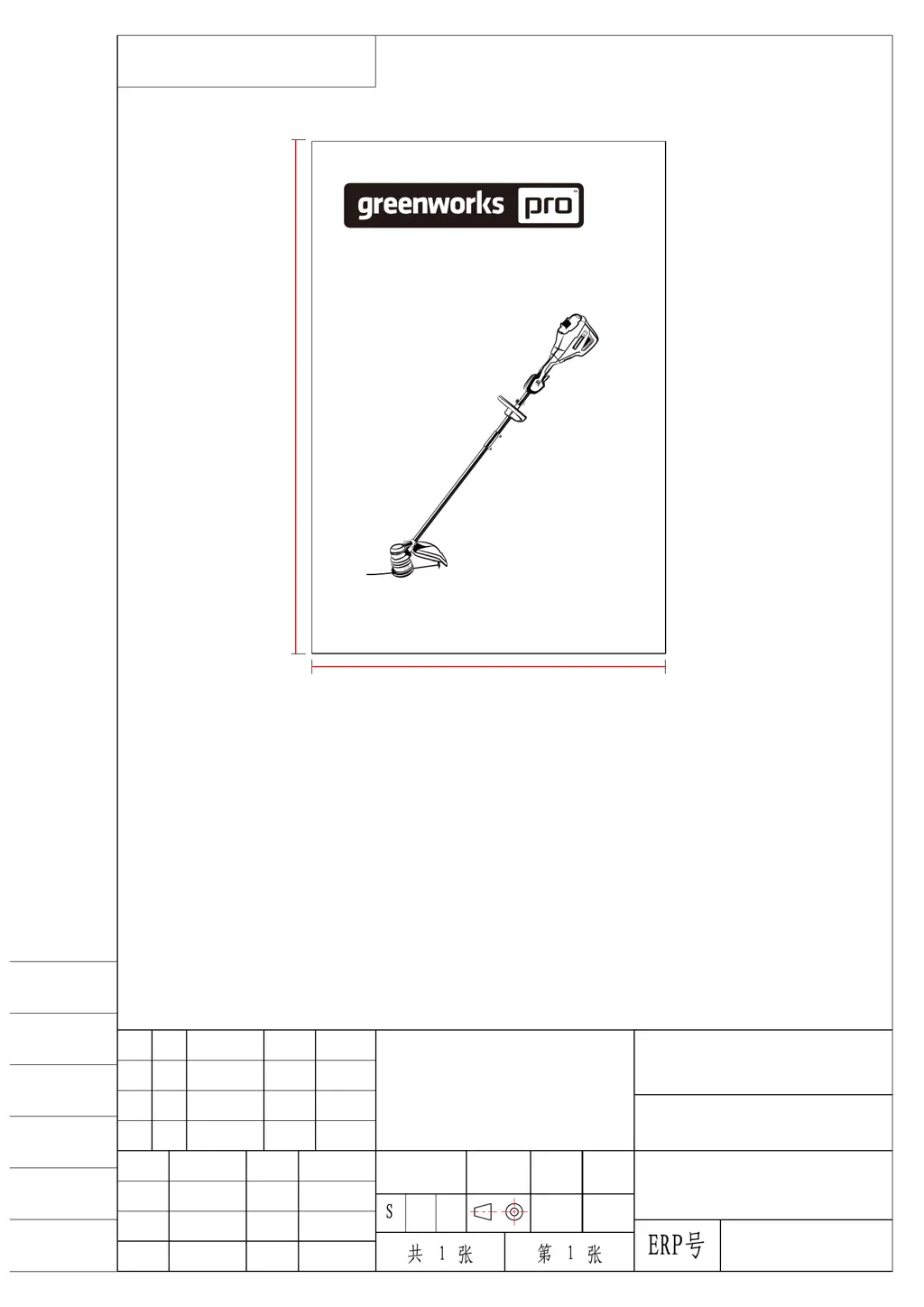
GWK 80V String Trimmer
2124602HD
STB409
www.greenworkstools.com
EN OPERATOR MANUAL
FR MANUEL DE L’UTILISATEUR
STRING TRIMMER
COUPE-HERBE
ES MANUAL DEL OPERADORCORTABORDES

Table of Contents

Questions and Answers

  • J
    Justin BartlettJul 26, 2025
    How to prevent grass from winding around the GreenWorks Pro STB409 Trimmer head?
    • D
      Danny WagnerJul 26, 2025
      To prevent grass from winding around the trimmer head and motor housing of your GreenWorks Pro Trimmer, cut tall grass from the top down. Also, remove no more than 8" in each pass to prevent wrapping.
  • G
    Gary BrewerAug 3, 2025
    How to start my GreenWorks Pro Trimmer?
    • F
      Frank MarshallAug 3, 2025
      If your GreenWorks Pro Trimmer doesn't start when you pull the trigger, there could be a few reasons. First, check the electrical contact between the machine and the battery pack. Remove the battery pack and reinstall it. If the battery pack is depleted, charge it fully. Also, make sure you are pushing the lock-out button and the trigger simultaneously. Pull and hold the lock-out button, then pull the trigger to start the machine.
  • J
    jfranklinAug 7, 2025
    What to do if the line does not advance on my GreenWorks Pro STB409?
    • N
      Nicholas GonzalezAug 7, 2025
      If the line on your GreenWorks Pro Trimmer is not advancing, it might be due to several reasons. The lines could be welded together; try lubricating them with silicone spray. There might not be enough line on the spool, so install more line. If the lines are worn too short, advance the cutting line by bumping the trimmer head. Alternatively, the lines could be tangled on the spool; remove them and wind them properly.
  • K
    Kaitlyn SantiagoAug 12, 2025
    Why does the line keep breaking on my GreenWorks Pro STB409 Trimmer?
    • S
      Stephanie GrossAug 12, 2025
      If the line on your GreenWorks Pro Trimmer keeps breaking, it might be due to incorrect usage. Cut with the tip of the line, avoiding stones, walls, and other hard objects. Also, advance the cutting line regularly to maintain a full cutting width.
  • W
    William HillAug 16, 2025
    What to do if the line of my GreenWorks Pro STB409 does not cut well?
    • A
      Anthony TaylorAug 16, 2025
      If the line on your GreenWorks Pro Trimmer does not cut well, the cut-off blade may have become dull. Sharpen the cut-off blade with a file or replace it.
  • E
    Edward GuzmanAug 20, 2025
    Why does vibration increase on my GreenWorks Pro STB409?
    • W
      William OchoaAug 20, 2025
      If the vibration of your GreenWorks Pro Trimmer increases obviously, it could be because the line is worn down on one side and not advanced in time. Make sure the line on both sides is normal and advance the line.
  • H
    howard04Oct 29, 2025
    Why does my GreenWorks Pro STB409 keep stopping when I am cutting grass?
    • W
      Wendy MillerOct 29, 2025
      If your GreenWorks Pro Trimmer stops while you are cutting, several factors could be at play. The guard might not be properly attached, so remove the battery pack and ensure the guard is securely fastened. You might be using a heavy cutting line; stick to a nylon cutting line with a diameter of 0.095" / 0.080" (2.4 mm / 2.0 mm). Grass winding around the motor shaft or trimmer head can also cause this; stop the machine, remove the battery pack, and clear any grass. The motor may be overloaded, so remove the trimmer head from the grass, and it should recover. When cutting, move the trimmer head in and out, removing no more than 8" per pass. Overheating of the battery pack or machine can also cause the trimmer to stop; cool them down, and remove the battery from the tool to help it cool faste...

Summary

Product Description and Overview

Purpose of Use

Explains the intended use of the string trimmer for cutting grass and light vegetation.

Parts Identification Diagram

Identifies and labels the main parts of the string trimmer in a diagram.

Package Contents List

Lists all items included in the product packaging for user verification.

Important Safety Instructions

Machine Symbols Explained

Risk Level Indicators

Service and Disposal Guidance

Installation Guide

Unpacking and Initial Setup

Steps for opening the package and preparing the machine for assembly.

Attaching Guard and Assembling Shaft

Details on attaching the safety guard and assembling the shaft components.

Installing the Auxiliary Handle

Steps for mounting and positioning the auxiliary handle for better control.

Battery Pack Installation and Removal

Guide on inserting, securing, and detaching the battery pack from the trimmer.

Operating the String Trimmer

Starting and Stopping Procedures

Instructions on activating and safely powering down the string trimmer.

Adjusting Cutting Line Length

Process for extending the cutting line by bumping the trimmer head.

Cutting Diameter and Operation Tips

How to change cutting diameter, line cut-off blade function, and general operation tips.

Shoulder Strap Attachment

Steps for connecting the trimmer to the shoulder strap for comfortable carrying.

Advanced Cutting Techniques

Techniques for optimal cutting performance and avoiding common issues.

Maintenance and Cleaning Procedures

General Maintenance Preparations

Important preliminary steps and precautions before performing maintenance.

Cleaning and Line Removal

Procedures for cleaning the trimmer and removing excess cutting line.

Installing the Cutting Line

Step-by-step guide on loading new cutting line onto the spool.

Spool and Trimmer Head Servicing

Instructions for replacing the spool and assembling/disassembling the trimmer head.

Transportation and Storage Guidelines

Moving and Storing Procedures

Precautions for transporting and recommendations for storing the trimmer.

Technical Specifications

Troubleshooting Common Issues

Limited Warranty Information

Exploded Parts View

GreenWorks Pro STB409 Specifications

General IconGeneral
TypeString Trimmer
Power SourceBattery
Voltage40V
Cutting SystemDual Line
Battery IncludedYes
Charger IncludedYes

Related product manuals