EasyManua.ls Logo

GreenWorks Pro ST60L210 - User Manual

GreenWorks Pro ST60L210
30 pages
Print Icon
To Next Page IconTo Next Page
Loading...
Read all safety rules and instructions carefully before operating this tool.
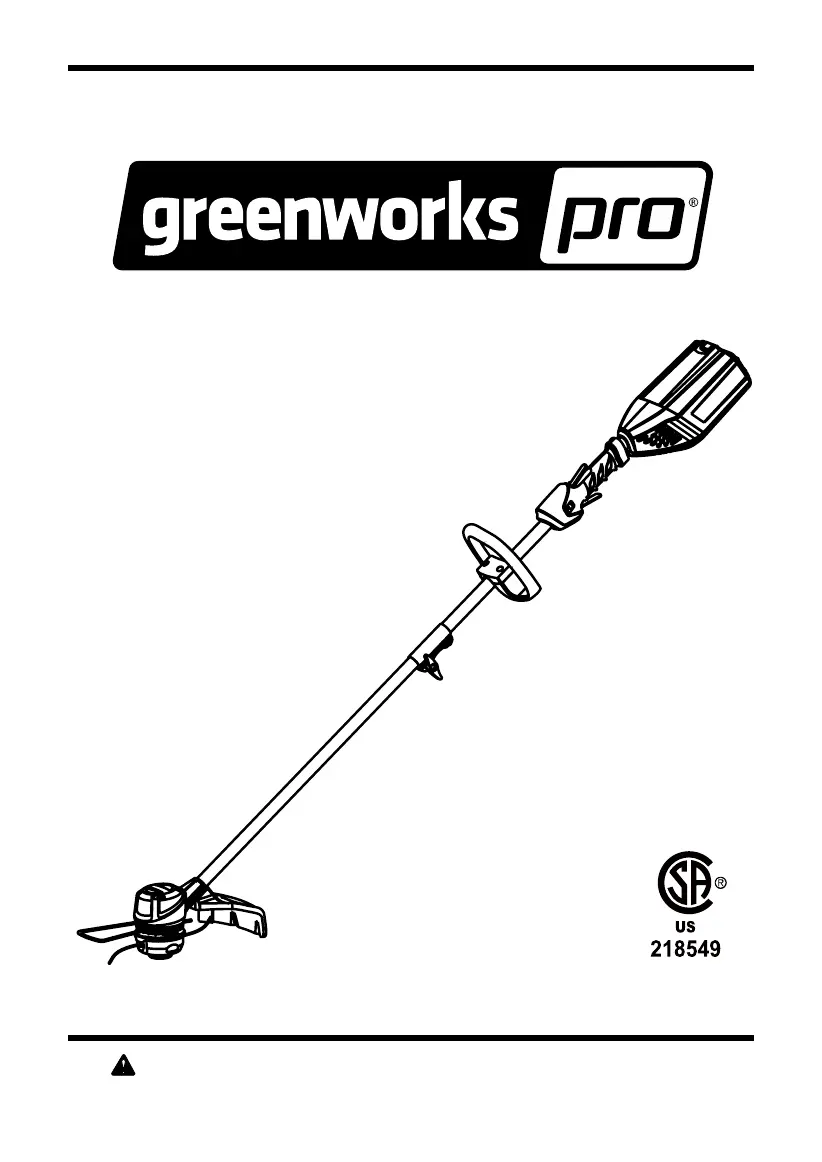
Owner’s Manual
TOLL-FREE HELPLINE: 1-855-345-3934
www.GreenWorksTools.com
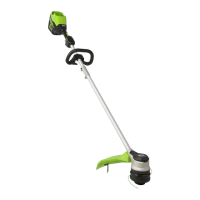
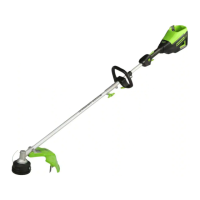
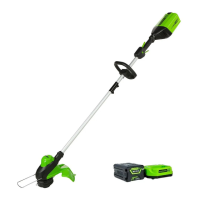
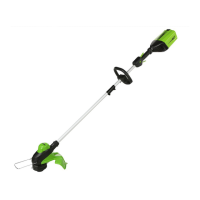
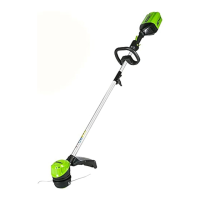
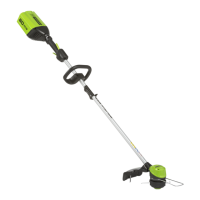
60V Cordless String Trimmer
ST60L210

Questions and Answers

  • S
    samuel93Aug 6, 2025
    What to do if the line won't advance on my GreenWorks Pro Trimmer?
    • M
      Max RichardsonAug 6, 2025
      If the line on your GreenWorks Pro Trimmer isn't advancing, try these steps: First, lubricate the lines with silicone spray if they are welded together. If there's not enough line on the spool, install more line. If the lines are worn too short, pull both lines while pressing the button. If the lines are tangled, remove them from the spool and rewind them.
  • H
    hubbardalexaAug 11, 2025
    How to prevent grass from wrapping around the GreenWorks Pro ST60L210 head?
    • A
      Angela WaltonAug 11, 2025
      To prevent grass from wrapping around the trimmer head and motor housing of your GreenWorks Pro Trimmer, cut tall grass from the top down. Remove no more than 8 inches in each pass.
  • J
    Jaime ShermanAug 17, 2025
    Why does my GreenWorks Pro Trimmer fail to start?
    • A
      Alexander BeckAug 18, 2025
      If your GreenWorks Pro Trimmer fails to start when the trigger is depressed, several issues could be the cause. First, ensure the battery pack is properly attached to the trimmer. If it is attached, remove the battery and check the contact, then reinstall the battery pack to ensure a secure connection. Also, make sure that the battery pack is adequately charged. Finally, verify that you are pressing down the lock-off lever and holding it while simultaneously depressing the trigger.
  • R
    Ryan BeardAug 25, 2025
    Why does my GreenWorks Pro ST60L210 keep stopping?
    • A
      Alicia ParsonsAug 25, 2025
      There are several reasons why your GreenWorks Pro Trimmer might stop while cutting. Check the following: 1. Ensure the guard is mounted on the trimmer to prevent motor overload. 2. Use only a nylon cutting line with a diameter of 0.08" or less. 3. Remove any grass from the motor shaft and trimmer head. 4. Avoid overloading the motor by moving the trimmer head in and out of the grass, removing no more than 8 inches in a single cut. If the motor is overloaded, remove the trimmer head from the grass, and it should recover. 5. Allow the battery pack and trimmer to cool down if they are too hot. 6. Ensure the battery pack is properly connected. 7. Charge the battery pack if it's depleted.
  • X
    xwrightAug 30, 2025
    Why does the line keep breaking on my GreenWorks Pro Trimmer?
    • J
      Joshua WilliamsAug 31, 2025
      If the line on your GreenWorks Pro Trimmer keeps breaking, it might be due to incorrect usage. Ensure you're only trimming with the tip of the line and avoiding hard objects like stones and walls. Regularly feed the line to maintain the full cutting width.

Summary

Product Specifications

Important Safety Instructions

Symbols

Service

Know Your String Trimmer

Battery Pack Latch

Identifies the battery pack release mechanism.

Rear Handle

Describes the ergonomic rear handle for comfort and grip.

Auxiliary Handle

Explains the purpose of the auxiliary handle for control.

Coupler

Details the coupler that connects and locks the shafts.

Guard

Explains the function of the guard for debris protection.

Trimmer Shaft

Describes the trimmer shaft enclosing cables.

High;Low Speed Button

Explains the button for adjusting operating speed.

Variable Speed Trigger

Notes the trigger for control and precision.

Safety Lock Button

Describes the button preventing accidental starting.

Cut-Off Blade

Mentions the blade for cutting line to proper length.

Removeable Edge Guide

Explains the edge guide for protecting property.

Assembly

Unpacking

Instructions on checking contents and inspecting for damage.

Packing List

Lists all items included in the product packaging.

Attaching the Edge Guide

Guides on how to attach the edge guide to the trimmer head.

Attaching the Guard

Step-by-step instructions for installing the guard.

Installing the Upper Shaft to the Lower Shaft

Details on connecting the two shaft sections securely.

Attaching the Auxiliary Handle

Instructions for fitting and adjusting the auxiliary handle.

Adjusting the Cutting Swath

How to adjust the cutting width from 14 to 16 inches.

Operation

Installing the Battery Pack

Steps for inserting the battery pack into the tool.

Removing the Battery Pack

Instructions on how to detach the battery pack.

Starting and Stopping the Trimmer

Procedures for safely starting and stopping the trimmer.

Operating the Trimmer

Guidance on holding and maneuvering the trimmer during use.

Advancing Line

How the bump feed mechanism advances trimmer line.

Replacing the Line

Step-by-step guide for replacing trimmer line.

Replacing the Bump Knob

Instructions for replacing the bump knob on the spool.

Cutting Tips

Advice for efficient and safe trimmer operation.

Maintenance

Environmentally Safe Battery Disposal

Troubleshooting

Limited Warranty

Exploded View

Parts List

GreenWorks Pro ST60L210 Specifications

General IconGeneral
TypeString Trimmer
Voltage60V
Battery TypeLithium-Ion
Battery Capacity2.0 Ah
Line Diameter0.080 inches
Speed SettingsVariable Speed
Battery RuntimeUp to 45 minutes
Charging Time60 minutes

Related product manuals