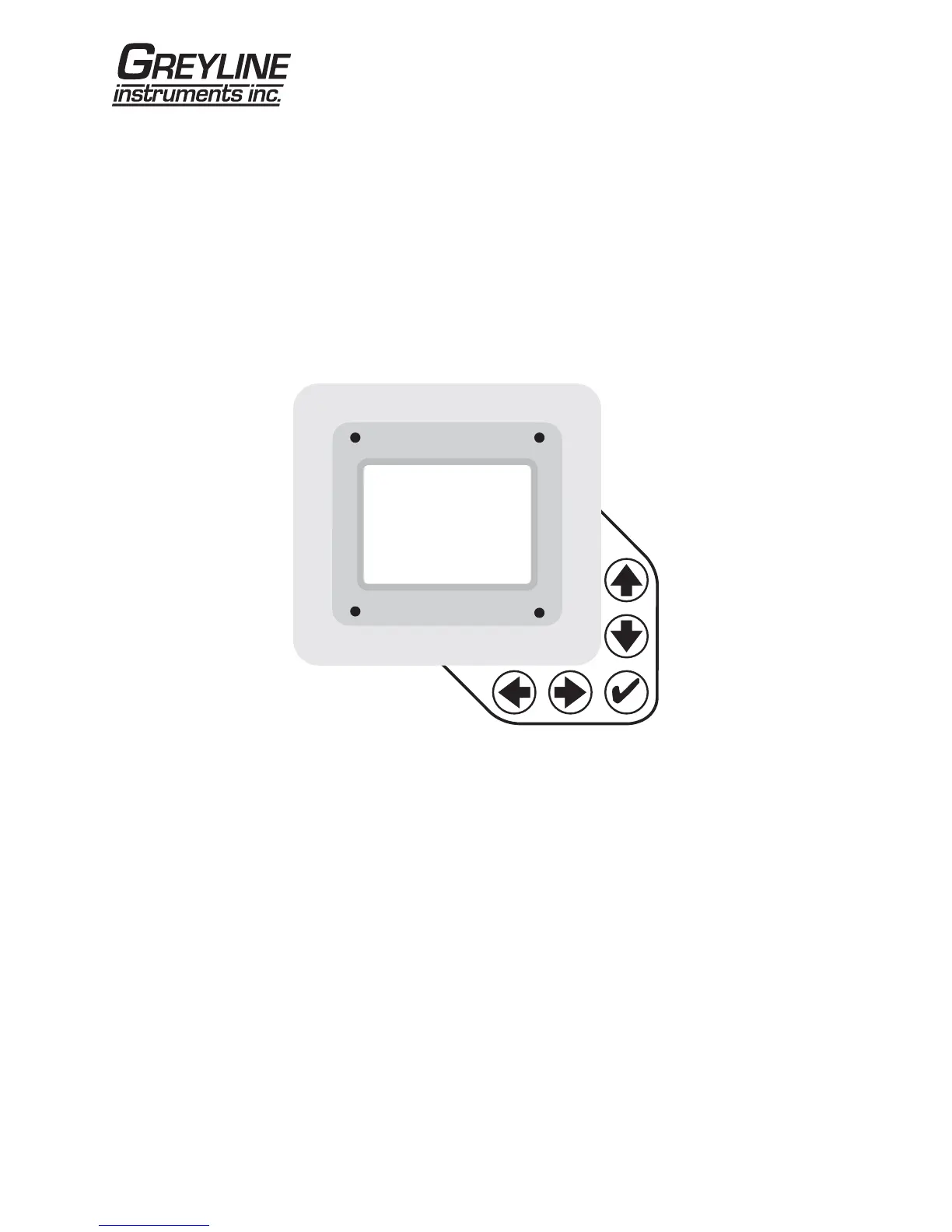
KEYPAD SYSTEM
The following diagram shows the DFM 5.0 menu system. Arrows show the four directions to leave a
menu box. Pressing a corresponding keypad arrow will move to the next item in the direction shown.
Move the cursor (underline) under numerals and increase or decrease numerals with the Ç and Èkeys.
To store calibration values permanently (even through power interruptions), press the ü.
DFM 5.0 Doppler Flow Meter
Page 6



 To Next Page