Fast Deposit Module CA10 User Manual
Confidential material of GRG, No disclosure to unauthorized Party 34 / 35
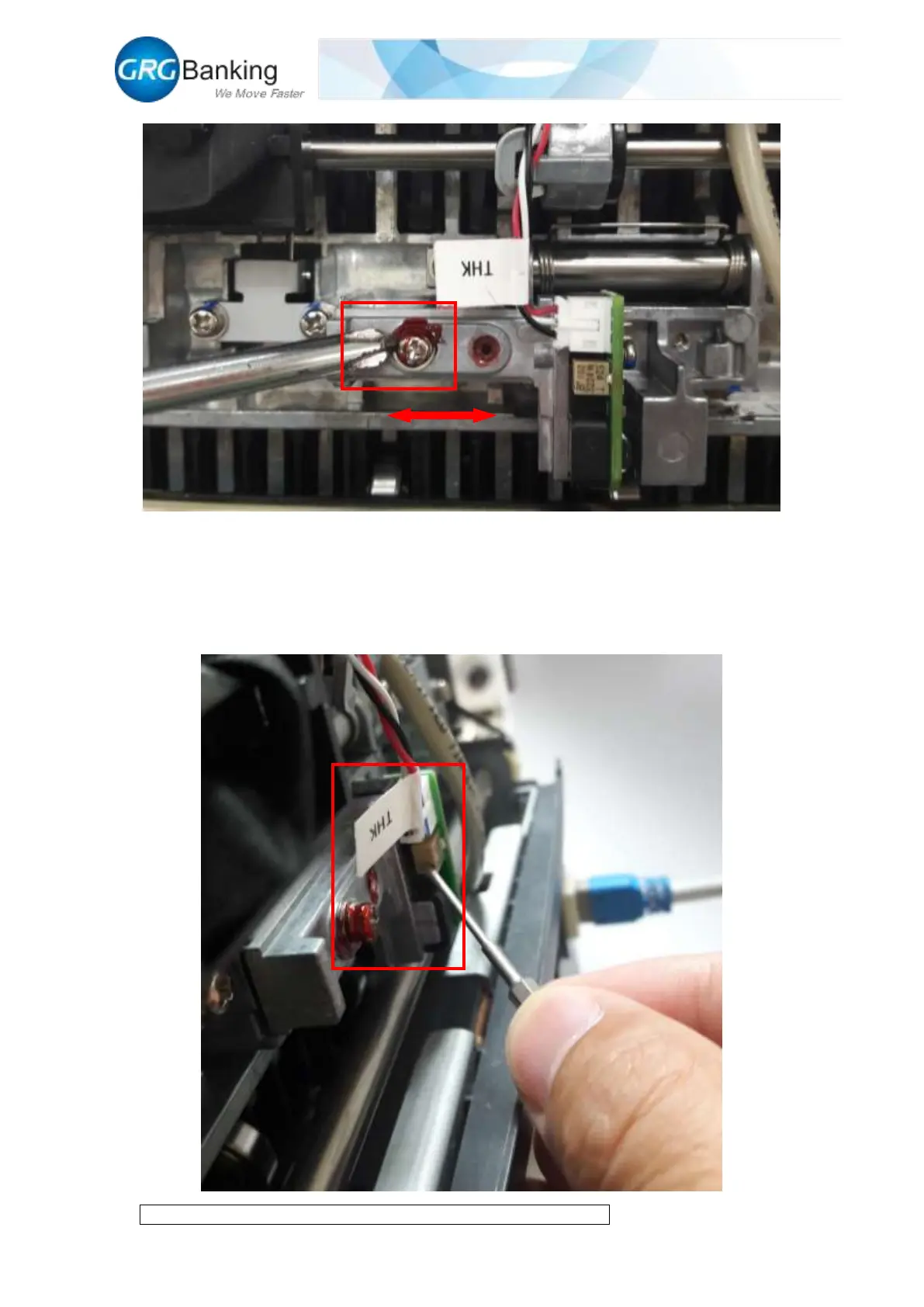
5) Continue to click “Start get thick” and read whether the thickness zero value is in the range
of 45-65; if not, rotate the potentiometer adjusting screws with a small slotted screwdriver
and adjust to the qualified range (clockwise is to decrease and anticlockwise is to increase);
click “Stop get thick” after this adjustment and reset the back cover plate after the whole
thickness adjustment.


 To Next Page